Best architecture apps for Android in 2026
Are you prepared for what’s next in AECO?
Top architecture apps for Android for BIM, AR & 3D visualization
Architecture applications share a common objective: to streamline the work of architects by simplifying design, modeling, sketching, and facilitating collaboration with other participants in construction projects. However, due to the broad term "architecture apps," finding a single solution to meet every specific use case of a company or individual can be challenging. In light of this, we have compiled a curated list of the best architecture apps for Android.
Whether you’re looking for quick sketching tools, a 3D architecture visualization app for presentations, or a mobile BIM app Android solution for coordination in the field, this list covers a range of architecture apps for Android that support real-world project workflows.
Why architects need Android apps today
Modern architectural workflows are no longer confined to desktop software. Teams need:
- A reliable mobile BIM app Android solution for on-site model review
- A powerful 3d architecture visualization app for client presentations
- An advanced augmented reality architecture app to overlay models on real environments
- An intuitive android augmented reality app for architecture to improve stakeholder communication
With the rise of distributed teams and fast-moving project environments, architecture apps for Android are now essential tools — not just convenience add-ons.
Which architecture app for Android is right for you? BIM, AR & 3D compared
The comparison table below provides a quick overview of BIM capabilities, AR functionality, Android compatibility, and ideal use cases. Whether you're evaluating a lightweight viewer or a comprehensive android augmented reality app for architecture, this summary helps you identify which tool aligns best with your workflow — from concept design to field coordination.
This is a high-level overview of a few standout apps from the list.
AutoCAD
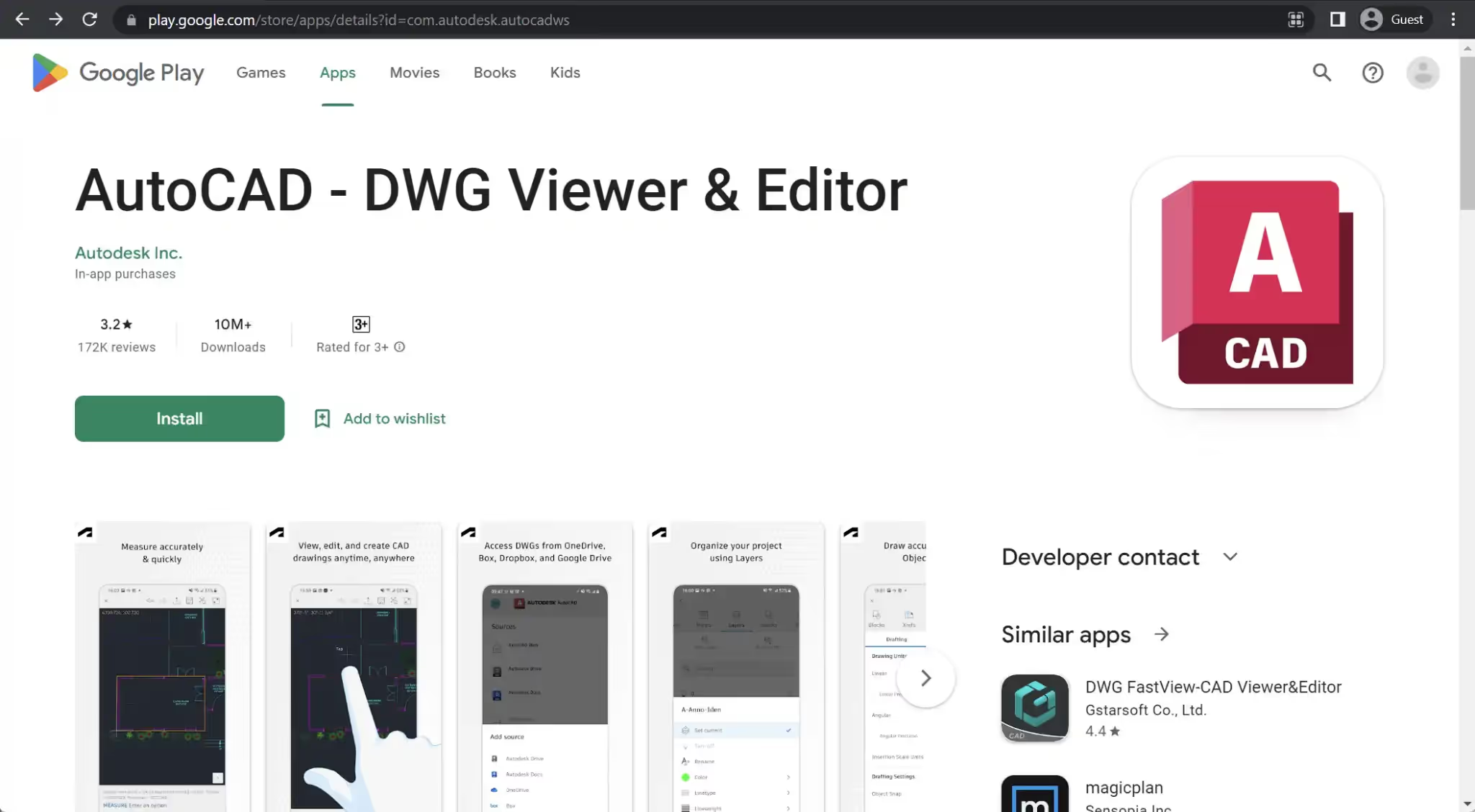
AutoCAD is a renowned drafting and CAD (Computer-Aided Design) software that holds worldwide recognition as the pioneering CAD solution that revolutionized the construction industry. Its primary features encompass drafting, modeling, and design, complemented by various other functionalities. These include task automation, drawing comparison, and an extensive collection of industry-specific toolsets catering to mechanical design, plant design, electrical design, and more.
The Android app version of AutoCAD is named “AutoCAD – DWG Viewer & Editor.” It offers a basic set of design and drafting features, primarily suitable for fundamental designs and light editing tasks. This app does not have its own separate subscription model; instead, it is included as part of the AutoCAD Web package.
Customer ratings:
- Capterra – 4.7/5 stars based on 3,193 customer reviews
- TrustRadius – 8.2/10 stars based on 565 customer reviews
- G2 – 4.4/5 stars based on 1,802 customer reviews
- App Store – 4.4/5 stars based on 6,200 customer reviews
- Google Play Store – 2.3/5 stars based on 173,000 customer reviews
Key features:
- Capability to replace blueprints with drawings created with a mobile device
- DWG files can be opened directly from Google Drive, Dropbox, OneDrive, or Autodesk’s own Drive/Docs
- Real-time collaboration with other team members and easier access to project data from different locations
Pricing:
- AutoCAD’s smartphone apps are included in the AutoCAD Web subscription.
- It is possible to purchase AutoCAD Web for:
- $9.99 per month per person
- $99.99 per year per person
- AutoCAD Web is also a part of AutoCAD or AutoCAD LT subscriptions, meaning it is possible to gain access to the smartphone app by subscribing to either of these services.
Customer reviews:
- Pedro Chavez – “Alot of negative reviews on here but for what I need it for it works well. I only need autocad LT and I think if you needed to do 3d on your phone or tablet that would be quite difficult. I’ve tried other apps and they also had heavy pay walls or ads. So far I’m pleased with the functions and usability”
- sachin kote – “Nice app, easy to use on mobile. In emergency, when you are not on system, it helps. Only need to improve in dimensions size, dimensions are appearing larger than drawing and there is no option to reduce its size. Currently it can be eliminated by taking dimensions in multiple of 10 and entering dimensions values manually, so it will appear like normal.”
- Buğra Demirtaş – “The app is usefull. When you lazy about carry your pc, its great way to do tour works on mobile.Even if you have tablet, things get much more easier. But they should add much more commands which is available on pc version. While i’m working on CAD, sometimes i can not find what i wanted to use. Despite that fact everything is okay.”
AutoCAD is often one of the first architecture apps for Android teams try for DWG work, though BIM-heavy teams may need a dedicated mobile BIM app Android platform for model-based coordination.
SketchUp
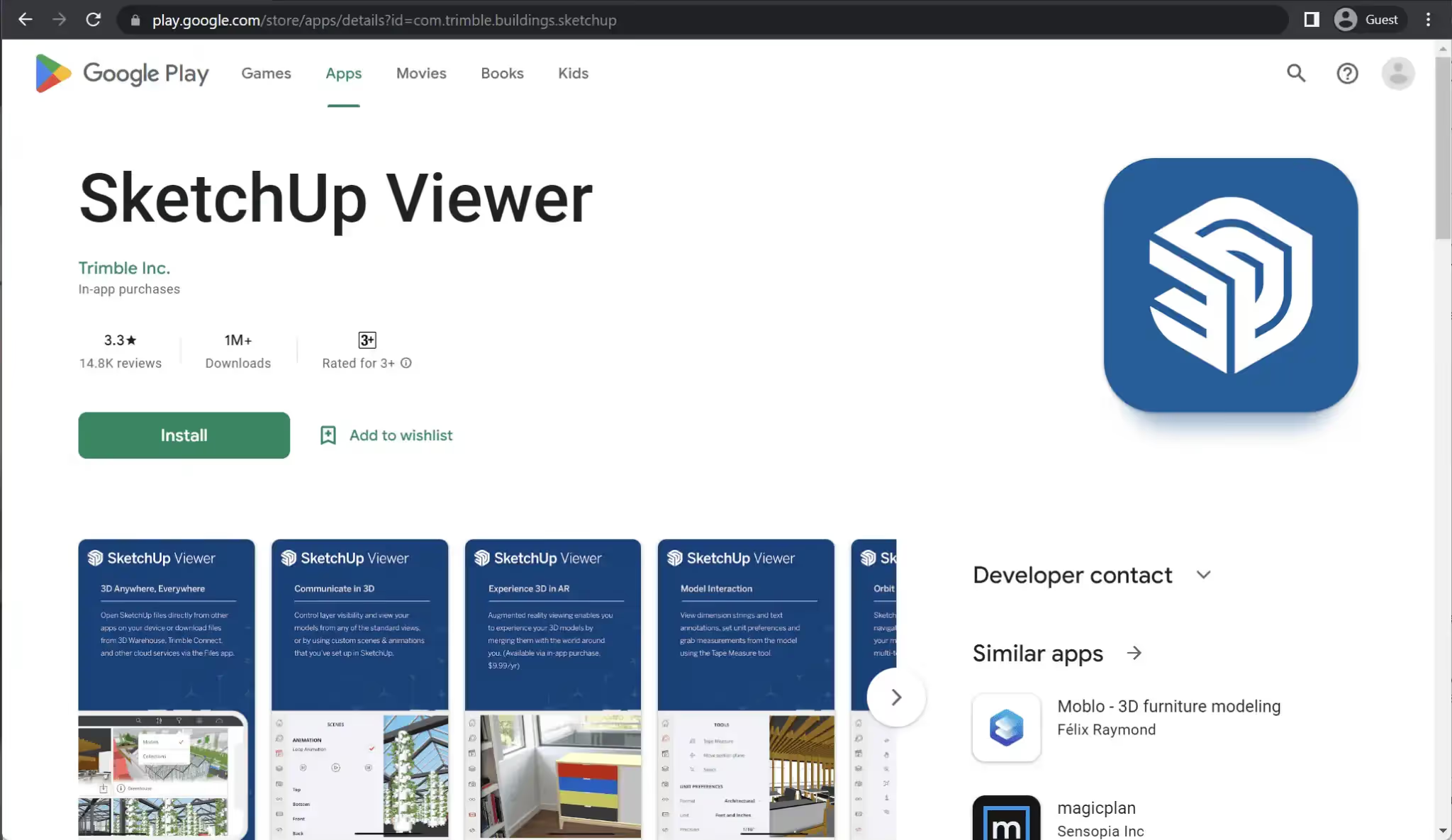
SketchUp stands out as one of the most prominent design tools in the market, offering a comprehensive 3D modeling solution that excels in both sketching and complex 3D modeling tasks. It is highly regarded by designers and architects for its power and user-friendly interface. SketchUp provides a free 7-day trial, various subscription plans, and dedicated apps for desktops, smartphones, and other devices.
The Android app version of SketchUp is called SketchUp Viewer. This app allows users to open models from diverse sources, including Trimble Connect, 3D Warehouse, Dropbox, and local model files such as .SKP. SketchUp Viewer provides additional functionalities such as AR (Augmented Reality) viewing capabilities for select models, perspective switching, measurement tools, layer management, and more.
Customer ratings:
- Capterra – 4.5/5 stars based on 1,039 customer reviews
- TrustRadius – 8.1/10 stars based on 197 customer reviews
- G2 – 4.5/5 stars based on 1,304 customer reviews
- App Store – 4.5/5 stars based on 14,500 customer reviews
- Google Play Store – 1.5/5 stars based on 16.2k customer reviews
Advantages:
- Easily accessible modeling and drawing tools
- Plethora of different rendering styles for customers to choose from
- A large library of pre-existing content that could be used by any SketchUp customer in their own modeling/sketching
Shortcomings:
- Little to no parametric or data-driven features
- A significant number of features is only available for the desktop SketchUp app
- Lack of basic tutorials about some of the more common features and functions of the solution
Pricing:
- SketchUp’s main pricing plan is SketchUp “Go” – $119 per year per person, a basic set of features that includes unlimited cloud storage, a library of pre-built 3D models, and a basic modeling/designing functionality.
- There are also two more pricing plans that are only applicable to the desktop version of SketchUp:
- “Pro” – $349 per year per device, can offer quick insights for design research, 2D design documentation, a library of plugins to expand upon the desktop application’s functionality, and more
- “Studio” – $749 per year per device, an advanced package of SketchUp features such as real-time visualizations, animation and 360-degree panorama exporting, Revit file importing, and so on
Customer reviews:
- Fabiana T. – “As someone who has used Sketchup for several years, including as a student and professor teaching it for landscape architecture and architecture, I can say that my experience with the software has been mostly positive. One of the things I appreciate most about Sketchup is its user-friendly interface, which makes it easy to learn and use even for those with little to no experience in 3D modeling. The software’s tools are intuitive and allow users to create accurate and detailed models quickly. The Warehouse feature is also a great asset, as it provides access to a vast library of pre-made 3D models that can be used in designs, saving time and effort in the modeling process.However, I have found that Sketchup can be limited in its ability to handle large-scale projects or complex models, particularly when it comes to working with vegetation or other natural elements that can slow down the software or cause it to crash.”
- Nayeemullah I. – “SketchUp is a useful tool for 3D modeling and visualization, particularly for designers who are looking for an intuitive and user-friendly software program. While it may not be suitable for designs that require high levels of precision, it offers a wide range of features and a large online community for support and inspiration.”
- Lalao L. – “With this tool, you can materialize your ideas quickly and easily, without getting lost in the technical details. You can also pre-build your projects in 3D before realizing them, which saves time and money. What I like most is that you can tell a story with your 3D models by presenting them as 2D drawings or animated videos.”
For firms comparing viewers, AR features can be a deciding factor when selecting an android augmented reality app for architecture workflows.
Graphisoft BIMx
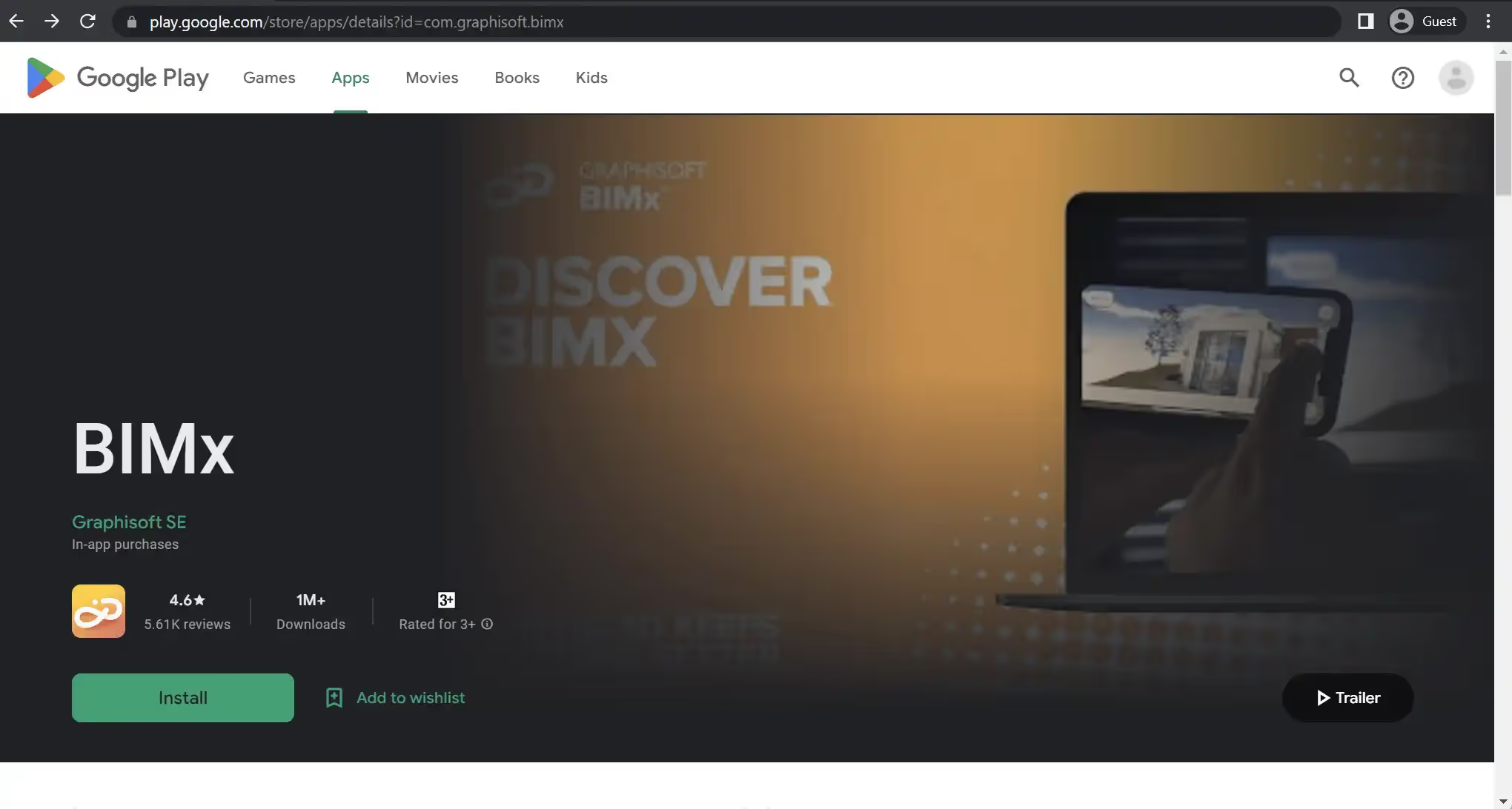
BIMx, developed by Graphisoft, is a 3D model viewer that is valuable to any architect’s toolkit. It enhances coordination between departments, particularly addressing the common gap between architectural studios and construction teams. BIMx offers a wide range of features that facilitate thorough and detailed model inspection, even for individuals without extensive knowledge in the field of design and architecture.
Graphisoft BIMx is available as a mobile and desktop application, with similar capabilities across both platforms. The smartphone app provides streamlined collaboration features, in-context measuring tools, and numerous other functionalities to support efficient project communication and collaboration.
Customer ratings:
- Capterra – 4.4/5 stars based on 5 customer reviews
- TrustRadius – 8.9/10 stars based on 4 customer reviews
- App Store – 4.0/5 stars based on 161 customer reviews
- Google Play Store – 4.1/5 stars based on 5,930 customer reviews
Key features:
- Ability to trace 2D drawings on 3D models
- A walkthrough mode of sorts
- Google Cardboard VR support
- Instant 2D documentation viewing capabilities
- Intuitive controls
Pricing:
- Graphisoft BIMx is a freemium app of sorts, offering most of its functionality for free, but also having a dedicated subscription model that unlocks some of the more uncommon features.
- Graphisoft BIMx PRO subscription starts with a free two-week trial, and the subscription itself starts at $9.99 per month
Customer reviews:
- Alfonso Ferrer – “A state of the art for architecture of course and BIM implementation as well. Great for carrying your BIM projects anywhere in your pocket. Clients, consultants and constructors will appreciate it as much as you will.”
- Tomek Czajka – “An excellent, free app, but it is ignoring my rotation settings and is watching gyroscope always. Despite that no issues. Reported this problem and got quick response + confirmation it will be addressed in the future.”
- A Google user – “Very nice app, although it lacks much guidance on how to use the app with a VR viewer. eg – how to move around? Do I have to use a joystick? Wouldn’t it be better to have waypoints to click on? EDIT 1: Well, in the light of the answer and more exploration I’ve downgraded my review because it seems to me this could have been so much better than it is. No-one wants to wear Cardboard VR viewers, so a better way would have been to have integrated VR joystick functionality, or at least auto click on buttons (point, at the button, wait while the timer counts down, then autoclick). As things stand, you’re on a constant walk without the ability to stop (unless you use the Cardboard viewer) which is poor and unhelpful for clients. Pity, because it’s very close to being brilliant but by missing one function, it’s not very practical. Could do better guys. EDIT 2: Looks like it will work with a joystick, but it took a couple of hours playing around with the joystick settings to get it connected to the app. In short, you can walk, stop, reverse all using a handheld Bluetooth joystick, which is pretty much most of what you’d like to do. So this time, I’m UPGRADING my rating. It is brilliant.”
This type of model viewer can also complement 3d architecture visualization app workflows when stakeholders need interactive access to design information.
Revizto
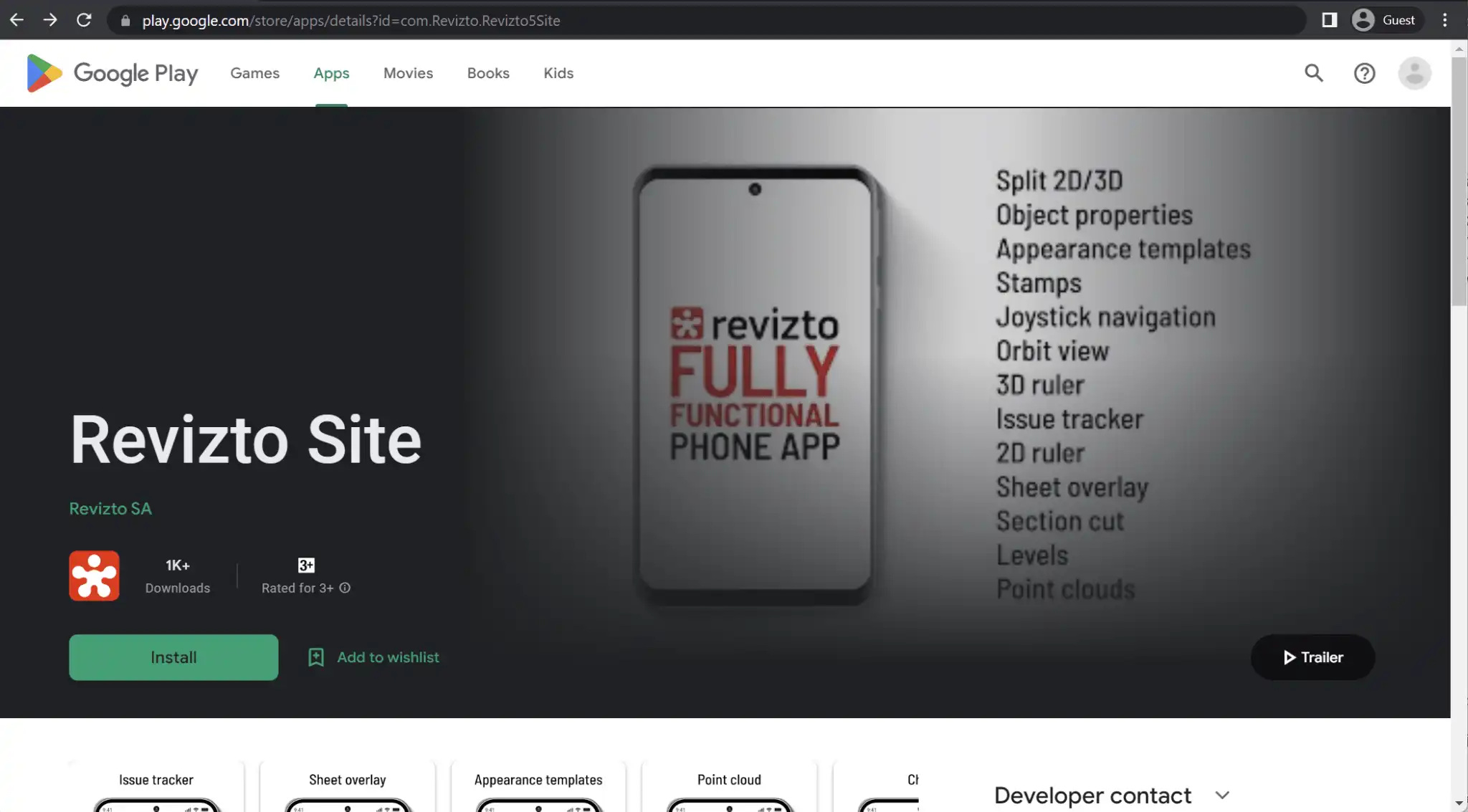
Revizto is a robust collaboration platform that supports both 3D and 2D workflows, offering a centralized BIM environment that enhances cooperation among all project participants. One of its standout features is its powerful issue tracking and clash detection capabilities, providing a reliable solution for identifying and resolving clashes between different models. Additionally, Revizto offers extensive VR-related functionalities, including guided walkthroughs of project models, which is a significant selling point.
The Android app version of Revizto is called Revizto Site. It is a relatively recent addition to the platform’s capabilities and offers a wide range of features comparable to the full-fledged desktop app. The Revizto Site app allows for 3D and 2D model viewing, issue tracking, showcasing object properties, viewing point cloud data, switching between appearance templates, and more. Users can perform the majority of tasks on the go using the Android app, providing flexibility and convenience.
There is also a somewhat older Android app that Revizto has – Revizto 5; it is only suitable for Android tablets and can offer some of Revizto’s features, be it real-time issue tracking, 3D/2D model management, streamlined collaboration, etc.
Why teams choose Revizto as a mobile BIM app Android solution
Revizto is often shortlisted when teams need Android-ready BIM workflows beyond simple viewing — including model context, accountability, and coordination on site. For teams evaluating a mobile BIM app Android platform, Revizto also supports workflows that align well with an augmented reality architecture app approach, especially when design validation and stakeholder communication happen in the field.
Customer ratings:
- Capterra – 4.3/5 stars based on 31 customer reviews
- G2 – 4.5/5 stars based on 121 customer reviews
- App Store – 4.9/5 stars based on 8 customer reviews
- Google Play Store – no public customer reviews
Advantages:
- A long list of applications (BIM and/or CAD) that Revizto can be integrated with
- A great way to create a single source of truth for all project-related information, making coordination and collaboration within projects that much easier
- Impressive issue tracking and clash detection capabilities
Shortcomings:
- Reporting features could use more customization
- Larger project files are more difficult to work with and may slow down the solution
- Data filtering is difficult to set up correctly
Pricing:
- Revizto does not have any pricing information available in public, the only way to obtain such information is to request a quote from the company in question and/or schedule a demo of that same solution.
Customer reviews:
- seiya o. – “fast, easy, and accurate visual coordination at ease by using Revizto. We were able to have our client provide positive feedback. customer service was great. I especially thank to rep for all the help that he provided in the early days of Revizto.”
- Bill M. – “Our project collaboration efficiency increased, as did our quality and confidence with our designs as a result of the “single source of truth” approach that Revizto provides.”
- Steven B. – “We are now only using this software for as-built purposes and we are trying to enforce it that the subs sign in to be able to do shop drawing changes that come in from out in the field. We want our superintendents more involved in the coordination process and this is how we plan to get them in there.”
CubiCasa
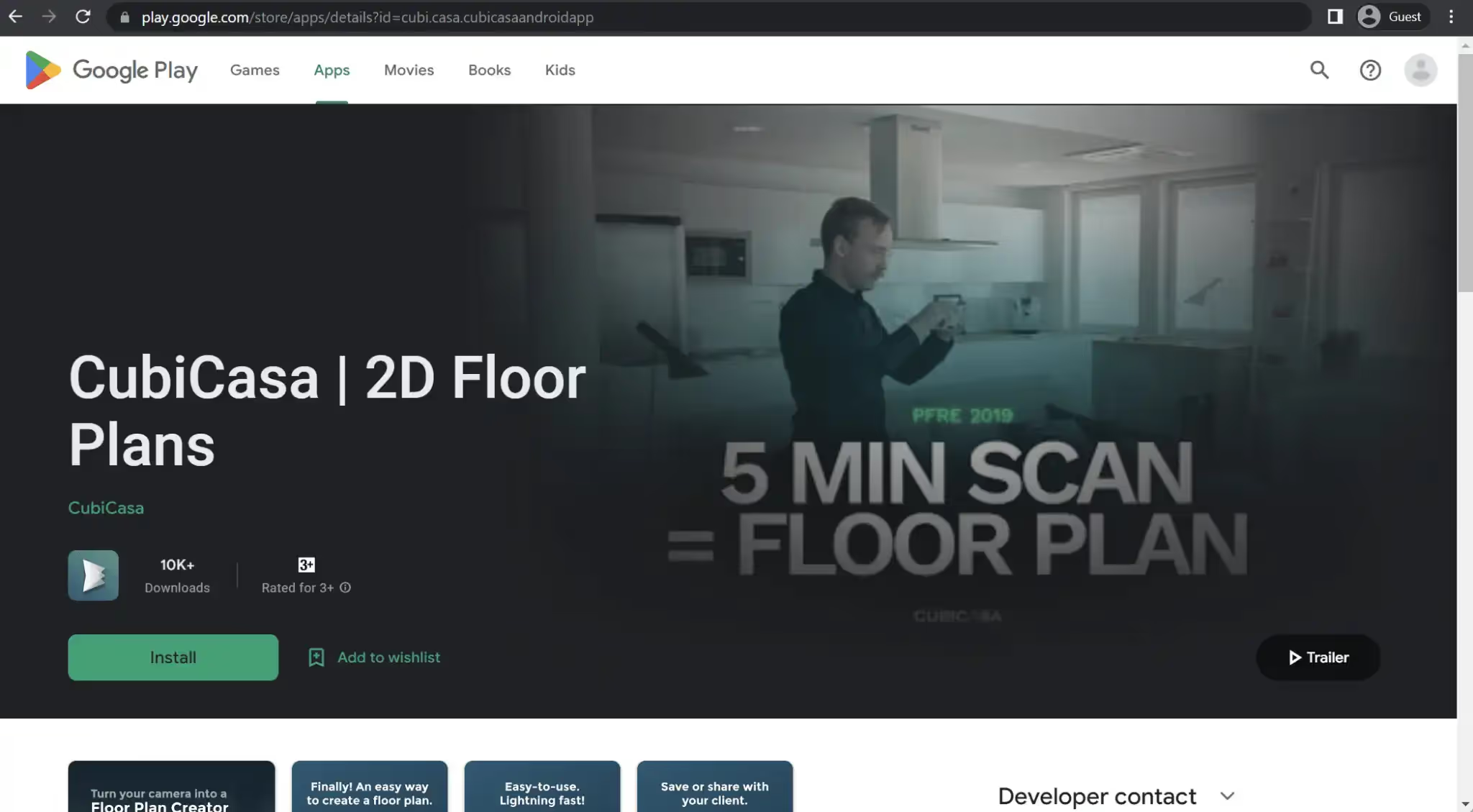
CubiCasa is primarily recognized as a floor planning app that transforms indoor scans into precise floor plan models enriched with dimensions and other valuable data. Its core focus revolves around creating 2D floor plans while also offering the capability to generate location-based reports that highlight room details and provide a wealth of additional information. CubiCasa is a versatile tool applicable to various domains, including interior design, real estate listings, smart homes, user interfaces, commercial spaces, and more.
The Android app version of CubiCasa is called “CubiCasa | 2D Floor Plans.” This app encompasses the earlier features, including indoor scanning, floor plan creation, home report generation, and plan exporting capabilities. Users can expect a comprehensive experience with all the functionalities available through the Android app.
Customer ratings:
- Capterra – 4.9/5 stars based on 102 customer reviews
- G2 – 4.8/5 stars based on 9 customer reviews
- App Store – 4.2/5 stars based on 163 customer reviews
- Google Play Store – 3.5/5 stars based on 147 customer reviews
Advantages:
- The ease and simplicity of creating floor plans with no architectural background necessary
- Impressive accuracy of floor plans created by the application
- The convenience of having an architectural app in your smartphone, and the mobility/flexibility of this approach
Shortcomings:
- The simplicity of the solution might be an issue to some of the more technical users, since CubiCasa does not have much in terms of sophisticated architectural features
- CubiCasa’s floor scanning process is rather inflexible and can be easily interrupted, with no option to continue an existing scan afterwards
- The price of the solution goes up incredibly fast when there is a need to work with a lot of floor plans at once
Pricing:
- CubiCasa’s pricing is relatively straightforward – the application itself is free, but it charges for every single floor plan depending on its complexity.
- $10 per scan with 24 hours of delivery, with no fixed furniture, 5,000 sq. ft or less of total scanned area, as well as home report and styling support.
- $20 for the same floor plan as before, but with fixed furniture, a home report, and some other features.
- $65 for a floor plan in 2D and 3D, with a 48-hour turnaround, as well as all the furniture, textures, and colors.
- +$10 for a GLA (gross living area) report
- +$15 for a much faster turnaround – 6 hours or less instead of up to 24 hours
- +$35 for CAD files in both 2D and 3D using one of the supported file formats (DWG, DAE, OBJ, FBX)
- +$85 for a 3D video render walkthrough that showcases key areas of the property, with an average duration of 1-3 minutes.
Customer reviews:
- Linda R. – “I highly recommend this app to anyone in need of a reliable and user-friendly tool at an affordable price. Not only is the app easy to navigate and use, but it also provides great value for its price. On top of that, the customer service team is incredibly friendly and responsive, making any issues or concerns a breeze to resolve. Overall, a fantastic choice for anyone in the market for a new app”
- David S. – “I have been a very early adopter since I found out about this product and the customer service is great. I have never had to wait long to get answers to questions I have and unlike other service providers someone always responds.”
- Jennifer W. – “For years, I created floor plans with software. The process took time; 1-2 hours to measure & sketch the property on site, then another 1-2 hours to create accurate plans with software.CubiCasa was recommended to me, and has been an absolute game changer. I can now scan a property in minutes, upload in seconds and have more time to spend with my family at night. The floor plans come in perfect, with specialty icons, and the ability to make my own changes quickly & easily.When I do have questions or concerns, the Chat option on their website is available and I’ve experienced very little wait time to receive a response. Customer Service is outstanding; they recognize the issue and often forward helpful links and videos to further explain issues.Not only has CubiCasa saved me from the process of creating my own floor plans, but now I am able to fit more shoots in per day. Knowing the scanning process takes literally minutes instead of hours allows me to accomodate my Real Estate Agents more easily. I can now accommodate 5 appointments per day, instead of 2-3. Scheduled Agents are happy Agents.I am so grateful that this company excels in the product they offer, and more importantly, have a solid Customer Service team ready for any questions. They continually amaze me, and I am eternally grateful for this company.”
For teams focused on scanning and floor plans, this is a different use case than BIM coordination — which typically requires a mobile BIM app Android approach for model-based collaboration.
Chief Architect
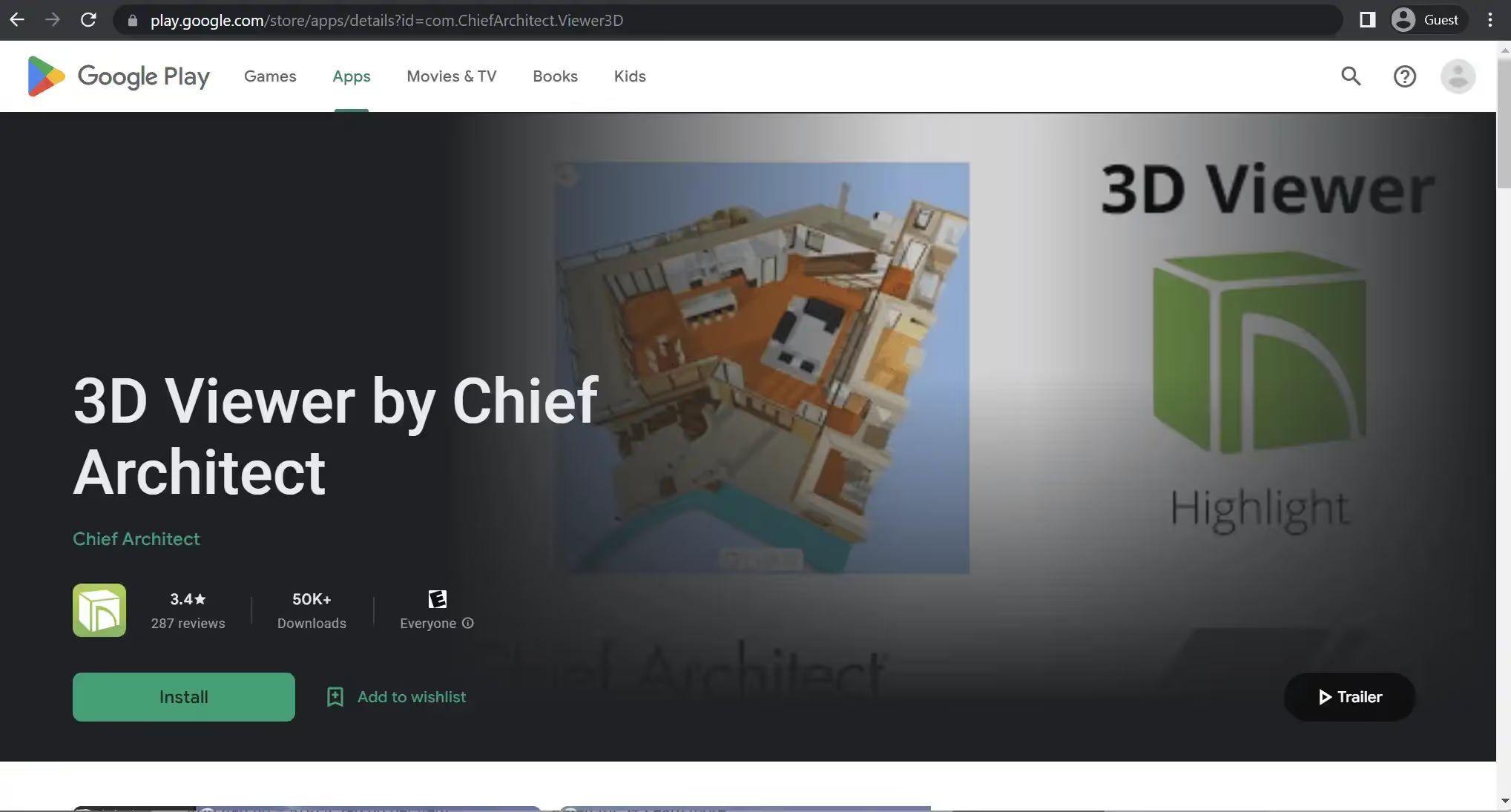
Chief Architect, as implied by its name, is a CAD solution renowned for its automated building tools that facilitate the creation of construction designs. Its primary focus lies in residential designs, offering features such as panoramic renders and floor plans. It is an essential tool for professionals in kitchen design, remodeling, interior design, and related fields. The software also includes built-in sharing capabilities to showcase designs to subcontractors or homeowners easily.
Chief Architect offers the 3D Viewer app for mobile devices, available for Android and iOS. This app provides extensive model viewing capabilities, offering walking and flying modes, a gyro camera feature, manual camera adjustment, and more. The 3D Viewer app allows users to effectively explore and present their designs on smartphones and tablets.
Customer ratings:
- Capterra – 4.4/5 stars based on 68 customer reviews
- G2 – 4.6/5 stars based on 18 customer reviews
- App Store – 3.7/5 stars based on 470 customer reviews
- Google Play Store – 2.3/5 stars based on 347 customer reviews
Key features:
- Ability to access Chief Architect models on the go
- Multiple viewing angles on the model, with both walking and flying modes
- A wealth of angle customization options, from gyroscope to manual height adjustment
Pricing:
- Chief Architect 3D Viewer is a free app with no additional payments necessary – although it is a proprietary application that only accepts Chief Architect models, and Chief Architect itself is a premium software.
Customer reviews:
- Eric Hirst – “App isn’t completely easy to set up and use (minor stuff; doesn’t work with a password manager for example). And there’s a learning curve on the Home Designer software that may test your patience if you’re trying to be your own architect. That said, the power of what they can do as a package is just awesome. Absolutely indispensable throughout the design/build process.”
- Dan Druck – “Rarely in this day and age does a product exceed one’s highest expectations but this app, in concert with their CAD software, does just that. The ability for my clients to click on a link and view / tour their home in 3D has revolutionized the process of Architect / Client interaction. This app performs flawlessly and offers every conceivable viewing method. I would give this app six stars if I could. Bravo and congrats to the developer. You have outdone yourselves!”
- John Tregidga – “Since I use the full blown professional version of CA. And everyone lives on their stupid little phones, I find this app works extremely well for the Contractor or Client, that is tech savvy. It seems to work even better than the desktop viewer, fast and easy to use. I’m sending this mobile link to all my clients, along with the desktop version. Most of my clients, once they figure it out, just love it. Well done CA!”
It’s a strong option for presentation-style viewing, though teams needing AR overlays may prefer an augmented reality architecture app built around on-site visualization.
My Measures
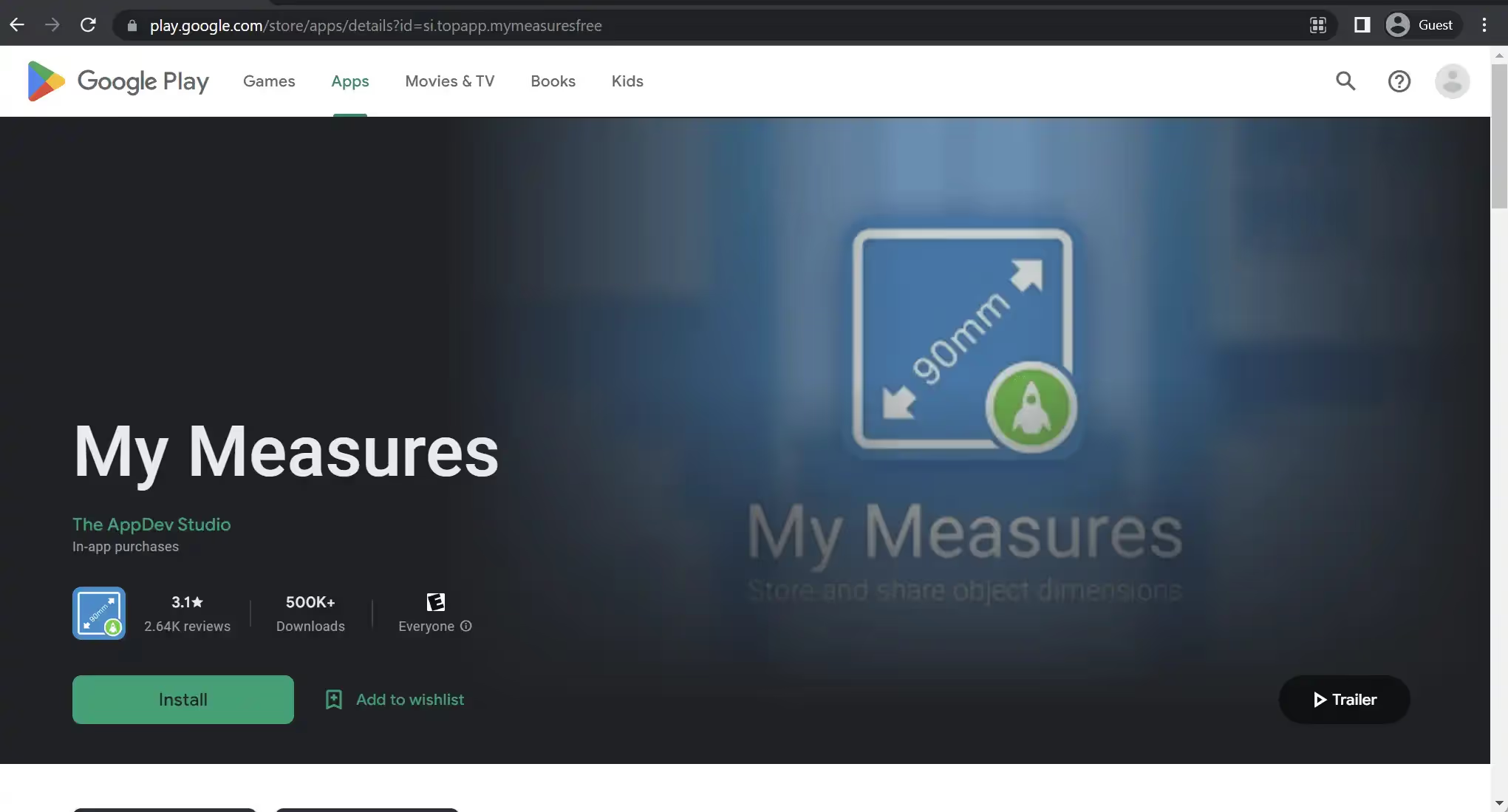
My Measures is an app that lives up to its descriptive name, specializing in storing and sharing object dimensions. The app operates on a simple principle: users can capture a photo and then add dimensions to that image, including angles, arrows, and accurate measurements of objects. My Measures supports multiple unit systems, as well as fractions, and allows users to organize their projects using folders. It should be noted that while some features are available for free, additional functionalities can be accessed through in-app purchases.
Customer ratings:
- App Store – 4.3/5 stars based on 3,000 customer reviews
- Google Play Store – 3.8/5 stars based on 3,410 customer reviews
Key features:
- Project organization with folders
- Multiple unit systems, including imperial metric, japanese, and chinese
- Prohos can be annotated with either angles, arrows, or text comments
Pricing:
- My Measures is a free app that also has some of its features hidden behind a paywall
- Features such as exporting to cloud services, Top App Cloud backup, or unlimited files/annotations can be purchased separately or in the form of a subscription starting from $5.99 per month
Customer reviews:
- A Google user – “It’s a decent app. The free version does work. I would like to see a zoom option. I’m glad that this app only edits a copy of the original photo.”
- Dave Pierce – “Nice tool when you need to annotate a picture with dimensions.”
- A Google user – “Need something that fits “just there”, have a few diy jobs on at the same time. Just record the dimensions and then you’ll have them when you see the thing that might fit or when you go to the shop that has the thing you need to finish another job, if only you know how long it was. Where is that peice of paper…….”
Useful for quick dimension capture, though it’s not meant to replace broader architecture apps for Android that support 3D or BIM workflows.
ozPDA Sun Seeker
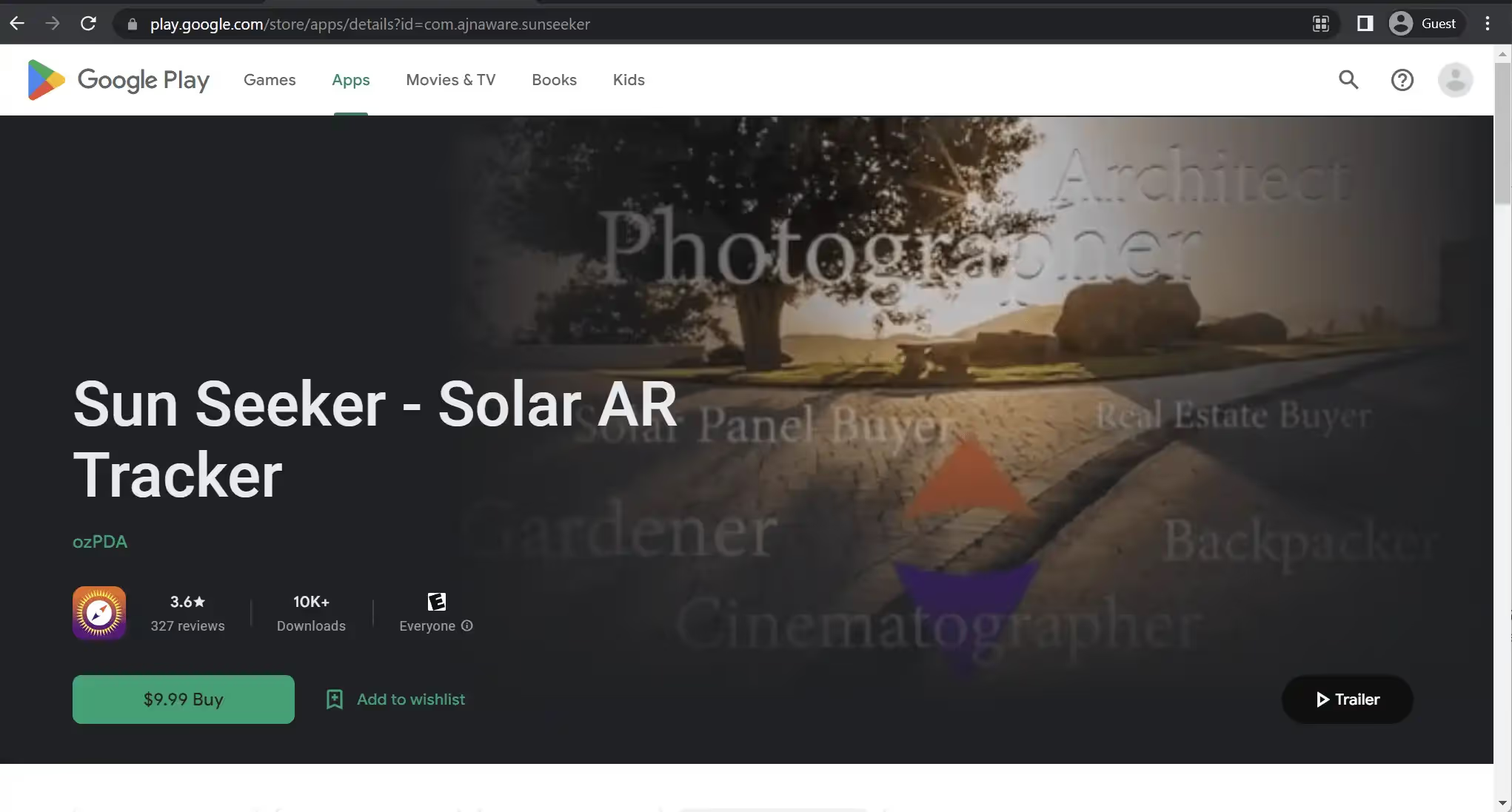
Sun Seeker stands out as a premium app offering sophisticated compass and sun tracking functionalities. It aids users in determining the solar path, sun position, and related information. The app provides a flat compass view and an augmented reality (AR) view of the sun, featuring equinox data, solstice paths, twilight times, and a wide range of sun-specific parameters. Sun Seeker is designed to provide users with comprehensive and accurate information regarding the sun’s position and movement.
Customer ratings:
- App Store – 4.8/5 stars based on 12,000 customer reviews
- Google Play Store – 1.5/5 stars based on 419 customer reviews
Key features:
- Flat compass + 3D AR camera
- A combination of magnetometer, gyroscope, and GPS creates extremely accurate data about sun positions and other parameters
- A variety of sun-related specific parameters that the app can track, including twilight times, sun direction, equinox data, solstice paths, etc.
Pricing:
- Sun Seeker for both Android and iOS is a paid app that costs $12.99
Customer reviews:
- A Google user – “This program is good just needs to be a little more accurate on the compass to set your own positive and negative declination an a few HD graphic tweets would make this a brilliant app to me it’s just good Sun surveyoris far superior and is brilliant idea recommend that app and this app to I own both. I need to know where the sun is for my hobbies. Please DEVS make put a little HD INTO IT I AM USING SAMSUNG S7 EDGE. THANK YOU in future updates I’ll give it 5 stats !!!!!!!!!! And Samsung S9”
- jay p – “Does exactly as I’d hoped. Dev also responded at a ridiculous time of day, within minutes. Instant purchase. YMMV of course but I didn’t even need instructions to figure out gyro mode calibration because it’s pretty intuitive.”
- Nate Conn – “I’ve enjoyed using this app a lot over the years, but as of the last month or so, there’s no longer a way to change to gyroscope mode (setting the sun location rather than relying on the phone compass), at least that I can find. My phone compass is not great, so it makes the app basically unusable, at least in the 3D mode, which is the most important part.”
MagicPlan
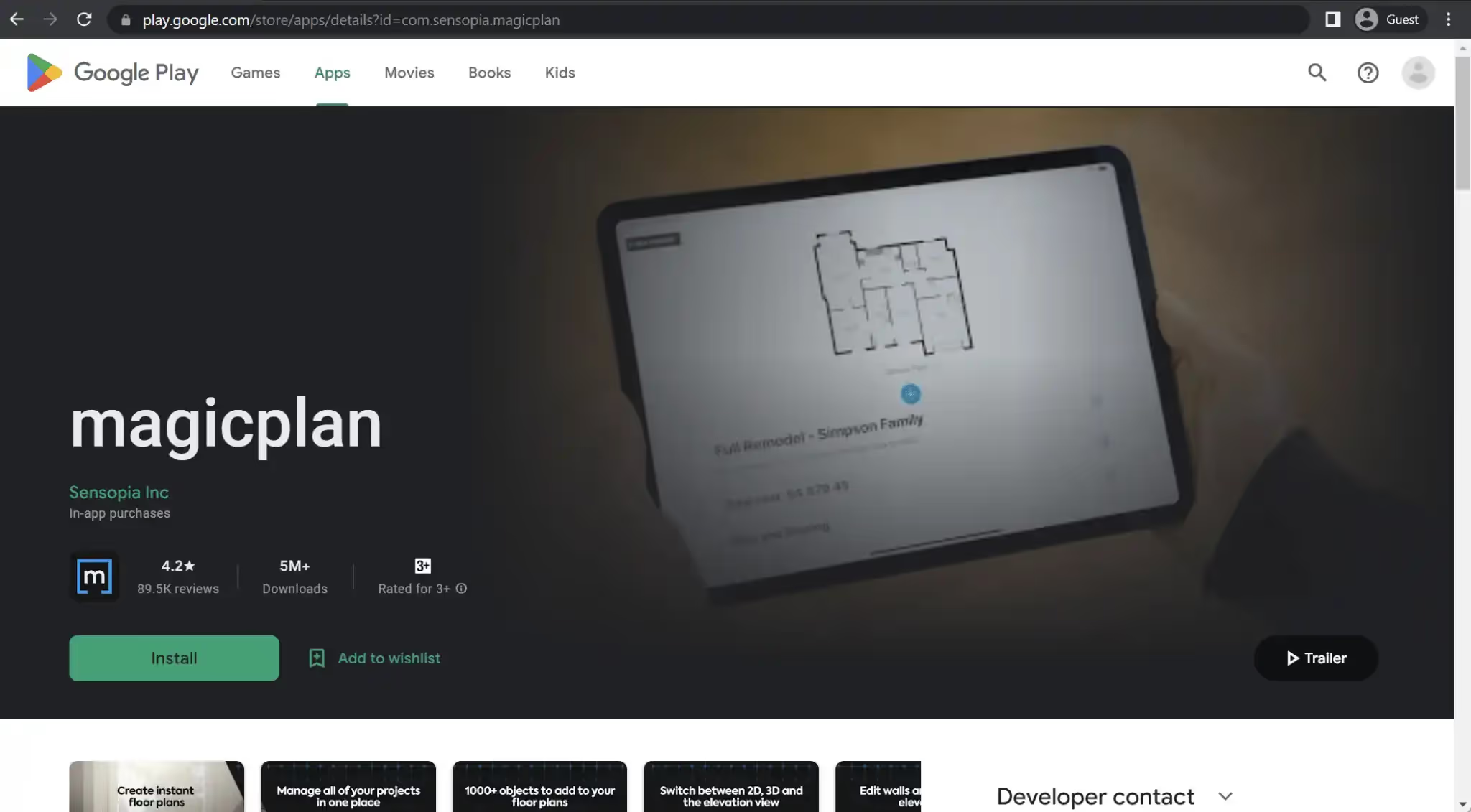
MagicPlan is a highly popular architectural app that excels in two distinct feature sets: hand-drawn floor plan creation and building plan creation through smartphone scanning using the device’s built-in camera. Notably, MagicPlan supports external hardware, including laser meters, enabling users to capture more accurate building dimensions and incorporate them into the model.
In addition to its core functionality, MagicPlan offers additional features such as cost estimate calculations and indoor furnishing capabilities. As MagicPlan predominantly operates through smartphone apps, its Android app is appropriately named “magicplan.” The Android app encompasses all the mentioned features, providing users with a comprehensive toolset for floor plan creation, building plan scanning, and more.
Customer ratings:
- Capterra – 4.5/5 stars based on 11 customer reviews
- G2 – 4.3/5 stars based on 12 customer reviews
- App Store – 4.7/5 stars based on 37,400 customer reviews
- Google Play Store – 4.2/5 stars based on 120,000 customer reviews
Advantages:
- A great option for site surveillance because of the ability to generate visual status reports with nothing but a smartphone’s camera
- Camera scans offer high degree of accuracy
- One of the best home design tools on the market, easy-to-use and flexible
Shortcomings:
- Relatively high subscription cost
- The number of integrations with other solutions is low
- Room scaling feature produces incorrect room copies from time to time
Pricing:
- MagicPlan offers a somewhat unusual approach to licensing based on the number of monthly projects. There are four different contracts to choose from:
- A month-to-month contract costs $40 per project.
- A 12-month contract costs $30 per project.
- 24-month contracts cost $25 per project.
- Custom contracts are only suitable for clients with over 60 jobs per month.
- All contracts include instant floor plans on any device, complete job documentation, sketch editing, FML files, unlimited users in the workspace, unlimited cloud storage, support with onboarding and afterward, and more.
Customer reviews:
- CtheRose1 – “The old version was a 4.5-5 star app for the casual user. It had some limitations if you room had some extra corners or hidden corners or had an unusual stair arrangement. But overall great. BEST OF ALL you didn’t have to pay a lot of money until your plan was good and then you could buy just that plan and do more in depth work. LOVED it. Then they changed to a subscription only services. For a casual user like me that is TOO expensive. They did give you a token so you could still try before you had to subscribe, but that is only good if you never change your phone. Over the last 10-12 months I have been playing around with my new kitchen design. And since I upgraded my phone I have lost all that work. Just when I thought I had everything ready. Not happy at all. Was going to give a 2 stars, but raised to 3 since from some research today it might still be the best thing available. Would be very willing to pay a reasonable fee for 1 plan.”
- WoolfsRedd – “Being able to turn off the sound of the app without having to turn off the ringer of your phone would be really great. Also, when choosing colors for tiles/carpet, after purchasing a plan…why is white and grey not an option? If I’m doing tiles in my laundry room, I’m not going to use pink or green on the floor…it would be wonderful to include the full color spectrum for flooring, and maybe have a way to change wall colors/materials as well. I may want tiles on my shower walls rather than glass, but no option that I’ve found for doing so. Having options for exterior siding, deck materials, etc would really be great as well. Seeing the house in 3D really helps me to visualize my ideas, and fix any fine tuning issues. But I have no way to tell if my deck or shed are going to work well with the rest of the space, as they do not show up in 3D mode. All in all, I still really like using this app, it would get five stars in a heartbeat if these features were added 🙂”
- TimCarterDuluthMN – “I’m a professional renovator, historical preservationist, and home flipper. I am in the process of integrating MagicPlan into my workflow. I have experimented with it on past projects and it has helped me estimate materials I need by calculating accurately the square footage of areas I need to cover with a finishing product. To say that it is very easy to use would be an understatement. It excels at room scanning in particular. You can be up and running with a basic room scan in under a minute and begin adding objects to your plan from there. A whole house layout can be done in 15 minutes, and again start adding objects from that point. That is work that would take many hours and possibly multiple trips to a home previously. I look forward to continuing to evaluate this product as I move forward with my business. I will be exploring how to build-out the object library and price list database for a truly robust solution for project estimating at all stages. Thank you Magicplan.”
This approach complements visualization, but full project delivery often benefits from pairing scanning tools with a mobile BIM app Android platform for coordination and issue tracking.
Houzz
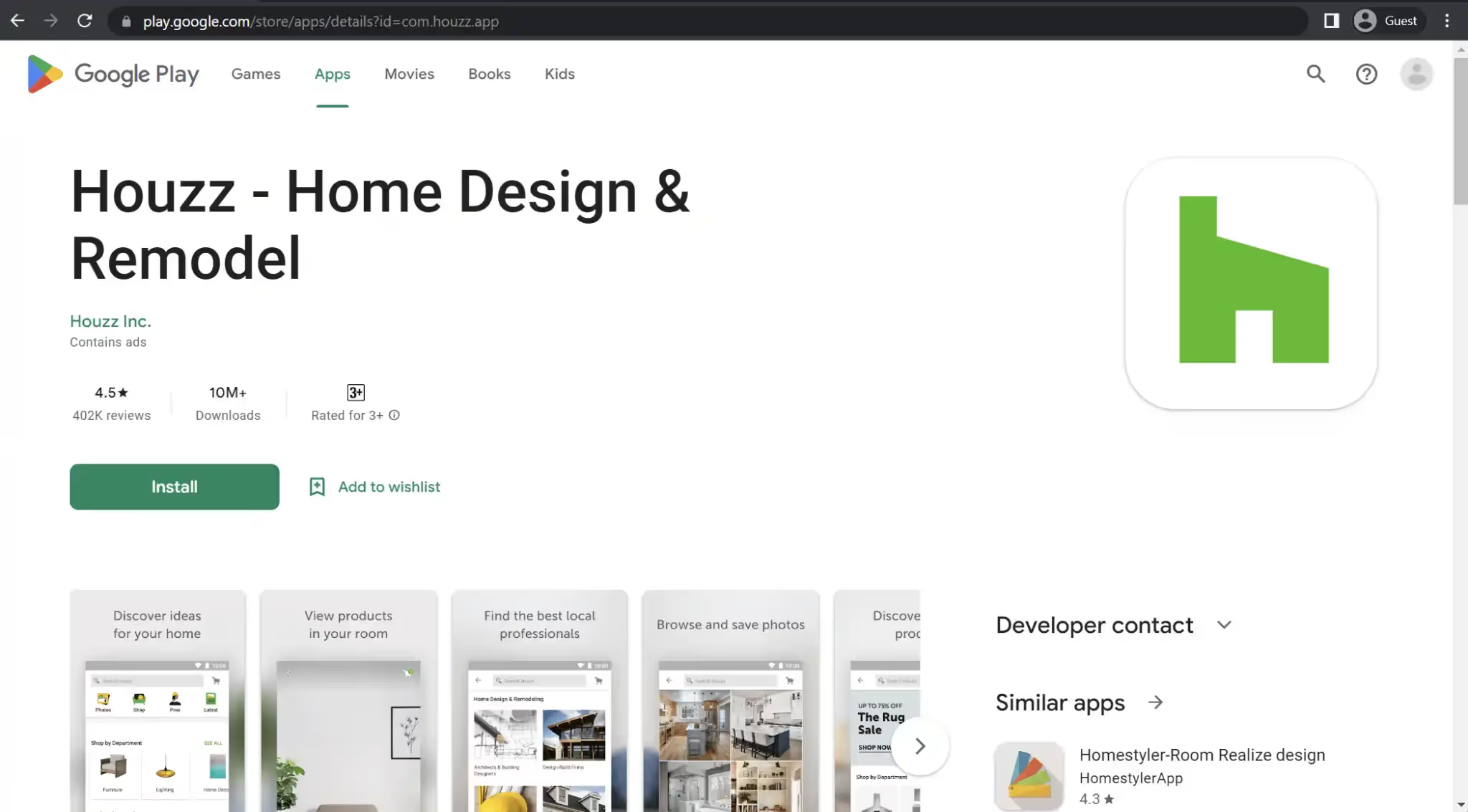
Among the numerous apps available in this market for creating and modifying designs, Houzz stands out by combining manual input and live on-site photos into a single, seamless solution, offering customers an extensive array of possibilities. Houzz goes beyond typical features and provides additional functionalities such as photo annotations, the ability to purchase furniture directly within the app, and an impressive library encompassing design ideas, as well as interior and exterior assets for furnishing and design processes.
As a mobile app, Houzz prioritizes its mobile-first approach. This is reflected in both its Android and iOS versions, ensuring that users of both platforms have access to the same comprehensive set of features mentioned earlier. Houzz strives to provide a consistent and rich experience across different mobile devices.
Customer ratings:
- Capterra – 4.3/5 stars based on 1,034 customer reviews
- G2 – 3.8/5 stars based on 15 customer reviews
- App Store – 4.8/5 stars based on 308,400 customer reviews
- Google Play Store – 4.5/5 stars based on 406,000 customer reviews
Key features:
- Ability to communicate with some of the best home design specialists and see their creations
- A large library of photos with either home interiors or exteriors to look through
- Some of the products on photos could be purchased directly
Pricing:
- Houzz is a free app that is available for both Android and iOS devices, it mostly targets home design and decorating industries.
- There is also a Houzz Pro app – an all-in-one management tool for design and remodeling professionals that focuses more on the business side of things. Apps themselves are also free here, but there are also several pricing plans with different features available, starting from $149 per month for designers and $249 per month for contractors.
Customer reviews:
- Sara H. – “I have been with them since the beginning, and seen many versions of this. I adore the people who work with us when there are glitches, wish there were less glitches and that new versions were highly tested before being let loose but appreciate the open dialogue with the company. The product is only getting better and grateful for what it can do for us.”
- Miranda S. – “Houzz is a very easy platform to learn. I love being able to create proposals and present room boards to my clients all in one place. One of the best features is the chat option where a team member quickly gets back to me with any question I have, no matter how small. I have even seen Houzz make changes to its user interface based on feedback from pro accounts, making me feel heard and valued. Thanks for everything!!”
- Peter S. – “I have had a steady reliable account manager who regularly checks in with me to outline new features that were introduced, and even actually created the first version of our website which I subsequently tweaked a bit and personalized, but I was really impressed that she took the time to do this. This is definitely unique in the marketplace.”
Houzz leans toward inspiration and product discovery, whereas 3d architecture visualization app tools focus more directly on model review and design communication.
Home Design 3D
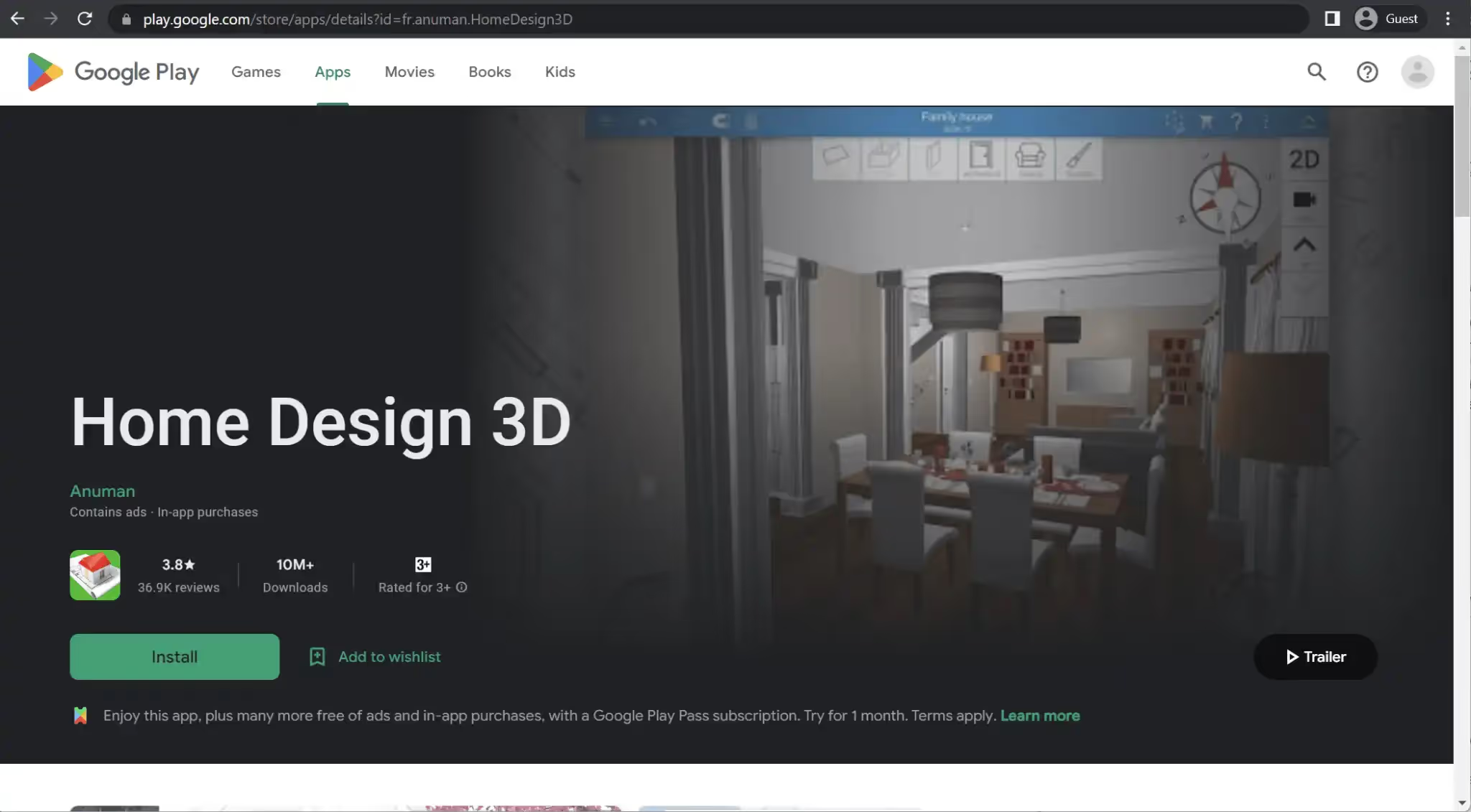
While it may not be the most versatile architecture app on the list, Home Design 3D excels at a single task: interior design. It is a versatile interior design application that can handle both floor planning and decoration tasks. The app offers a simple drag-and-drop interface and a plethora of specific features, including the ability to adjust wall thickness and customize each object within the model during the furnishing process.
Home Design 3D can also offer multiple exporting features for its projects and 3D visualization for every project model. Home Design 3D is a rather versatile solution that works with Windows and Mac devices and Android and iOS devices, offering the same feature set for most platforms. However, it is worth noting that the “Gold” version of the solution with extra features is not available for Android devices.
Customer ratings:
- Capterra – 4.0/5 stars based on 6 customer reviews
- App Store – 4.3/5 stars based on 103,700 customer reviews
- Google Play Store – 3.9/5 stars based on 44,400 customer reviews
Key features:
- 3D project visualization capabilities with features such as day/night switch, compass, etc.
- Advanced floor plan design tool set capable of operating in both 2D and 3D
- Versatile project sharing capabilities – exporting and importing via e-mail, Dropbox, OneDrive, etc.
- Extensive library of objects helps immensely when it comes to furnishing, be it indoors or outdoors
Pricing:
- Home Design 3D’s pricing information consists of a separate Home Design 3D Gold solution available for PC, Mac and iOS users for $11.99, and an additional $19.99 can be paid for extra features after the initial purchase.
Customer reviews:
- Mgbemene Azuka Ogechi – “It’s a really good and creative game. I’ll like if the plot size could be bigger or if the red line could be removed entirely. If an update could be made to add landscape options under the land section, where options like flat, elevated, basement and free could be used to make both basements, hills, flat and elevated lands for realistic feel while creating structures. If there could be more doors, windows, openings, stairs, fireplaces, swimming pools, garden items etc. Thank you.”
- Becky O. – “Overalls, this platform has helped in bringing design visions into reality while providing guidance especially for non building professionals.”
- Shannon Moore – “Been using this app for nearly a decade now. It’s one of those games that stands the test of time, and the option for custom textures and new features added every year or two always keeps things fresh. Also, can’t recommend the paid version enough. $10 for all objects and features forever? Easy choice imo, especially when everything else these days is on subscription. Does it have limitations and issues? Absolutely. But the customization and creative possibilities make it 100% worth it.”
Apps like this can function as a 3d architecture visualization app for interiors, especially for fast concept exploration on Android.
Planner 5D
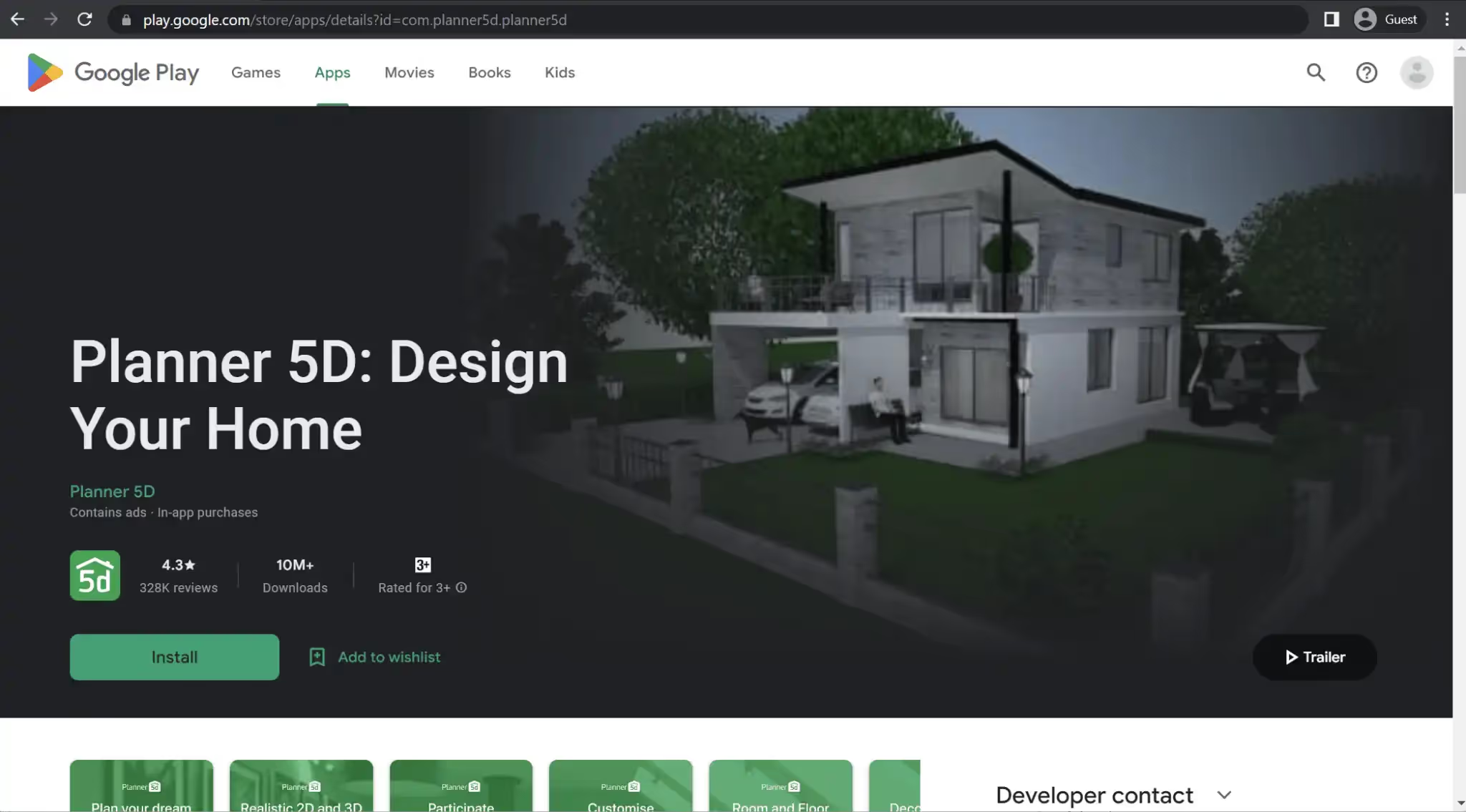
Planner 5D is a straightforward yet highly effective architecture app that focuses on exterior and interior design. It offers versatile capabilities that range from designing entire houses to specific rooms, including landscaping and creating pool plans. The app boasts impressive rendering capabilities for both 3D and 2D models, and even provides a VR mode for an immersive experience. With its user-friendly drag-and-drop interface, Planner 5D ensures ease of use for all users.
The main platform for Planner 5D is its Android smartphone app, also named “Planner 5D.” This mobile app encompasses all the features of the solution, providing a comprehensive package for designing and visualizing architectural projects directly on a mobile device.
Customer ratings:
- Capterra – 4.5/5 stars based on 116 customer reviews
- G2 – 4.7/5 stars based on 119 customer reviews
- Google Play Store – 3.7/5 stars based on 369,000 customer reviews
Advantages:
- User-friendly and versatile interface
- A large built-in library of objects and customization options
- Quick transition between 3D and 2D models
Shortcomings:
- Difficult to create and modify roof designs
- A sophisticated licensing model that turns a lot more expensive as it goes up
- A free version that is limited in many aspects
Pricing:
- Planner 5D uses a simple subscription-based licensing model for its services. There are four pricing tiers to choose from:
- Free is the basic version of the software. It offers basic project creation capabilities with remote access.
- Premium starts at $19.99 per month. It gives access to the Smart Wizard and AI Designer tools, along with 5 renders a year, automatic plan recognition, access to a library of more than 8,000 premium pieces of furniture, etc.
- Professional begins at $49.99 per month. It offers unlimited 4K renders, manual 3D model upload capability, moodboards, 360 degree panoramas, custom branded profiles, and more.
- Enterprise has no public pricing and offers the ability to white label any part of the platform while giving access to product configurations, visualizations, e-commerce integration, and several other business-oriented features.
Customer reviews:
- Tiffany F. – “The middle school course that I teach is an integration of technology into community service projects. The students need access to professional-level software but that often comes with a high learning curve. Our class time is valuable and Planner 5D allows my students to get the functionality and features of a more advanced program but with a much more user-friendly interface and usability.”
- Sharon C. – “I was introduced to Planner 5D four years ago when I needed to do 3D model after my student Revit expired and my sketchup wasn’t doing the job for my rendering needs. I found it a little challenging in the beginning but after watching the tutorials on You Tube, I got the hang of it. You’ll need it when you are doing second levels. All of my clients love their designs, they come realistic. I would advise to show the plans prior to rendering, because rendering can get pricey. You can put together plans quickly and make changes on the fly. I tell all of my friends to try this program. I wished I had it in school.”
- Shujjah S. – “Overall Planner 5D is such a excellent software that if you are a interior designer or a Architect, you will fall in love with it. It gives you variety of options to design your project and the furnished results are very realistic. the most important thing is that you will find many tutorial videos on video streaming sites (YouTube etc.) which helps the beginners to learn and execute their projects in quick time. As an professional Architect, I highly recommend Planner 5D to my collogues and any other person who interested to buy this wonderful software, it will worth to work on Planner 5D”
For concept-level design, it’s a strong visualization option; for BIM coordination and field resolution, teams typically add a mobile BIM app Android solution.
Room Planner
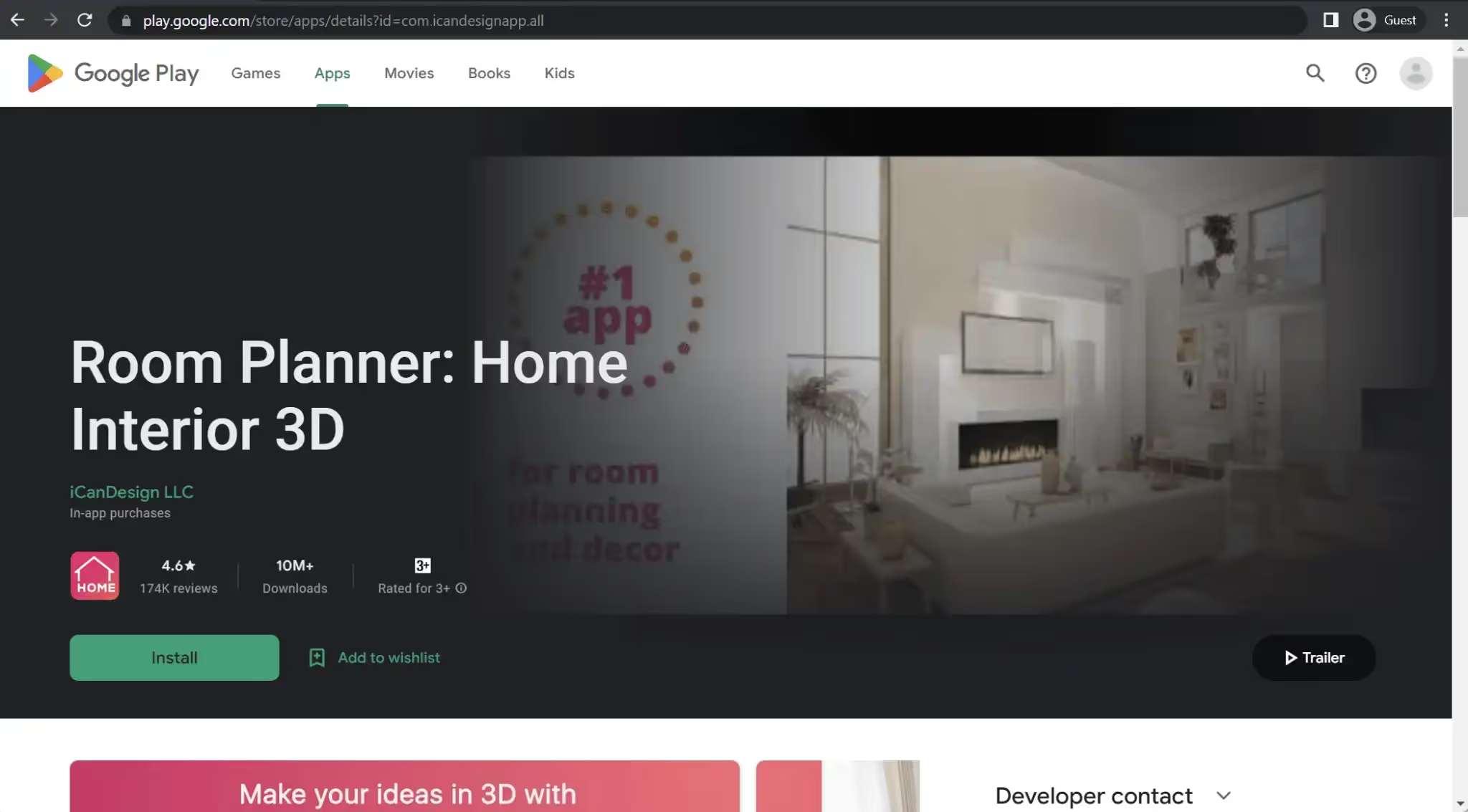
Room Planner is another notable and versatile application that offers extensive design capabilities, including floor plan creation and interior decoration features. Users can create new parameters for interior objects or modify existing ones to a certain degree. The app also provides a library of different layouts for various room types, such as kitchens, bathrooms, and living rooms.
Impressively, Room Planner offers 3D VR capabilities and can be used both online and offline. It is available as a desktop application for Windows and Mac, as well as mobile applications for iOS and Android. Each version of the software includes the full range of features mentioned above, ensuring a consistent experience across different platforms.
Customer ratings:
- App Store – 4.6/5 stars based on 41,300 customer reviews
- Google Play Store – 4.1/5 stars based on 223,000 customer reviews
Key features:
- High-quality 3D renders
- A large library of furniture to work with
- Zero limits on the number of rooms that could be generated
- A user can either start from scratch or use one of many templates
- Interior planning capabilities are incredibly effective
Pricing:
- Room Planner’s pricing information is not publicly available on their official website and apps themselves are free.
- However, there are multiple different in-app purchases that could be found on the app’s App Store page, including, but not exclusive to:
- Interior Design – $5.99
- Floor plan creator – $6.99
- Architecture – $14.99
- 6-month subscription – $34.99
- Weekly Business – $17.99
- Yearly subscription – $59.99
Customer reviews:
- Elpida Marioli – “The app is great and has a variety of decor, wallpaper and furniture to decorate with. It does lag a lot but that can be somewhat fixed by turning on the wifi, thought it still has some. If you don’t have patience this is not the app for you, you will be hitting your phone for hours. Overall a great app with no ads which I appreciate and lots of variety which is also very important. If the lag is fixed, I think that this might become the bets app I have on my phone.”
- BAMM_Billy – “This is a good quality app but I find it kind of frustrating. It’s incredibly hard to control and It gets very annoying the I can’t move around the room and see what I’m doing Bc it just won’t move. It also keeps glitching when I’m adding furniture and all the furniture items will just go blank and I have to exit and come back to see it. This glitch is happening more often and it’s annoying. I feel like ur not as free to design as u should be. I think you should be able to make ur own furniture like ur making ur own house. Other than these few glitches I do enjoy the app. I would recommend this app, and I don’t think you could get a better one. There is a lot you have to buy if you want more options (which I personally won’t buy) but I don’t think it’s that much money for the pro feature. Unlike some other apps you can do perfectly fine without the pro feature which I find pretty nice. All in all it’s a great app!”
- Melbell91 – “As a new homeowner, this is a godsend. This app allows you to map out your space before you get in so you can strategize a move in with ease. It doesn’t have all the options I would hope for but the customization is pretty unmatched in this area. You can size any object to fit what you have or are looking to buy and import patterns to boot! We were able to pick out a patio set that worked within the space with before even moving in to our new home with the utmost confidence it will fit and look visually appealing. This was important to us as it was the patio was the single major selling point for our home.The one thing I can’t completely figure out is the photos. You can take “realistic photos” that you can export to a friend. This is amazing! But the photos turn out distinguishably different from the schematic you’ve been working with. I don’t know if this means that the schematic is colored incorrectly or if the photo has some weird exposure. But the lighting does appear evenly. Other than that though, amazing! It’s WELL worth the money!”
Its VR capabilities support visualization, but it serves a different purpose than a coordination-focused augmented reality architecture app designed around BIM workflows.
Autodesk Construction Cloud
Autodesk Construction Cloud
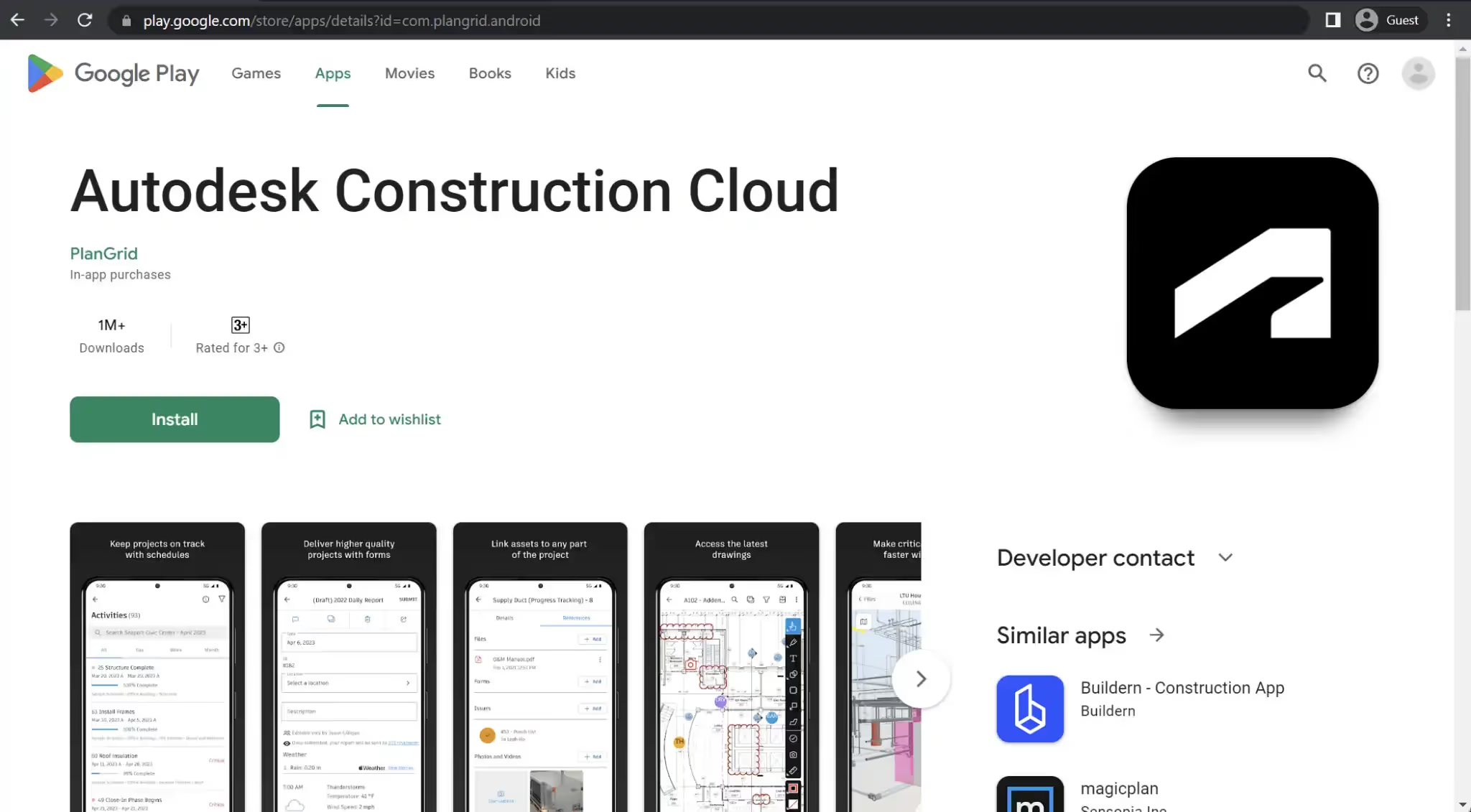
A variation of the term “architecture app” is represented by Autodesk Construction Cloud, formerly known as Autodesk BIM 360 and PlanGrid. This centralized project management solution serves as a single source of truth for all project participants involved at various stages. The application facilitates improved decision-making, design review, issue management, safety program checklists, deliverable coordination, and more.
Autodesk Construction Cloud is a web-based solution that also offers smartphone apps for both iOS and Android devices. The mobile apps provide a majority of the features mentioned, including file management, quality control, construction collaboration, and other functionalities. This ensures that users can access and utilize the key features of Autodesk Construction Cloud conveniently through their mobile devices.
Customer ratings:
- Capterra – 4.3/5 stars based on 2,204 customer reviews
- G2 – 4.4/5 stars based on 4,210 customer reviews
- App Store – 4.7/5 stars based on 20,400 customer reviews
- Google Play Store – 4.1/5 stars based on 4,770 customer reviews
Advantages:
- Vast collaborative capabilities across different applications in the industry
- Improved accessibility via web-based nature
- A centralized data source for all project-related information, from drawings to schedules, RFIs, etc.
Shortcomings:
- A significant focus on Autodesk’s internal software means there’s little to no integration potential with third-party architecture software
- Creating a project template from scratch is not possible
- A web-based platform could be the biggest weakness of Autodesk as a whole if their servers happen to become unavailable for one reason or another
Pricing:
- Autodesk Construction Cloud is a collection of a multitude of different products, with each product having its own price that can only be learned by requesting a quote from Autodesk.
Customer reviews:
- James N. – “All in all, my experience with Autodesk Construction Cloud has been optimistic. Although there were some obstacles to overcome when learning the software, the benefits of the platform made it well worth the investment of my time. By simplifying my project management process, I was able to finish projects more efficiently and successfully. For any construction industry professional who is willing to put in the effort to learn, Autodesk Construction Cloud is a valuable asset.
- Jarmo P. – “Autodesk Construction Cloud is a great solution for construction companies of all sizes. It offers a comprehensive suite of tools to help streamline processes and improve efficiency. The user interface is intuitive and the integration with other popular software is a great bonus. The only downside is the cost, which is a bit on the high side.”
- Kanishk Kant S. – “Its ability to streamline project management workflows, centralize project data, and facilitate collaboration among team members, can result in increased efficiency and productivity. The platform’s design coordination and document management modules are also highly regarded, as they help teams to manage design changes and project documentation more effectively.”
Teams evaluating architecture apps for Android may compare document workflows here vs model-centric platforms like a mobile BIM app Android solution.
Conclusion
Finding a single app that perfectly fits your specific use case in the diverse field of architecture can be a challenging task. Architecture apps vary significantly from one another and often cater to distinct needs and target audiences.
Apps like Planner 5D and Home Design 3D are particularly useful for interior design tasks, focusing on creating floor plans and furnishing spaces. On the other hand, apps like Revizto and BIMx are more suited for collaboration, allowing users to view and comment on different models while emphasizing teamwork. AutoCAD and SketchUp, among others, are commonly used by architects and professionals in 3D modeling, sketching, and graphic design.
Ultimately, the term “architecture app” encompasses a wide range of solutions, each with its own unique use cases and advantages. This list provides an overview of various types of architecture apps, highlighting their key features and other important parameters to assist users in finding the app that aligns with their specific requirements.
FAQs
What is the best augmented reality app for architects?
The best augmented reality architecture app for architects is one that integrates BIM data, real-time collaboration, and mobile functionality. Ideally, it should also function as an android augmented reality app for architecture, enabling architects to visualize building models on-site. Solutions that combine AR with issue tracking and model coordination provide the most value.
Do architecture apps support 3D visualization?
Yes. Many modern architecture apps for Android support 3D visualization. A good 3d architecture visualization app allows users to navigate models, inspect geometry, and present designs interactively. Some apps also integrate rendering features for improved visual quality.
Can Android apps handle BIM models?
Yes. A modern mobile BIM app Android solution can handle federated BIM models, display issue data, and allow markups. Android apps today can load complex project models and sync them via cloud-based systems.
What app lets you view building models in AR?
An augmented reality architecture app designed for Android allows architects to view building models in AR directly on-site. The most advanced android augmented reality app for architecture tools integrate BIM coordination and AR visualization into one seamless workflow.
Are mobile rendering apps good enough for architects?
Mobile rendering apps and 3d architecture visualization apps are increasingly powerful. While they may not fully replace high-end desktop rendering engines, they are more than sufficient for design validation, client presentations, and quick visualization workflow.
Bring BIM coordination to your Android workflow
Revizto connects models, issues, and teams in one environment — so architects, engineers, and contractors can review projects and resolve issues directly from Android devices.
For firms comparing viewers, AR features can be a deciding factor when selecting an android augmented reality app for architecture workflows.