Your guide to Revizto Academy: Free courses and certifications
See how Revizto fits your workflow
Revizto Academy is a 100% free training platform offering self-paced courses and three expert certification levels for AECO professionals. With over 14,000 users, it features bite-sized tutorials alongside structured paths to automate team onboarding.
If your company uses Revizto, or if you are looking to add a highly valuable skill to your resume, you have likely run into questions about how to master the software. With the release of Revizto Academy, a free centralized educational platform, getting trained and certified is now easier than ever.
Below are the direct, factual answers to the most common questions about Revizto Academy, based on the latest platform updates.
What is Revizto Academy?
Revizto Academy is a free, central source of truth for Revizto product training. Launched in 2024, the platform hosts self-paced courses, expert certifications, and learning plans designed for all roles in the architecture, engineering, construction, and owner-operator (AECO) industry.
The platform offers two primary types of learning:
- Essentials: Short, 10 to 30-minute courses focused on single tools like 2D/3D environments, clash detection, or Power BI templates.
- Certifications: Multi-level structured courses designed to build and validate overall platform mastery.
Is Revizto Academy free?
Yes, every course, learning plan, and certification on Revizto Academy is 100% free. Revizto has removed all financial barriers to make top-tier product education accessible to subcontractors, general contractors, students, and owners alike. There are no paywalls or hidden fees.
Do I need a paid software license to use the Academy?
No, you do not need an active Revizto license to register or complete courses.
The training platform operates on an independent login system. This setup allows students, job seekers, and prospective users to explore the platform’s capabilities, take exams, and earn official industry certifications completely free of charge.
What are the three certification levels?
The certification program uses a prerequisite system where you must complete and pass each level's exam to unlock the next level.
- Expert Level 1 (Beginner): Focuses on fundamental platform navigation, utilizing the 2D and 3D environment, and managing the core issue tracker.
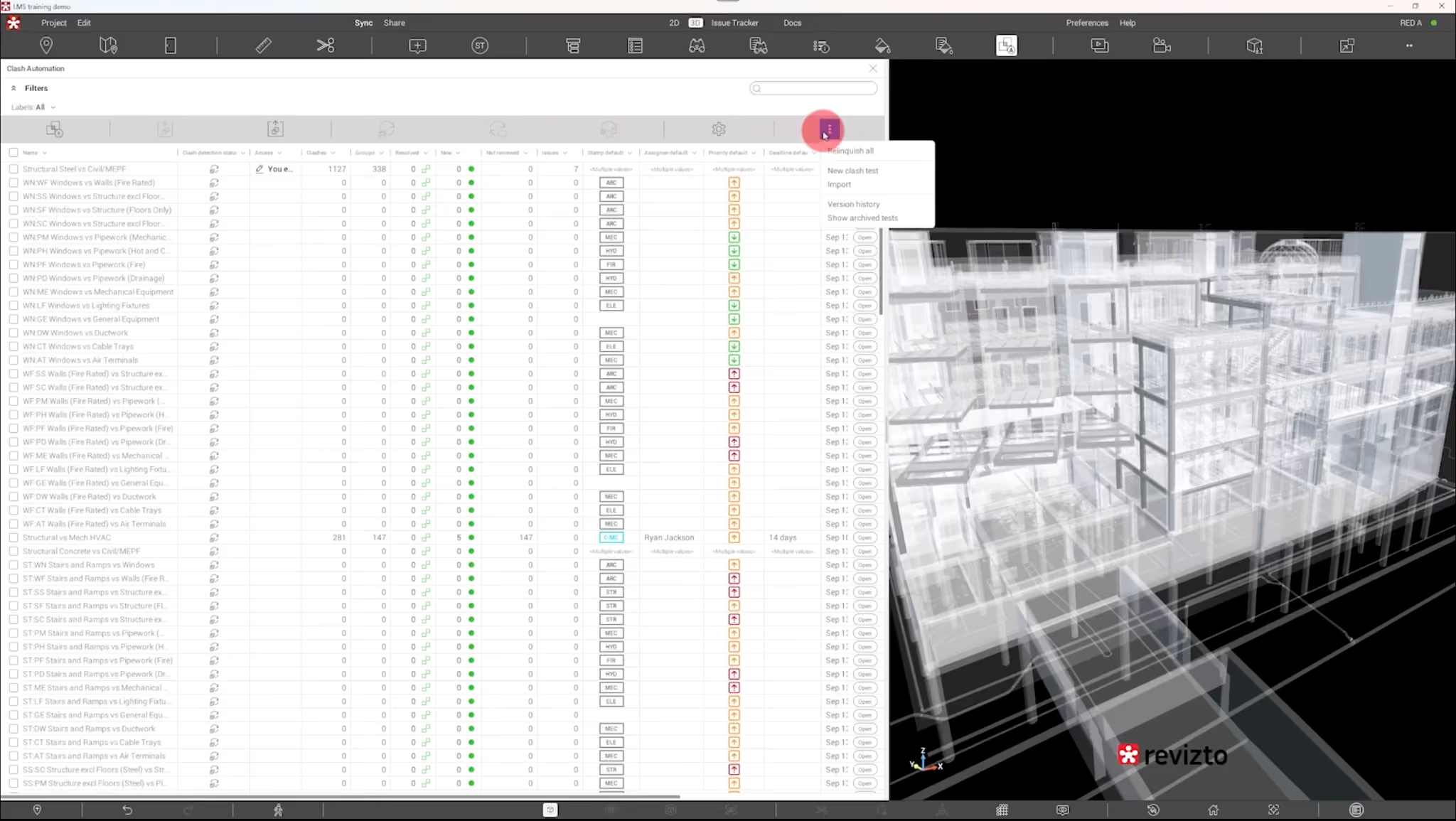
- Expert Level 2 (Intermediate): Geared toward BIM/VDC coordinators who use the software daily. It focuses heavily on clash automation, search sets, and coordination templates.
- Expert Level 3 (Advanced): Aimed at managers and administrators responsible for company-wide software implementation. It covers corporate onboarding, advanced automation, and open API strategies.
What are the Revizto Essentials courses?
Essentials are hyper-focused, bite-sized tutorials designed to help you solve specific project challenges immediately. Most Essentials courses range from 10 to 30 minutes in length. They are ideal for "just-in-time" learning when you need to master a specific tool—such as the new infrastructure feature or API integration—on your lunch break.
Can I skip the videos and go straight to the exam?
Yes. If you are already a seasoned power user, you do not have to watch all the training videos.
While the certification program requires you to pass Level 1 before moving to Level 2, you can jump straight to the 30-question exam for each level. Once you pass, your official PDF certificate becomes immediately available for download and LinkedIn sharing.
How does the Academy make product adoption easier?
In the words of Vanessa Ray, Learning Experience Manager for Revizto Academy:
"Our focus is making product training as accessible and convenient as possible, empowering your team to utilize Revizto to its fullest potential, and basically just making your life easier, making it easier for you to use Revizto so that you can get back to work."
By taking advantage of the platform's pre-built Onboarding Learning Plan, companies can completely automate their internal team training, eliminating the need for VDC managers to manually onboard new team members