Best 15 floor plan design & creator apps for iPhone, iPad & Android in 2025
See how Revizto fits your workflow
Floor plan apps have made it possible to sketch, measure, and share plans directly from a phone or tablet. This guide covers the best floor plan apps for iOS and Android in 2026.
The best floor plan apps have made it possible to sketch, measure, and share floor plans directly from a phone or tablet - without touching a desktop CAD tool. Whether you're capturing as-built measurements on-site, designing a layout for a client, or reviewing plans in the field, there's a mobile app built for it.
This guide covers the best floor plan apps for iPhone, iPad, and Android in 2026 - free and paid - so you can find the right one for your workflow.
Definition and use cases
The actual definition of a floor plan app implies a standalone application for either Android or iOS devices that offers floor plan creation/modification capabilities for those mobile devices. Floor plan apps also cover additional designs (aside from the original floor plan design inside a house), such as foundation, landscaping, interior design, and more.
There are four primary purposes that the floor plan app can be used for, and we'll go over every one of them in the list below.
- Drawing. The most apparent purpose on the list is to use a floor plan app to do exactly what it's supposed to do – draw a floor plan. It is worth mentioning that these apps vary heavily when it comes to the precision and accuracy of your drawings, so it is better not to jump to the first app that you see in this category and evaluate your choices.
- Sales process. Another exciting use case for these apps is mainly for salespeople and contractors, and it revolves around various industries that take part in the residential sales process. Waterproofing, HVAC, foundation repairs, and many other services can give much more accurate estimates if they have an accurate floor plan to work with.
- Inspection. One more construction-related matter that benefits heavily from the addition of floor plan apps is inspection. Both site inspectors and field auditors need to have some variation of a floor plan to have on hand to add comments and mark necessary things. The accuracy of these inspections is extremely important for the safety of the building, and the overall safety on the construction site, so having these apps in your portable device is as useful as ever. Applications like Revizto excel in this particular area with their issue tracking and collaboration features to allow teams to assign clashes and comments directly on floor plans.
- Landscaping. Although "floor plan" usually implies only indoor schematics, modern floor plan apps can also be a helpful tool for landscapers – helping with various external parts of a house, including flowerbed placements, tree placements, and many more possibilities.
Working with floor plans on-site? See what Revizto adds
Revizto connects 2D drawings with 3D BIM models, issue tracking, and team coordination - all accessible on iOS and Android.
Top 15 best floor plan apps
The overall scope of the floor plan app market right now makes it somewhat tough to figure out the exact app that you want to get. Luckily enough, we've created a list that includes the 15 best floor plan apps for both Android and iOS. Our list includes everything from simple home design apps to professional BIM solutions like Revizto, ensuring that there is something for every skill level and project type. Next, we're going to go over those apps, one by one.
Revizto
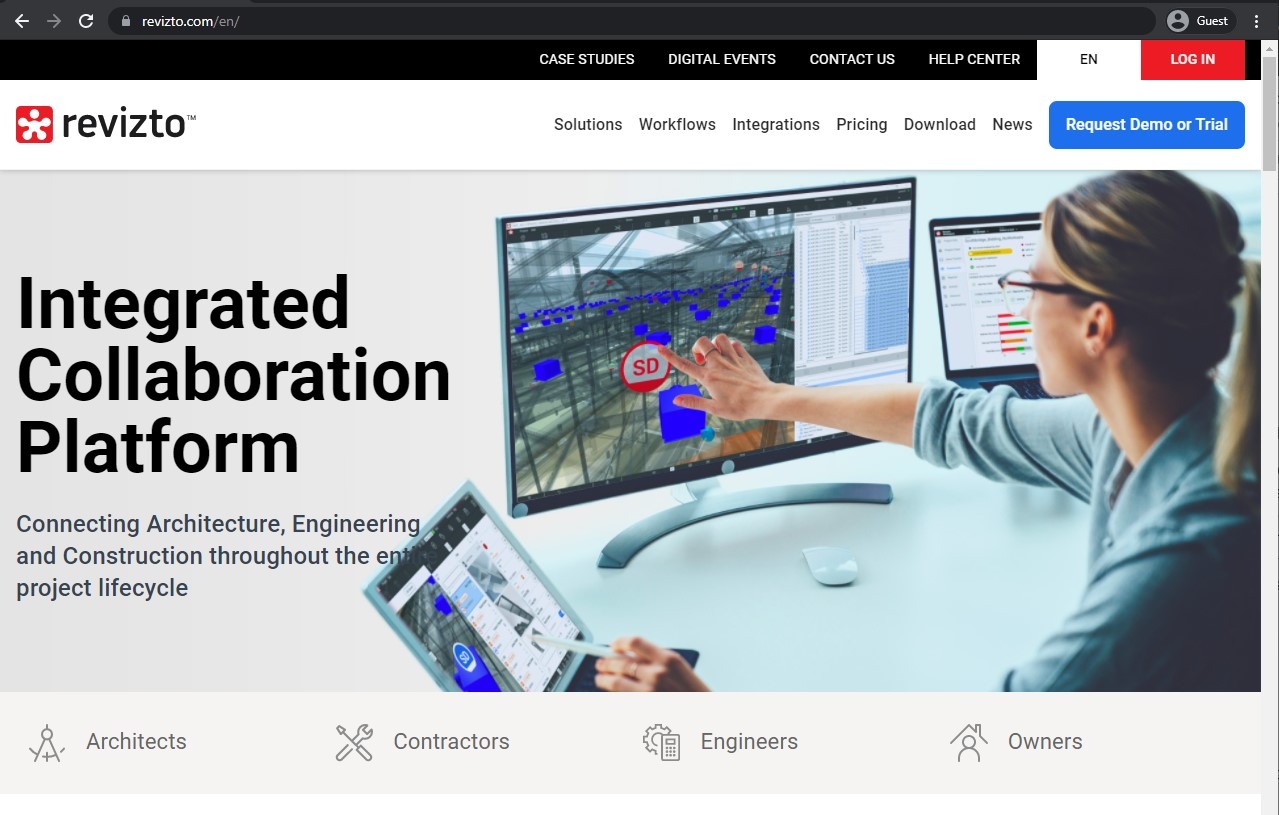
Revizto is a full-fledged BIM application used by AECO professionals for floor plan-related activities. As an integrated collaboration platform, Revizto is packed with industry-leading features such as issue tracking, camera sharing, visibility control, 2D and 3D maps and levels, automated clash detection, and more. The tool is used by over 3,000 firms in 150 countries, including 20 of the top 25 ENR firms, and it offers complex features delivered with a seamless UI and a user-friendly UX. The floor-planning component offers advanced industry capabilities that drastically reduce inefficiencies and boost productivity. Revizto's application capabilities were limited only to iPads for a while, but since April 12th, 2023, there are now also mobile apps available for both Android and iOS users, offering a variety of features such as 2D/3D rulers, stamps, levels, and more.
Customer ratings:
- Capterra – 4.3/5 stars based on 31 customer reviews
- G2 – 4.5/5 stars based on 122 customer reviews
- App Store – 4.9/5 stars based on 8 customer reviews
- Google Play Store – no public customer reviews
Advantages:
- Great issue tracking capabilities across the board
- Ability to assign specific clashes to different personnel
- Variety of integrations with popular BIM and CAD solutions
- Useful coordination and collaboration tool with centralized information access
Shortcomings:
- There may be some difficulties with large project files, leading to software slow-downs or even crashes.
- The UI may take some time to get used to after solutions such as Navisworks.
- Data filtering is difficult to set up properly.
- The reporting feature could be more customizable.
Pricing:
- Revizto does not have any pricing information available in public. The only way to obtain such information is to request a quotation from the company and/or schedule a demo of the solution.
My personal opinion on Revizto:
Revizto is a complex BIM solution that may seem a bit out of place on this list. However, the fact that Revizto can perform all kinds of complex enterprise-level actions does not take away from the fact that it can also be used as a floor plan design app. The fact that Revizto has so many features and capabilities in terms of clash detection and design overview makes it even more suitable for something as seemingly basic as floor plan creation. At the same time, most of its shortcomings are related to complex, large-scale projects – projects that are far bigger than any floor plan one can imagine, meaning that the solution is basically perfect for such a task. Of course, there may be a bit of a bias involved here, but I do believe that Revizto has a place on this list as one of the best floor plan design solutions on the market so far.
Planner 5D
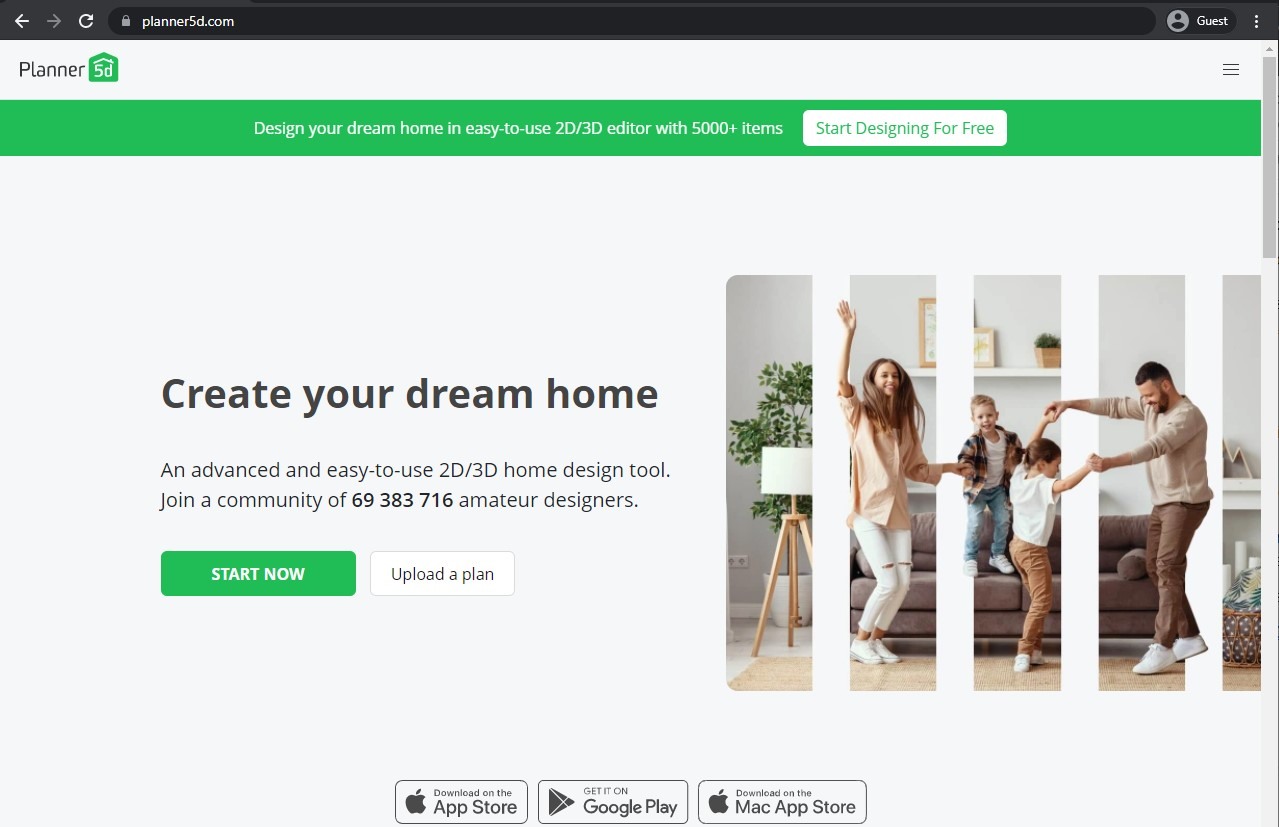
Planner 5D is a widely-known design app that can work with structures of various scales, from a single room to an entire house. It offers a robust set of features that help design all of the essential structural parts of a house, from walls and windows to stairs and additional floors. There are also landscaping capabilities, pool plans, and strong rendering capability for both 2d and 3d graphics.
The app itself is available for all platforms that can be seen in the picture: Mac, Android, iOS.
Customer ratings:
- Capterra – 4.5/5 stars based on 117 customer reviews
- G2 – 4.7/5 stars based on 123 customer reviews
- App Store – 4.4/5 stars based on 18.9k customer reviews
- Google Play Store – 3.7/5 stars based on 372k customer reviews
Advantages:
- A massive number of objects and an even bigger variation for customization for every single object available
- Seamless transition between 2D and 3D models and vice versa
- Intuitive drag-and-drop interface
Shortcomings:
- A confusing pricing model that scales up very quickly
- A very limited free version
- The roof design process is difficult and could be more user-friendly
Pricing:
- Planner 5D uses a relatively simple subscription-based pricing model with several tiers to choose from:
- Free tier is self-explanatory, it offers a basic feature set with an unlimited amount of projects.
- Premium tier costs $19.99 per month or $59.99 per year, offering access to AI Designer, Smart Wizard, a large library of premium furniture items, automatic plan recognition, and more.
- Professional tier starts at $49.99 per month or $399.99 per year, providing unlimited 4K renders, moodboards, the ability to upload your 3D models, custom branded profiles, etc.
- Enterprise tier does not have a public pricing available, but it does offer white-labeling as a service, along with product configurators, e-commerce integration, and many other options to create a custom solution for your business.
My personal opinion on Planner 5D:
Planner 5D is a well-known design application with a large library of objects to choose from and plenty of tools for interior or exterior decoration. The capability to create floor plans is one of many options that Planner 5D can offer, alongside landscaping, rendering, and so on. It has a rather user-friendly interface, an easy swap between 2D and 3D view states, and is generally well-regarded by most of its users. At the same time, it has a very confusing pricing model that becomes extremely expensive the bigger the project is, and some specific fields of work (such as roof design) are still very basic.
Floor Plan Creator
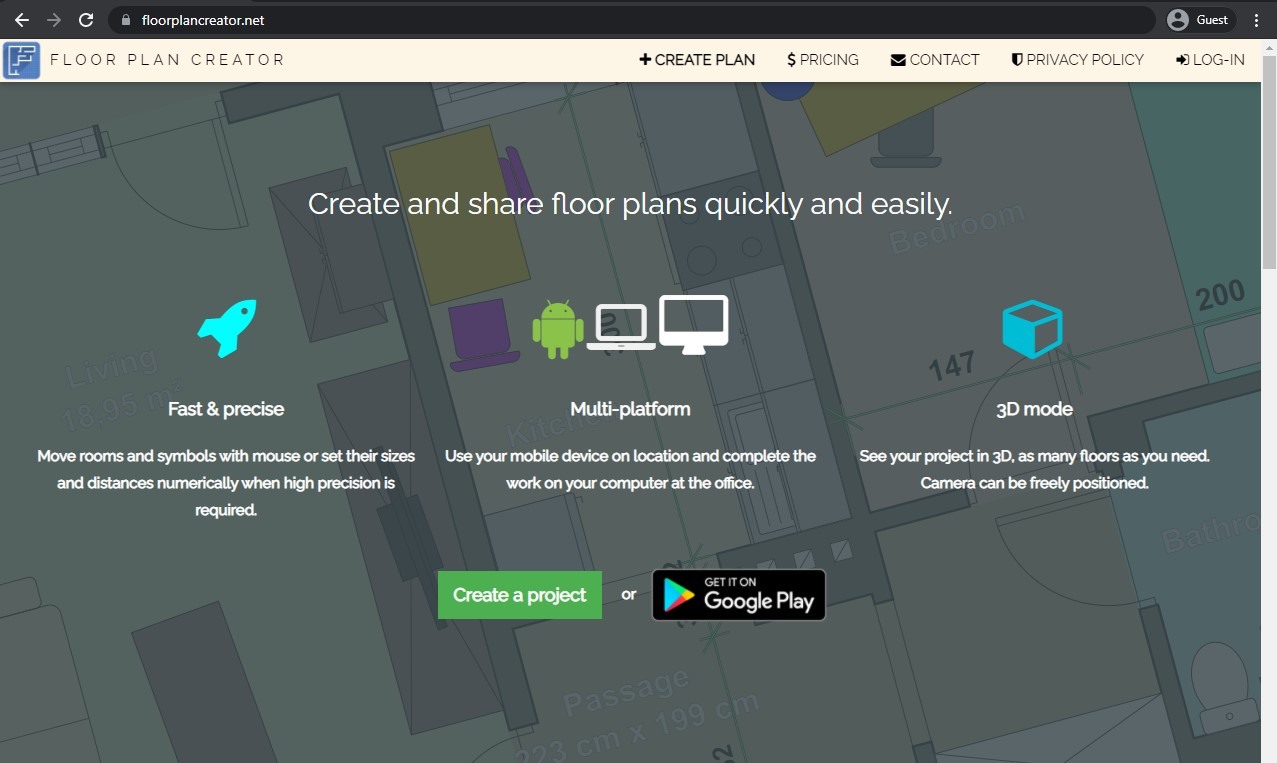
Another exciting find for architects is an app called Floor Plan Creator, which offers an extensive set of floor plan generation capabilities, as well as several other features, such as perimeter calculation, floor measurements in different units, unique markings for windows, doors, electricity, and fire, and more.
The app itself is only available for Android devices with a one-time purchase to activate premium features, and there's also an alternative in the form of an HTML5 web application that runs from almost any browser in the first place but is distributed via a paid subscription plan.
Customer ratings:
- Capterra – 5/5 stars based on 1 customer review
- Google Play Store – 3.6/5 stars based on 127k customer reviews
Key features:
- Projects with multiple floors
- 3D tour mode
- Support for both imperial and metric units
- Exporting in several different formats: SVG, PDF, DXF, etc.
- Automatic calculation for room perimeters, wall dimensions, etc.
Pricing:
- Floor Plan Creator can offer three different pricing plans for its solution:
- "Free" – costs $0, can only host 1 project at a time, does not have high-resolution image exporting capabilities, and the project limitation can be alleviated with $7.78 for 10 extra projects
- "Standard" – $5.54 per year, expands the original project limit to 10 projects (and the expansion price is also lower now, with $4.95 per 10 extra projects), while also enabling high-resolution image exporting, PDF exporting, DXF exporting, and a library of symbols
- "Pro" – $7.78 per month, removes the limitation in terms of project number, allows to perform watermarking with your own logo for exported files
My personal opinion on Floor Plan Creator:
Floor Plan Creator, on the other hand, is a solution that was built with this one purpose in mind – to create floor plans with different levels of complexity. It can also calculate perimeters, perform measurements, mark important objects such as windows or doors, and more. There is also a rather interesting pricing model – the solution itself is free as an Android app with the ability to activate more features for a one-time fee. Another version of Floor Plan Creator is a web-based solution that has a lot more reach but can only be purchased using a subscription-based model. It is not the most feature-rich solution on the market, but the convenience of two different pricing models and the overall mobility of the app make it rather useful for plenty of potential customers.
Home Design 3D
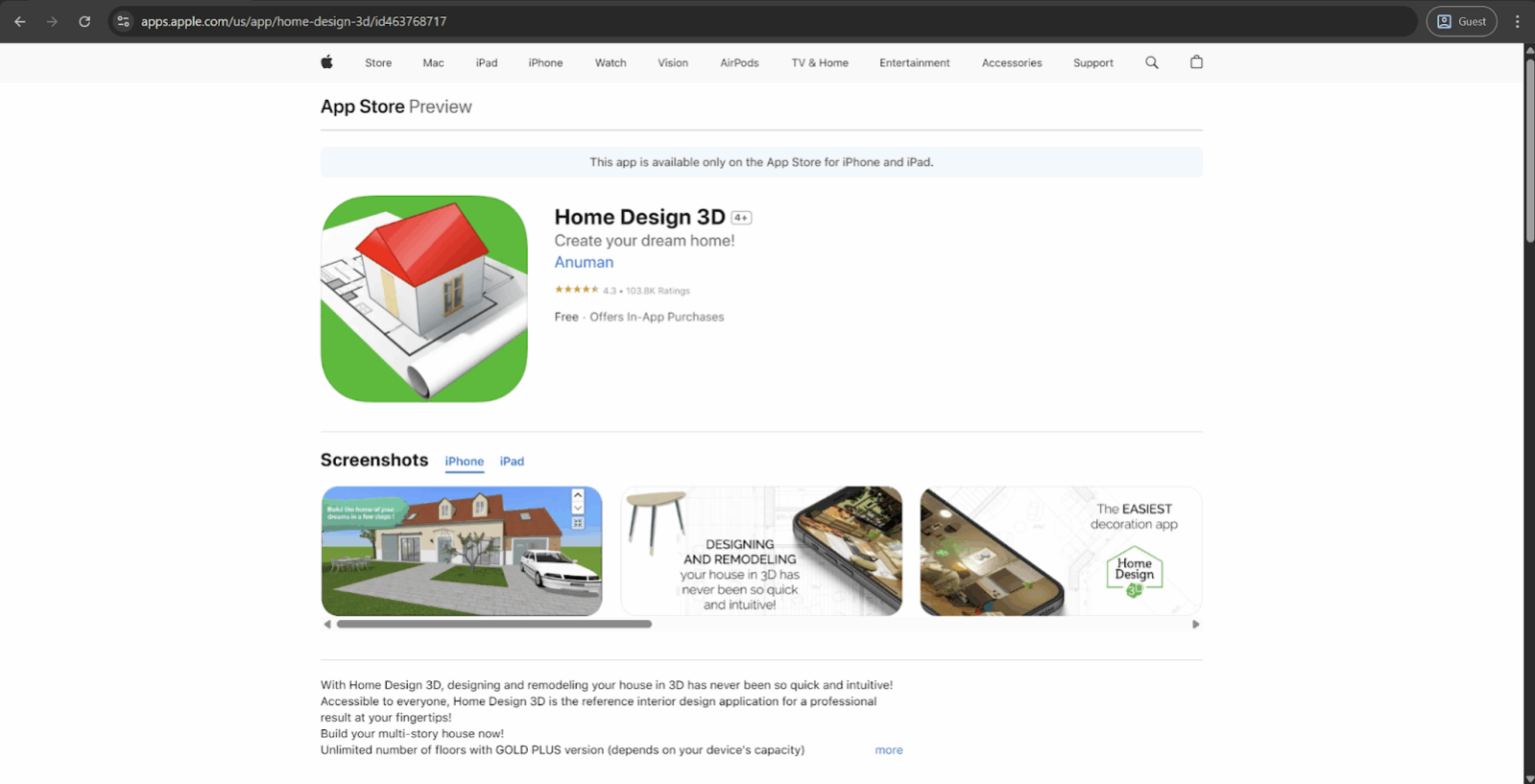
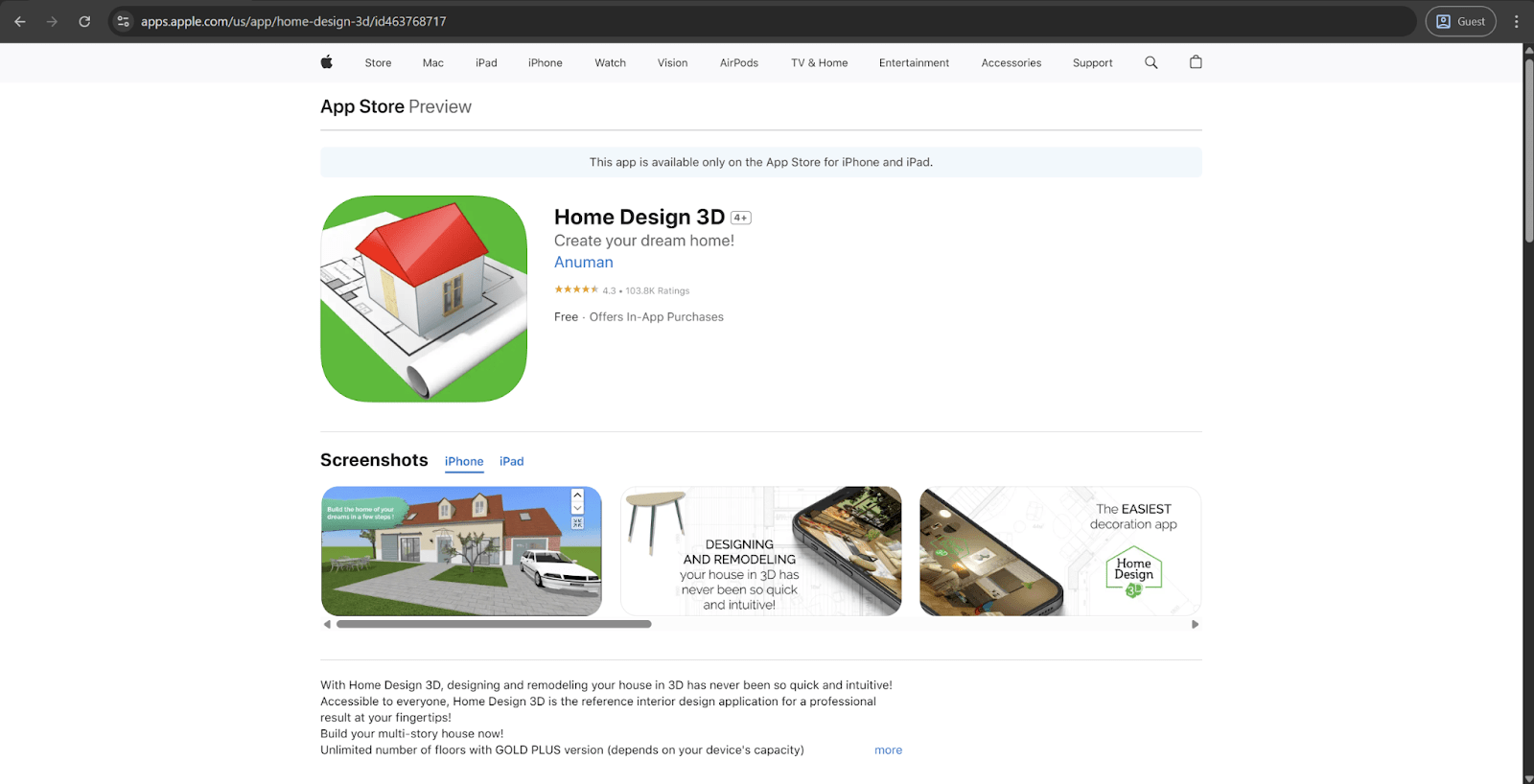
Attention to detail is the cornerstone of Home Design 3D, offering a massive amount of tools for interior design, with various colors, sizes, angles, textures, and so on. It can be used to draw entire floor plans, add and delete walls, change wall thickness, add windows, and furnish the plan with simple drag-and-drop features. It's also possible to use 3D visualization for your entire project to see how it'll look in reality, with the ability to import the whole project to Dropbox or email.
This is one of the best floor plan apps for Android, and it's also available for iOS devices.
Customer ratings:
- Capterra – 4.0/5 stars based on 6 customer reviews
- App Store – 4.3/5 stars based on 103.8k customer reviews
- Google Play Store – 4.1/5 stars based on 44.7k customer reviews
Key features:
- Extensive floor plan designing capabilities in both 3D and 2D
- Decoration and furnishing for both outdoors and indoors, a vast built-in library of objects to choose from
- Project visualization in 3D, including compass, day/night function, and more
- Extensive importing, exporting, and project sharing – be it using the official website or via Dropbox, OneDrive, e-mail, etc.
Pricing:
- Home Design 3D's pricing information consists of a separate Home Design 3D Gold solution available for PC, Mac and iOS users for $11.99, and an additional $19.99 can be paid for extra features after the initial purchase.
My personal opinion on Home Design 3D:
Interior design is the main focus of Home Design 3D – which is where its name comes from. The solution in question has plenty of different interior design features, including a large library of objects, floor plan creation, extensive furnishing and design capabilities, and even a drag-and-drop interface to make it easier to operate the solution. Home Design 3D also supports three-dimensional visualization of any floor plan created inside of it, and there are plenty of different data-sharing options to choose from – be it the software's website, Dropbox, emails, OneDrive, etc. Home Design 3D is available for both iOS and Android devices (as well as PC and Mac desktops), and its pricing model is surprisingly fair and straightforward – a limited free version is available for all platforms except for PC, and a Gold version of the software with all features can be purchased for just $8.99 per seat.
MagicPlan
MagicPlan is another example of well-known home design applications, but this one's approach is somewhat different – in addition to the traditional way of designing floor plans by hand, it also has an option to scan the rooms in question using your device's camera to build entire floor plans in minutes. It's also possible to use a laser meter in combination with the app to measure your space's dimensions, and you can also add furniture, calculate cost estimates, and more.
Both 2D and 3D models are available with the virtual tour capability, and the app is available for both Android and iOS devices.
Customer ratings:
- Capterra – 4.5/5 stars based on 11 customer reviews
- G2 – 4.3/5 stars based on 12 customer reviews
- App Store – 4.7/5 stars based on 37.7k customer reviews
- Google Play Store – 4.2/5 stars based on 121k customer reviews
Advantages:
- User-friendly and convenient for home design purposes
- Can also be advantageous with site surveillance thanks to the ability of scanning with nothing but a camera
- High accuracy for dimensions captured with the application
Shortcomings:
- The ability to scale one room to the size of another does not work as intended
- Limited number of integrations with other design software solutions
- The price for subscription is somewhat steep
Pricing:
- MagicPlan uses a project-based contract system that decides the price of each project depending on the contract length:
- $40 per project in a month-to-month contract;
- $30 per project with a 12-month contract;
- $25 per project with a 24-month contract.
- There is also an option to purchase the PRO Estimator package ($149 per month) on top of one of the contract-based plans, adding customizable price lists, instant takeoff and material calculations, scope of work calculation, and more.
My personal opinion on MagicPlan:
The market in question has a number of well-known applications, and MagicPlan is one of those solutions – a versatile multifunctional app that can create floor plans, perform interior decoration, measure specific objects or dimensions, and more. Not only it allows for floor plans to be created by hand, but there is also the ability to use a phone's camera to create such a plan automatically based on photos of the existing real-life interior. The ability to work with laser measurement tools makes it a very precise solution, and the availability for both iOS and Android devices makes it extremely convenient to use on the go. On the other hand, the price of the solution is relatively high by this market's standards, and there are little to no integrations with other programs or solutions to work with.
Room Planner
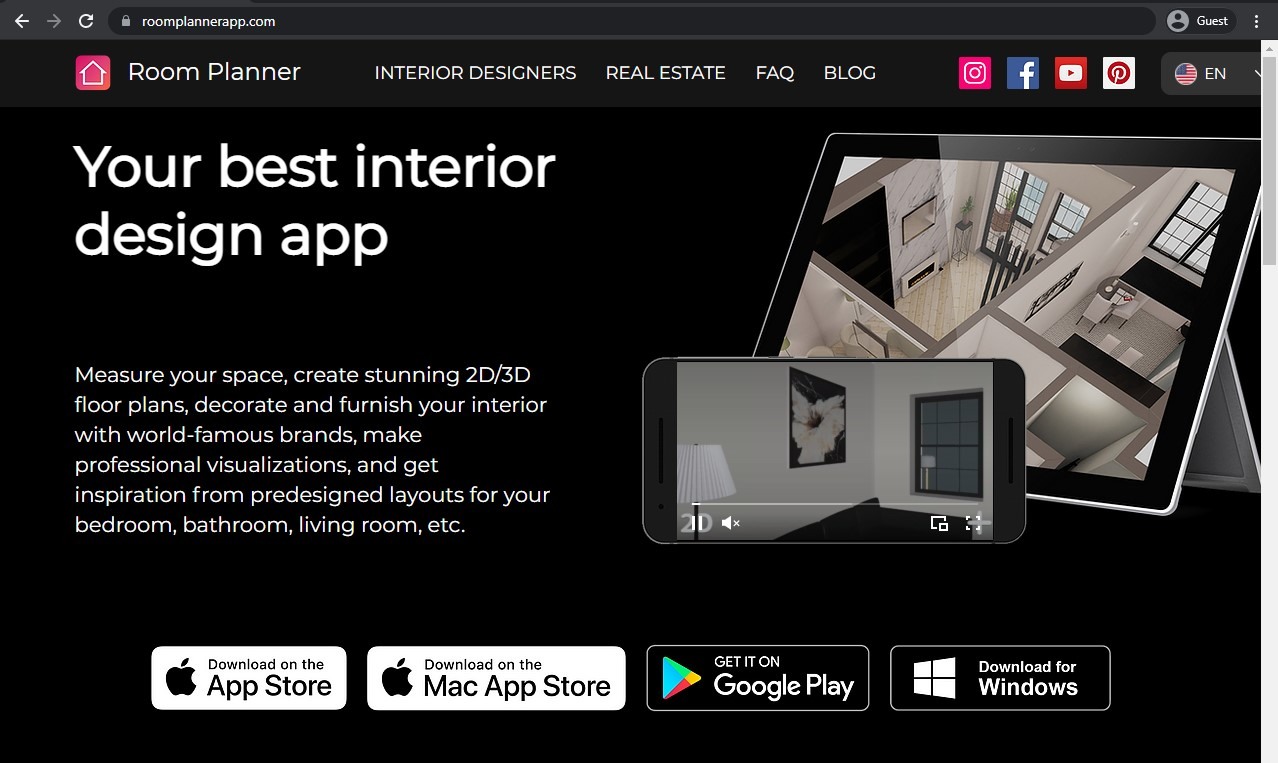
Another take at the best floor plan app for iPad and other devices is Room Planner, offering your standard package of floor plan app capabilities, such as designing floor plans, performing interior decoration, modifying wall colors, and so on. Additionally, Room Planner offers several different layouts and presets for different room types, like bedroom, bathroom, living room, kitchen, etc. There are also capabilities to work both online and offline and 3D virtual reality capabilities for your projects.
This app is available for download in both Google Play Store and AppStore for respective devices.
Customer ratings:
- App Store – 4.6/5 stars based on 41.8k customer reviews
- Google Play Store – 4.1/5 stars based on 225k customer reviews
Key features:
- Advanced interior planning
- Choose from a large library of furniture from famous brands
- Ability to start from scratch or choose one of the existing plans as a baseline
- Realistic HD renders
- No limitations on how many rooms can be created
Pricing:
- Room Planner's pricing information is not publicly available on their official website and apps themselves are free.
- However, there are multiple different in-app purchases that could be found on the app's App Store page, including, but not exclusive to:
- Interior Design, 7 Days – $5.99
- Architecture, 31 Days – $14.99
- Floor Plan Creator, 365 Days – $74.99
- Design & Room Maker, 31 Days – $49.99
- Decorate Room, 31 Days – $119.99
My personal opinion on Room Planner:
Room Planner seems to be offering a relatively basic feature set for a solution of this caliber – floor plan creation, interior decoration, and so on. There are also several unusual features – multiple presets and templates for floor plan projects, the ability to perform virtual reality walkthroughs inside of your projects, and even the possibility for an app to work offline. Room Planner can also offer a vast library of objects to use in interior decoration – objects that represent perfect counterparts of existing furniture from various brands. There is no clear information about the solution's licensing model, and plenty of users state that the app itself has plenty of bugs and other issues, but it does its job fairly well and can be quite useful for a specific range of potential clients.
AR Plan 3D
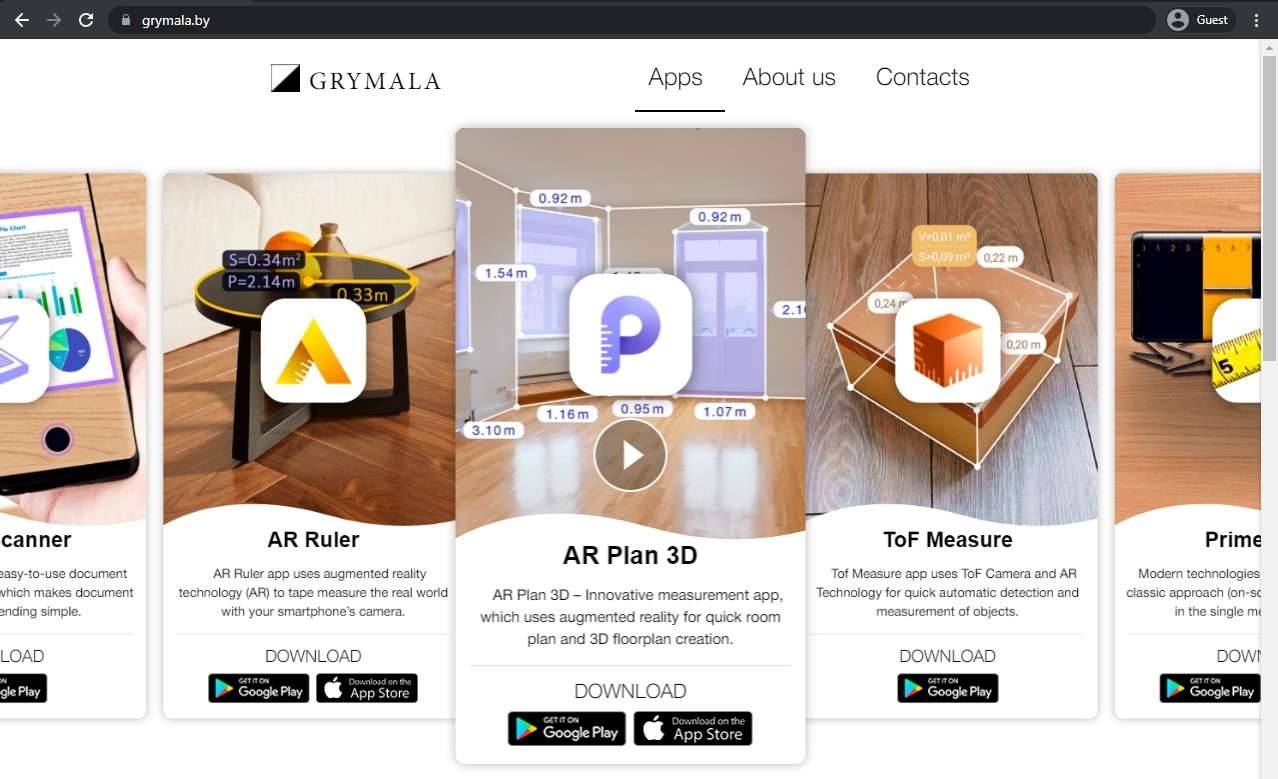
AR Plan 3D is, as the name suggests, a floor plan app that focuses mainly on its AR-related capabilities. A virtual tape measurer is the main feature of this app, allowing for quick and accurate room measurements. This allows for fast floor plan generation and instant measurements of everything that was visualized in either Imperial or Metrical units. This app also includes a 2D floor plan application called Floorplanner, which offers classic floor plan generation in 2D with a side view.
This application can be used by both Android and iOS devices.
Customer ratings:
- App Store – 4.4/5 stars based on 1.2k customer reviews
- Google Play Store – 4.5/5 stars based on 154k customer reviews
Key features:
- Tape-like measuring for doors, windows, or even entire rooms' perimeter/height
- The ability to create a 3D floor plan using gathered measurements
- Measurement sharing using social networks, emails, messages, or in a Floorplanner Archive
- Automatic calculation of different parameters such as walls square, floor square, perimeter, etc.
Pricing:
- AR Plan 3D is a free app that also has plenty of limitations in terms of both tools and the number of projects that a user can save.
- There is also a premium subscription that eliminates both of these limitations:
- $4.99 per week
- $19.99 per month
- $49.99 per 3 months
- $89.99 per year
My personal opinion on AR Plan 3D:
AR Plan 3D is a floor plan solution with a very limited feature set. The solution in question is one of many options provided by its developer Grymala, and the name of the app speaks for its biggest feature – AR support. AR Plan 3D can be used to generate floor plans using a smartphone's camera, as well as measure specific objects or locations, support for both Imperial and Metric systems in terms of dimensions, and so on. Of course, any parameters and floor plans generated with AR Plan 3D can also be exported using multiple options, but the total number of features can be quite limited for the free version of the solution – and the subscription price for a paid version is rather high, especially when purchasing a one-month-long plan.
RoomSketcher
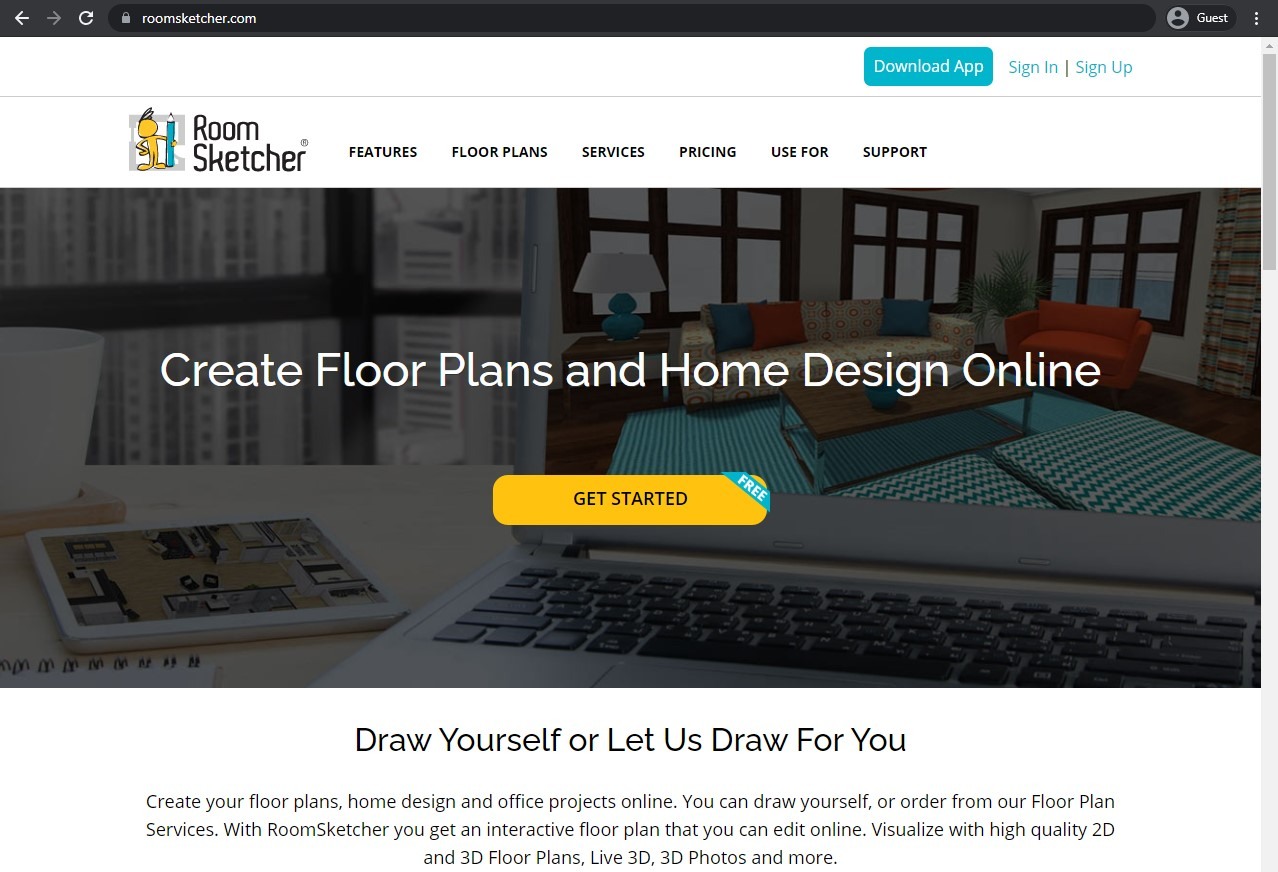
RoomSketcher is a perfect floor plan app for a beginner architect, offering extensive design and drawing capabilities, as well as the ability to create entire rooms – all of that in a user-friendly interface. Additionally, you can also furnish your interior, experiment with different styles, choose different materials and wall colors, and more.
This app is available in both Google Play Store and an App Store.
Customer ratings:
- Capterra – 4.3/5 stars based on 94 customer reviews
- TrustRadius – no customer reviews
- G2 – 4.5/5 stars based on 30 customer reviews
- App Store – 3.3/5 stars based on 155 customer reviews
- Google Play Store – 4.1/5 stars based on 1.33k customer reviews
Advantages:
- Easy creation of rooms and entire floor plans
- Massive library full of both objects and templates
- Praise-worthy customer support
Shortcomings:
- An overwhelming number of features and a steep learning curve
- Mac solution cannot move/delete several elements of decoration at once
- Furniture customization options are lacking
Pricing:
- There are three different pricing plans that RoomSketcher can offer:
- "Free" is a limited version of the software with one-user limitation, 3D snapshots, limited furniture library, and access to RoomSketcher mobile apps
- "Pro" – $24 per month with print-to-scale, branding, customizable floor plans, complete furniture library, as well as 3D photos, 3D floor plans and 360 views (acquired using RoomSketcher's "credits" system)
- "Team" – $70 per month for 5 users, the biggest feature set of RoomSketcher in a single package, with personal training, dedicated manager, order system integrations, multiple customer profiles, etc.
My personal opinion on RoomSketcher:
RoomSketcher is less of an interior design floor app and more of a floor plan creator with a variety of customization features that may rival some of the full-fledged architectural software. It is a great tool for entry-level architects that can offer plenty of drawing and design capabilities in a mobile app. There are also internal furnishing capabilities, but those are relatively basic and not the main focus of the solution's efforts. RoomSketcher's customer support is often praised as helpful and user-friendly, and the library of different objects/furniture makes architecture project creation a lot easier for newcomers. It can still be quite difficult to work with RoomSketcher if the person in question does not have any prior experience with similar software. At the same time, there is also a noticeable feature disparity between different versions of the solution, and Android/iOS applications are only accessible for tablets, not smartphones, which does limit the scope of RoomSketcher's capabilities to a certain degree.
Grapholite Floor Plans
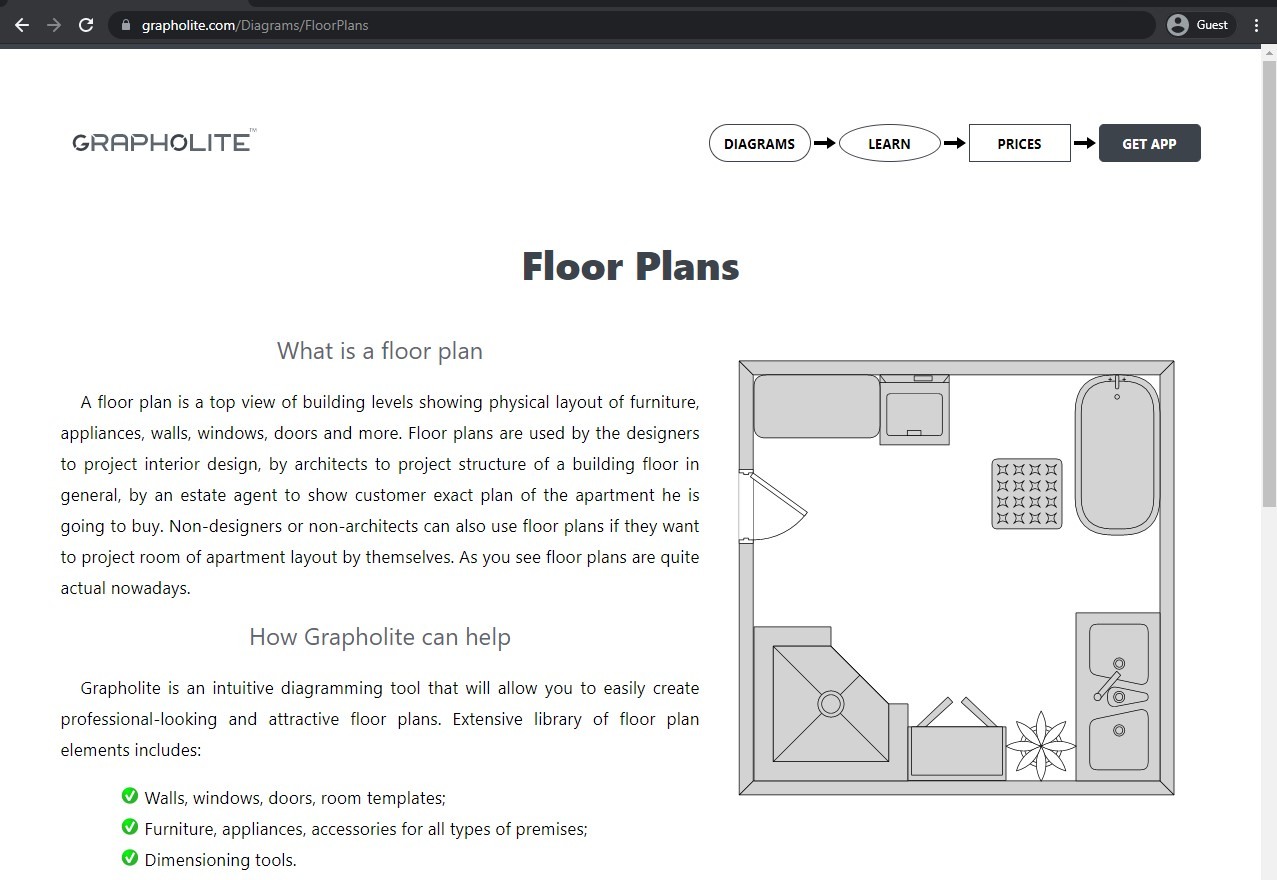
Grapholite is a multifunctional business graphics app that positions itself as an alternative to Visio. It offers compatibility with many different business graphic types, including flowcharts, office layouts, organizational charts, venn charts, wireframes, network layouts, and, of course, floor plans. Grapholite's floor plan capabilities include the ability to generate floor plans in a short time span and furnish it with an extensive library of elements, from windows and doors to furniture, accessories, appliances, and so on.
The mobile version of Grapholite is only available in AppStore, and its desktop version only supports Windows-based systems.
Customer ratings:
- App Store – 3.6/5 stars based on 8 customer reviews
Key features:
- Floor plan creation for home, office, and many other building types
- Infographics and planograms
- Plenty of different objects to add to a floor plan for improved clarity
Pricing:
- Grapholite is free and does not have any time limitation on using that free version.
- At the same time, there are three pricing plans to choose from when it comes to paid features:
- Personal is $49.99 for a perpetual license, 3 years upgrade guarantee, active on up to 2 PCs at once but limited to a single user.
- Business is $99.99 for the same feature set as above but for 5 simultaneous license activations and a Windows Store app included in the package (more friendly to touch and pen interactions).
- Team is $999.99, supports up to 30 users and with a free license transfer from one member of an organization to another.
My personal opinion on Grapholite Floor Plans:
Grapholite is a single app that attempts to compete with Microsoft Visio by providing a variety of different business graphics and other capabilities. Grapholite's solution can create venn diagrams, flowcharts, wireframes, office layouts, and so on. Surprisingly enough, Grapholite can also generate floor plans, and is rather good at it, too. Plenty of general advantages of this solution also apply to floor creation – a user-friendly interface, a simple licensing model, and so on. There is even a library of items and objects that can be used for floor plan generation specifically to make each plan more unique and distinctive. The solution is relatively cheap, but it is rather limited in its platform coverage – only supporting Windows-based workstations and iOS-based smartphones, which limits its overall reach quite a bit.
Homify
Homify is an app that combines your standard set of floor plan app features with a variation of a social media application, which allows you to both design specific rooms for yourself and browse through other people's creations. It can also serve as a third party between a customer and an architect or a designer.
Homify is a great example on the list of the best floor plan app for iPad and Android devices.
Customer ratings:
- App Store – 4.1/5 stars based on 17 customer reviews
- Google Play Store – 3.5/5 stars based on 2.87k customer reviews
Key features:
- Vast and varied library of images to choose from, including architectural pieces, interior design examples, and more
- Ability to connect directly with the designer if they deployed an image in the app
- Extensive filtering options to simplify the overall search process
Pricing:
- Homify is a free solution with no additional purchases necessary. There is no indication of any pricing information available at the official website.
My personal opinion on Homify:
Homify is quite different from most of this list's floor plan solutions since it can be used for floor plan creation and content sharing at the same time. Homify uses its own social network of sorts to allow users to share their own project plans and other images. This also makes it possible for potential clients to find designers or architects based on a specific project – and Homify can act as a third party between them if there are commercial projects involved. Homify's own floor plan creation capabilities are also quite competent, offering multiple tools to work with and a variety of objects to choose from in a built-in library. The solution in question is also completely free to use – there seems to be nothing indicating any sort of payment or subscription fee at the official website or at the App Store web page.
CubiCasa
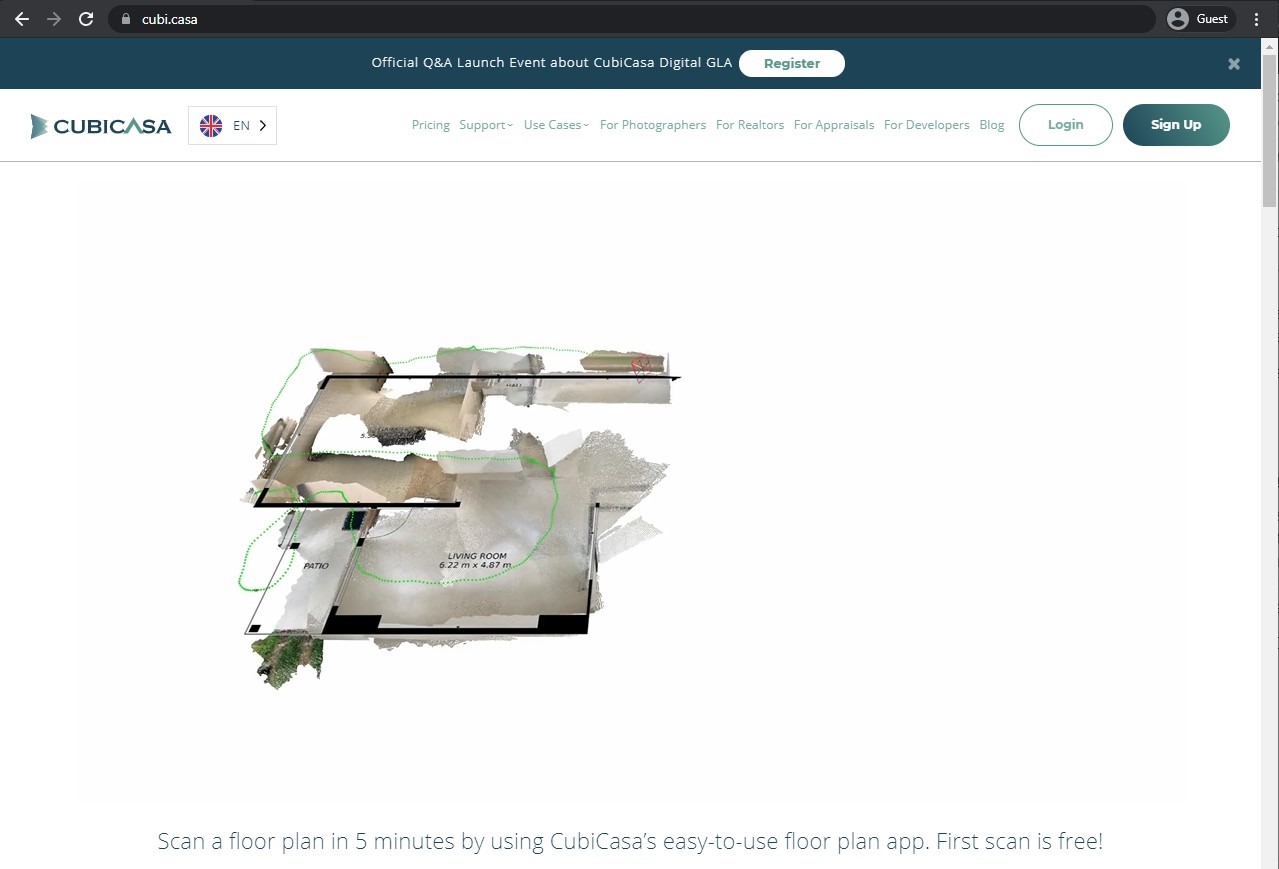
CubiCasa combines fast indoor scanning with the ability to turn scan results into an accurate floor plan that includes various dimensions of the structure. There are many languages that the room can be labeled with. The entire app focuses on 2D plans, allowing for the automatic generation of home reports with room highlightsand several other features.
Both Android and iOS devices can download CubiCasa from a respective app store.
Customer ratings:
- Capterra – 4.9/5 stars based on 102 customer reviews
- TrustRadius – no customer reviews
- G2 – 4.8/5 stars based on 9 customer reviews
- App Store – 4.2/5 stars based on 164 customer reviews
- Google Play Store – no public customer reviews
Advantages:
- Easy and convenient floor plan creation
- Incredible floor plan accuracy
- General convenience and mobility as a result of being a smartphone application
Shortcomings:
- The scanning process is easy to interrupt, forcing users to start over
- Can be somewhat expensive when working with large number of floor plans on a regular basis
- Relatively simple solution that may lack some of the more specific and expert-level features
Pricing:
- CubiCasa's pricing is relatively straightforward – the application itself is free, but it charges for every single floor plan depending on its complexity.
- $10 per scan with 24 hours of delivery, with no fixed furniture, 5,000 sq. ft or less of total scanned area, as well as home report and styling support.
- $20 for the same floor plan as before, but with fixed furniture, a home report, and some other features.
- $65 for a floor plan in 2D and 3D, with a 48-hour turnaround, as well as all the furniture, textures, and colors.
- +$10 for fixed furniture placements
- +$10 for a GLA (gross living area) report
- +$15 for a much faster turnaround – 6 hours or less instead of up to 24 hours
- +$35 for CAD files in both 2D and 3D using one of the supported file formats (DWG, DAE, OBJ, FBX)
- +$85 for a 3D video render walkthrough that showcases key areas of the property, with an average duration of 1-3 minutes.
My personal opinion on CubiCasa:
CubiCasa is another alternative for users that are not willing to create their floor plans by hand – the software in question relies on multiple photos of the location in question and all of the floor plans are generated manually by the software's staff. It is one of the most unique approaches to this topic on the market – instead of relying on AR or some other technology, CubiCasa requests photos of the location instead and creates each floor plan by hand. This is also how this solution is monetized – every single floor plan except for the very first one costs something, with additional features such as faster turnover, fixed furniture placements, and so on. CubiCasa may not be the most customizable solution on the market, but it is extremely simple to work with, and that benefit alone is going to draw quite a lot of potential users.
Roomle 2D & 3D Room Planner
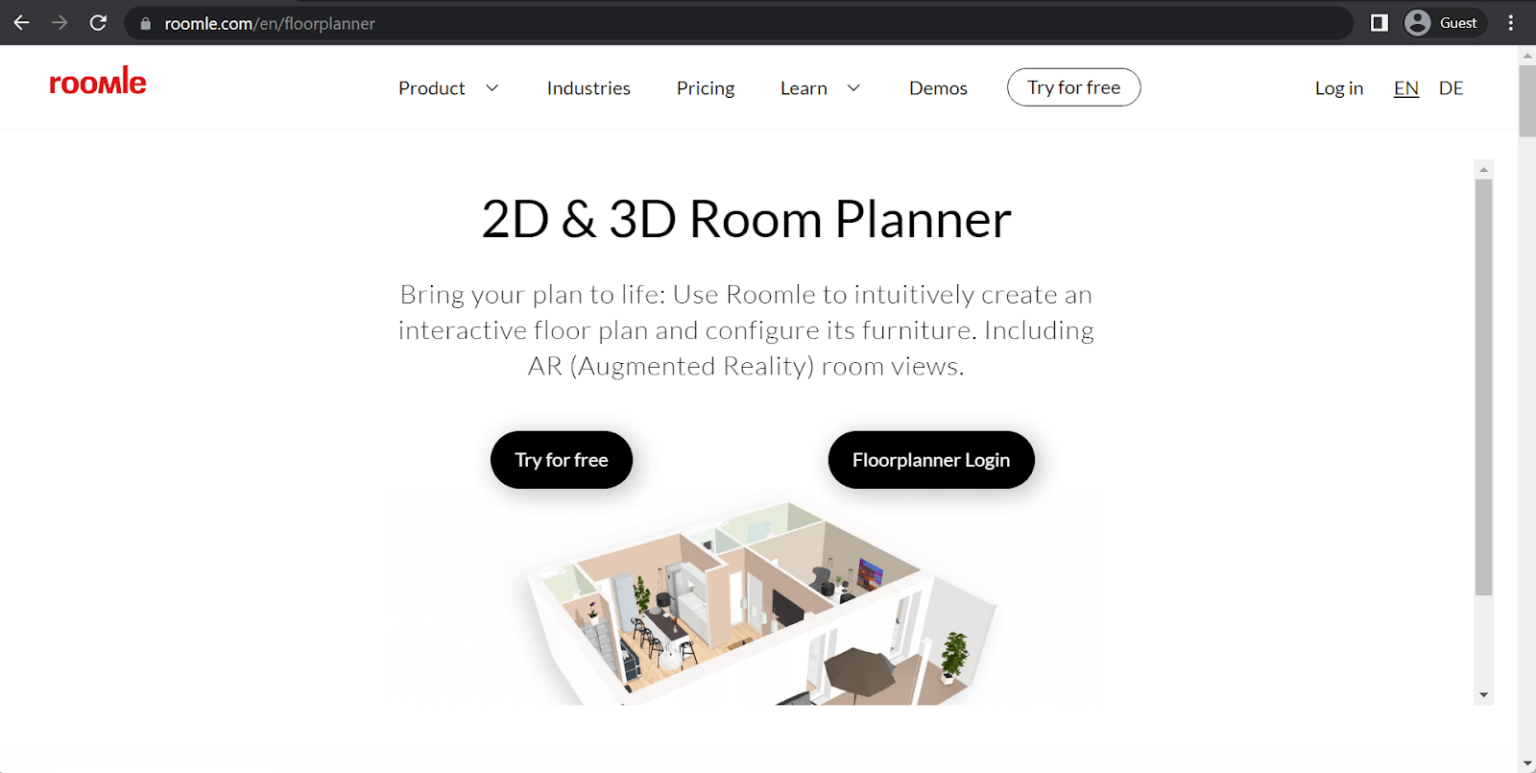
Roomle allows its users to visualize how their home would look after the redesign/remodeling. It can work with Augmented Reality (ARKit supported), and there are also plenty of different features for 3D furnishing, floor planning, and more. The software is easy to use, capable of synchronizing progress over multiple devices, and can even provide comprehensive statistics from one of the white-label solutions you are working with.
Roomle is available only for iOS devices and has several different pricing plans depending on how many specialized features a user wants, from app-less AR to CRM integrations and everything in between.
Customer ratings:
- Capterra – 4.8/5 stars based on 19 customer reviews
- App Store – 4.2/5 stars based on 1.4k customer reviews
Key features:
- Easy and convenient floor planning with furnishing and other means of customization
- AR technology can be used to place 3D models of a furniture directly in your room for a much better visualization of a specific furnishing plan
- Extensive plan sharing allows for information to be distributed using social media, emails, and other means
Pricing:
- Roomle's pricing on the official website is only relevant to companies that are planning to use it as a selling platform for furniture or other objects. The Roomle iOS app has a separate pricing scheme – a free app with two different paid plans that could be purchased for various advantages:
- "Plus" – from $6.99 per three months, can offer 3D live view, plan sharing, full access to 3D object catalog, AR support, etc.
- "Professional" – from $11.99 per month, adds offline app usage, commercial usage, and no limitations on the number of plans that could be saved
My personal opinion on Roomle:
Interior design is the main purpose of Roomle – a floor plan app with quite a lot of different features included. It can create floor plans, modify existing ones, add various objects to existing projects, and more. It does rely a lot on ARKit to create its measurements, but it also limits the software in question to iOS devices only. The addition of AR also allows for actual furniture to be visualized in an existing real-life room, simplifying the overall design process a great deal. The solution in question is relatively cheap, even for the most feature-rich plan, and the platform itself can be used by furniture manufacturers to add and promote their products, as well. It does have some issues with bugs and object conflicting with one another, but none of them are significant enough to deter from the overall positive customer experience.
SketchUp
SketchUp is a rather obvious choice when it comes to design work as a whole. It is a powerful 3D modeling software that can be used to create just about anything, from rough sketches to accurate floor plans or even entire building models. SketchUp is intuitive, interoperable, powerful and versatile – and it managed to earn an incredible reputation among designers and architects all over the world.
SketchUp is available with no restrictions for 7 days after creating an account, and needs an active subscription afterwards to continue working. It is available for both iOS and Android devices, as well as desktops.
Customer ratings:
- Capterra – 4.5/5 stars based on 1,040 customer reviews
- TrustRadius – 8.0/10 stars based on 197 customer reviews
- G2 – 4.5/5 stars based on 1,304 customer reviews
- App Store – 4.5/5 stars based on 14.8k customer reviews
- Google Play Store – 1.5/5 stars based on 16.4k customer reviews
Advantages:
- A massive library of pre-modeled content
- Drawing and modeling tools are easy to use
- An impressive list of different rendering styles
Shortcomings:
- No basic tutorial explaining some of the more commonly used features and tools
- Lacks data-driven and parametric features
- Plenty of specific features are only available via extensions, making them inaccessible from a mobile app
Pricing:
- SketchUp's main pricing plan is SketchUp "Go" – $119 per year per person, a basic set of features that includes unlimited cloud storage, a library of pre-built 3D models, and a basic modeling/designing functionality.
- There are also two more pricing plans that are only applicable to the desktop version of SketchUp:
- "Pro" – $349 per year per device, can offer quick insights for design research, 2D design documentation, a library of plugins to expand upon the desktop application's functionality, and more
- "Studio" – $749 per year per device, an advanced package of SketchUp features such as real-time visualizations, animation and 360-degree panorama exporting, Revit file importing, and so on
My personal opinion on SketchUp:
It would be hard to find someone in the architectural/design industry that have not heard of SketchUp yet. It is the most popular drawing/sketching solution on the market, by far, allowing for a variety of different objects, drawings, and models to be created when necessary. SketchUp's feature set is vast and varied, and its object library is truly massive. SketchUp is available on a variety of different devices and operating systems, but there are quite a few different options that can only be used with a desktop app, including all of the software's extensions. SketchUp also relies a lot on its own popularity and the abundance of third-party tutorials all over the Internet – which is why there are no built-in basic tutorials explaining the standard feature set of the software. However, none of these disadvantages are that important to an average user, and SketchUp's toolset is still one of the most versatile and multifunctional offerings on the overall architecture software market, let alone floor plan app market.
Houzz
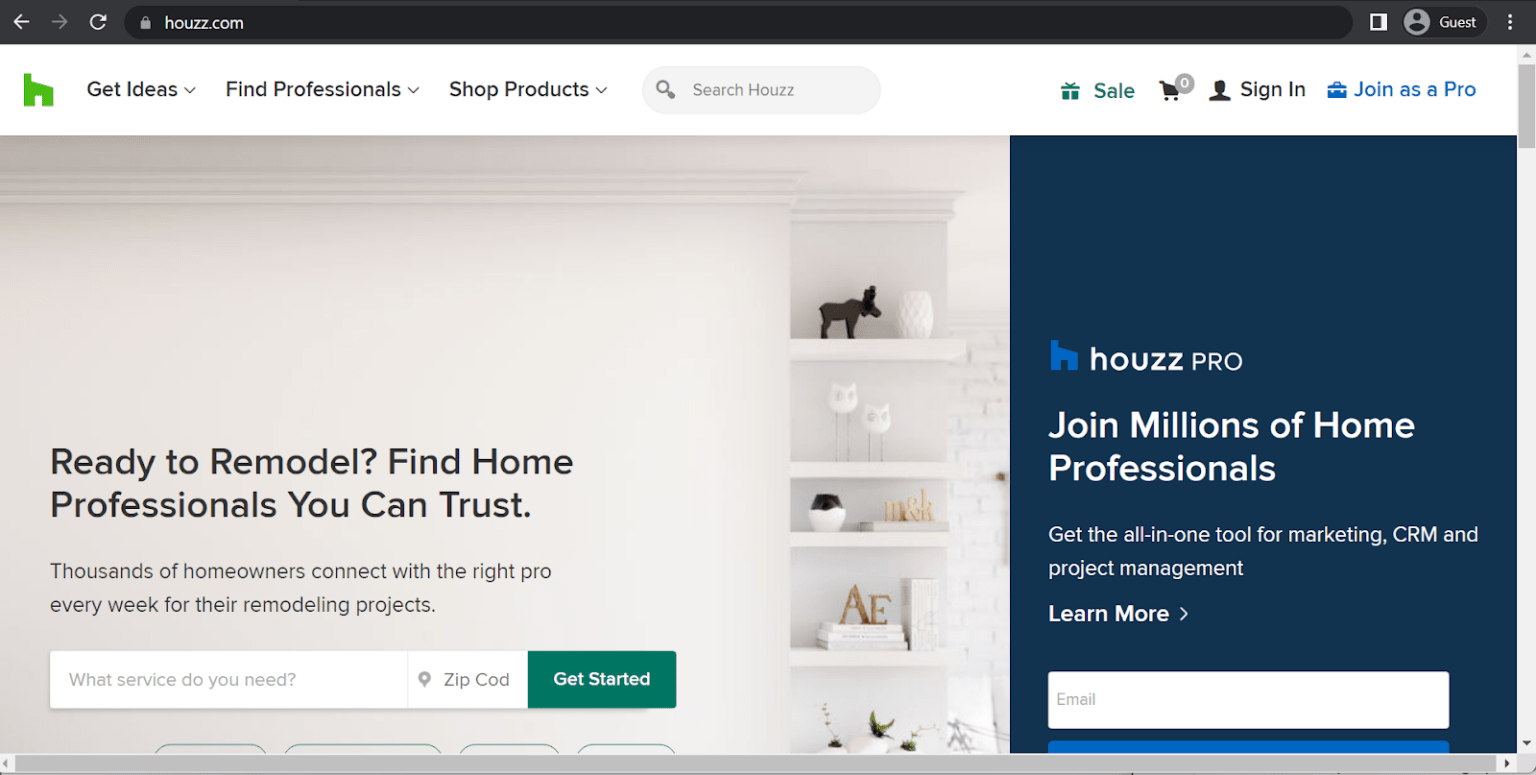
One of the uncommon features that Houzz has is the ability to use both photos and floor plans in the design process, combining the best of both worlds to offer the best design experience for everyone. There's also a massive library of third-party assets and design ideas to browse through, as well as the ability to draw and annotate on any of the attached photos before sharing them with either an interior designer or your friends.
Houzz is a free app with a premium subscription; it is available for both iOS and Android devices in their respective application stores.
Customer ratings:
- Capterra – 4.3/5 stars based on 1,047 customer reviews
- TrustRadius – no customer reviews
- G2 – 3.8/5 stars based on 15 customer reviews
- App Store – 4.8/5 stars based on 309.7k customer reviews
- Google Play Store – 4.5/5 stars based on 406k customer reviews
Key features:
- A truly massive library of millions of home interior/exterior photos to choose from and inspire yourself with
- Ability to buy some of the products presented as part of the interior or exterior decoration, with product review, featured sales, etc.
- Find and communicate with the best specialists in the home redesign industry
Pricing:
- Houzz is a free app that is available for both Android and iOS devices, it mostly targets home design and decorating industries.
- There is also a Houzz Pro app – an all-in-one management tool for design and remodeling professionals that focuses more on the business side of things. Apps themselves are also free here, but there are also several pricing plans with different features available, starting from $249 per month for contractors and $149 per month for designers.
My personal opinion on Houzz:
Houzz is better described as a design platform rather than an architectural app. It has floor plan creation capabilities, but the brunt of its features is focused on interior decoration, including sharing your own results, browsing through other people's design photos, or even purchase some of the furniture that fits your current design. Houzz is also often used by designers and architects to promote their own designs, fostering potential customer relationships with future clients by simply looking through various floor plan designs. The customer support team also receives a lot of praise, but it seems that the new versions of the software are not tested too much internally before release, which is why bugs and other issues are relatively common for practically every new release of Houzz.
Homestyler
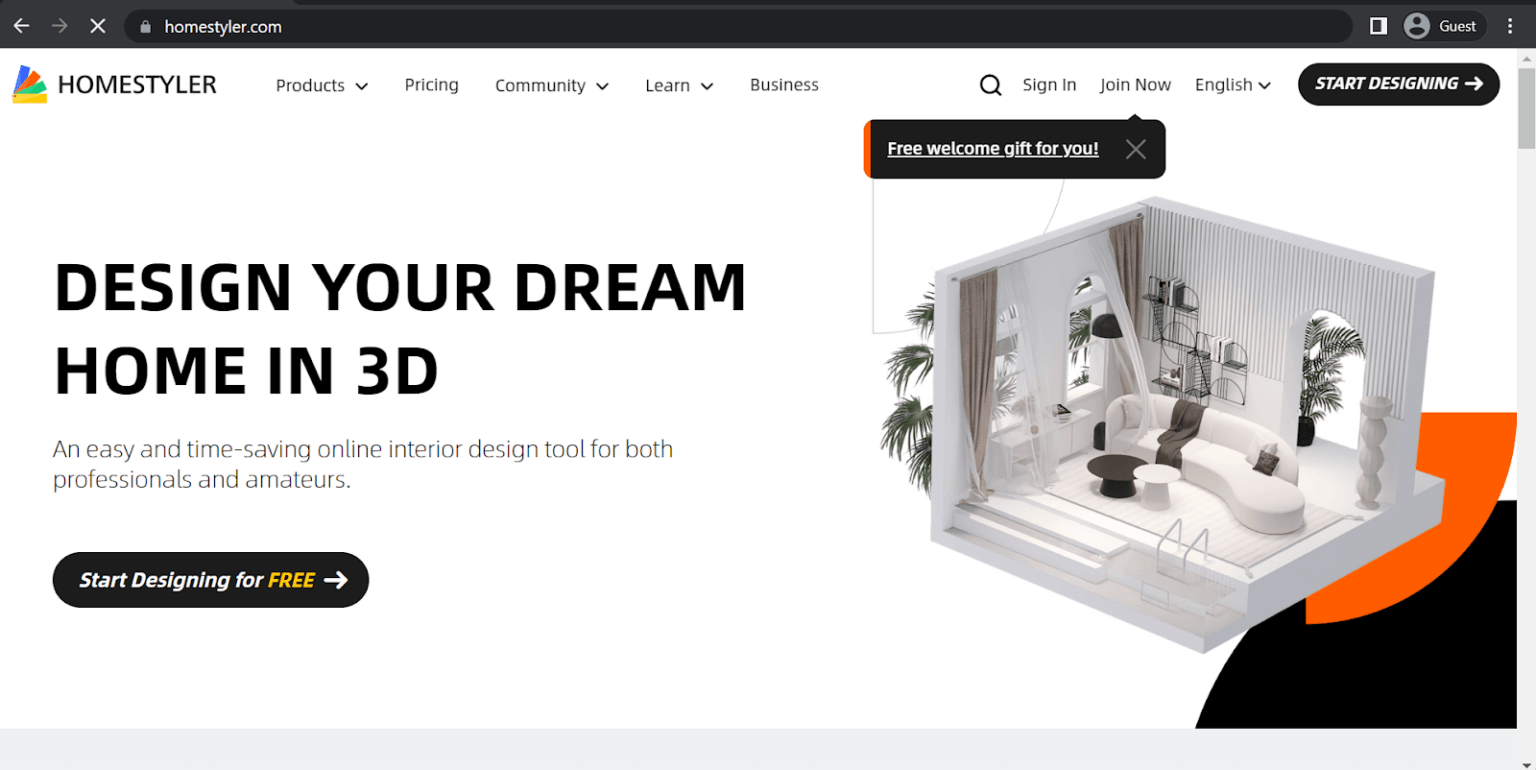
Homestyler is a 3D floor planner that claims to be extremely easy to use, offering floor planning and interior design to everyone with nothing but your mobile device. It can work with regular pictures as a baseline and place 3D models of various pieces of furniture within the plan. Homestyler also acts as a social media, showcasing various interior design options from other people and offering inspiration for anyone interested in designing. Homestyler can also work well with perspective, capable of calculating the depth and dimensions of a building from a photo.
Homestyler is a free application with paid subscription-based features that is available for both iOS and Android devices, as well as in a desktop variant.
Customer ratings:
- TrustRadius – no customer reviews
- App Store – 4.4/5 stars based on 5.5k customer reviews
- Google Play Store – 3.9/5 stars based on 91.8k customer reviews
Key features:
- Plenty of templates for designs and a user-friendly interface
- A full-fledged design social network
- Extensive object and material library
- Easy floor plan sharing
Pricing:
- Homestyler can offer five different pricing levels:
- "Basic" is a free offering of the solution, it contains access to a moderately-sized library of materials and models, as well as cloud-based 3D floor planning, unlimited rendering 1K and below, etc.
- "Pro" – $4.9 per month, with watermark removal, render retouch capability, 75 renders per month for both 4K and 2K, etc.
- "Master" – $9.9 per month, can offer unlimited 4K rendering, texture and model uploading, higher 8K/12K panorama rendering quota, and so on
- "Team" – $19.6 per month per seat, adds sub-account management, shared design space, extra rendering quota, and shared model/texture library
- "Enterprise" is a package with no public pricing to it, with features such as SSO support, white label environment, customizable features on-demand, 3D model creation, virtual photo studio, etc.
My personal opinion on Homestyler:
Homestyler is an interior design and floor plan app that puts a lot of emphasis on being an easy-to-use design app accessible via a smartphone. It can be used to create floor plans, place interior decoration objects, and even use real-world pictures as the baseline for generated designs, since it works well in determining the depth of a photo and all the objects within it. Homestyler also has something of a social media network in it, making it possible for design ideas and projects to be showcased for other users to see and inspire themselves with. It is available for smartphones and desktop devices, the basic version of the software is free, and the subscription fees for individuals and companies are relatively tame in comparison with other companies on the market.
Need to link your floor plan app to a full coordination platform?
Revizto gives field teams access to live 2D and 3D models, with issue creation and tracking built in - on any mobile device.
Conclusion
The abundance of floor plan apps leads to many choices when it comes to picking one app that suits your specific goal. With this article, we've attempted to summarize the point of floor plan apps and present a list of the best floor plan apps for Android and iOS devices.
Solutions such as Planner 5D and Revizto are geared towards the commercial audience, first and foremost, targeting companies of various sizes and providing features that would be the most useful in a business setting, such as VR support, advanced clash detection, and so on. Alternatively, many floor plan apps are aimed toward a more casual audience, such as Home Design or AR Plan – with a much more casual and user-friendly interface, and less focus on industry-specific features.
From floor plans to full BIM coordination - Revizto bridges the gap
Revizto works on iPhone, iPad, and Android, connecting site teams with the live project model for issue tracking and coordination.
Why you can trust us
At Revizto, the team is dedicated to providing an objective view of various information, including products and technologies. They utilize expert insights, product data, and strategic methodologies to create informative market overviews, ensuring that visitors have access to comprehensive information to make informed decisions. Their materials encompass various factors such as pricing, customer reviews, unique features, and more. The review process is conducted with a detailed methodology led by James Ocean, the BIM/VDC Specialist at Revizto.
James Ocean, in his role as the Head of BIMspiration, plays a crucial role in supporting and educating both the internal team and clients. He guides them on how to effectively leverage Revizto to maximize workflows, reduce costs, and successfully complete projects of all types.
FAQs
The best floor plan apps for iPhone and iPad include Magicplan (AR-assisted measurements and floor plan generation), RoomScan Pro (automated room scanning), and AutoCAD mobile (DWG-based professional floor plans). For BIM model viewing and coordination alongside floor plans, Revizto runs on iOS and connects 2D drawings with 3D models and issue tracking.
AutoCAD mobile exports to DWG natively. Magicplan supports DXF export for import into CAD tools. Most professional floor plan apps support PDF and image export at minimum. For IFC export (BIM format), dedicated BIM authoring tools are needed rather than mobile floor plan apps - though models created on mobile can be linked to BIM coordination platforms like Revizto for field coordination.
The best free floor plan apps for Android include Magicplan (free for basic plans), Floorplanner (browser-based, free tier available), and AutoCAD mobile (free for viewing and basic editing). RoomScan Pro and Planner 5D offer free tiers with limited features. For field teams needing to access project drawings on Android, Revizto and PlanGrid offer free access tiers for project collaborators.
Magicplan and RoomScan Pro are the best apps for on-site floor plan measurements, using the device camera and LiDAR (on supported iPhone and iPad models) to automatically capture room dimensions. For larger spaces or more precise measurements, pairing a mobile app with a Bluetooth laser measure (such as Leica Disto) significantly improves accuracy on-site.
Standard floor plan apps are not designed for BIM model coordination - they handle 2D drawing creation rather than federated model management. For BIM coordination on mobile, dedicated platforms like Revizto allow teams to navigate 3D BIM models, create and track issues linked to model elements, and access both 2D sheets and 3D views on iOS and Android devices.