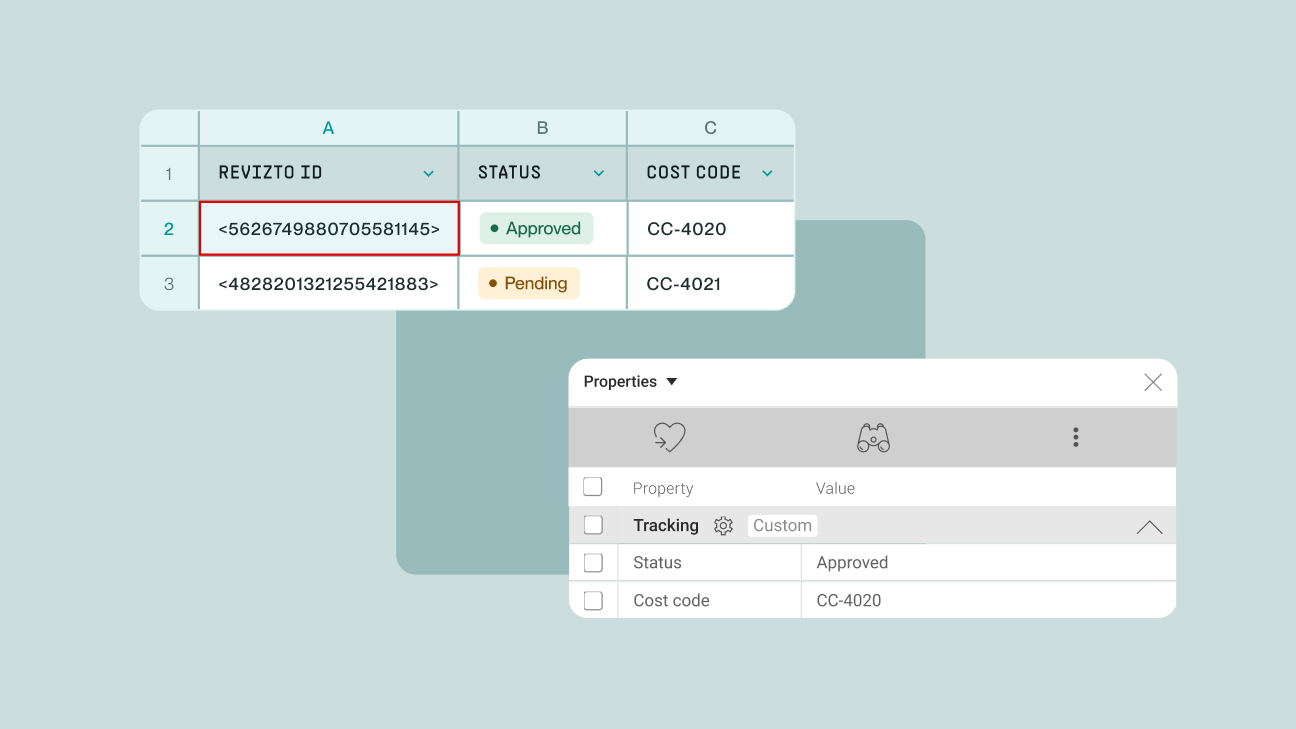
Learn how to use the Revizto API, replacing manual exports with direct, automated access
See how Revizto fits your workflow
Manual data exports create a lag between what's actually happening on a project and what teams can see, because someone has to remember to run the report before anyone can act on it. Shifting from manual exports to direct API access lets systems pull issue, project, and model data on demand, and automate the repetitive work of managing that data across dozens of projects at once. Direct, real-time access means teams can build the dashboards and workflows they need instead of waiting on someone else's export schedule.
What is an API?
API stands for application programming interface: a way to communicate with software without going through its usual user interface. Rather than clicking through screens, a system can request exactly the data it needs and get it back directly.
The easiest way to picture it is a restaurant. The client side, whoever's building on the data, is the patron. The Revizto server is the kitchen. The API in the middle is the waiter, carrying requests to the kitchen and bringing responses back to the table. A request works like a menu item, specific and structured. The response is the food that comes back.
What are the two main types of API requests?
A GET request retrieves something that already exists, like a list of user licenses. A POST request adds something new, like creating an issue in the Issue Tracker.
What's available through the API today
That structure, GET to retrieve and POST to add, is what makes bulk operations and integrations possible instead of manual, one-by-one work. The core endpoints cover what most teams already touch daily:
- Licensing and project information — who has access, and which projects they're on
- Roles and users — everyone involved in a project and what they're allowed to do
- Issue workflows, statuses, types, and stamp templates — the framework issues get tracked against
- Issues, comments, 2D sheets, and reports — the day-to-day project data itself
That's already enough to automate two things teams do constantly by hand: bulk-editing thousands of issues at once instead of opening each one individually, and managing user enrollment across multiple projects from a single process instead of adding people project by project.
It's also how Revizto connects to other software. Third-party tools like Cupix and OpenSpace, spreadsheet tools, GIS platforms, and other BIM applications can pull directly from this same data through the API, rather than through manual re-entry.
.gif)
What's newly available: model and object-level access
Model, element, and clash data used to sit on the roadmap rather than in the API itself. That's changed. Object-level metadata, fire ratings, material specs, system types, and quantities, is now queryable directly, without opening the Revizto application. That data can feed cost estimation tools, progress dashboards, or facility management systems without anyone manually pulling a report first.
Issue and clash data now comes with full context: status, priority, and resolution history, clash groupings kept intact, and the exact spatial coordinates of every issue. Issues can be created directly from geotagged photos, bulk-imported from CSV, or synced automatically with an external platform. 2D and 3D metadata can be queried the same way, so downstream tools stay in sync with what's actually published in the project rather than relying on manual version tracking.
User management extends the same way: roles and project access can sync automatically with external identity systems, so access controls don't drift out of step with who should actually have them.
For teams already reporting in Power BI, a dedicated connector gives direct access to issues, clashes, and team data with pre-built dashboard templates to start from, plus the option to write custom queries for deeper analysis, without needing to write API calls from scratch.
Built to fit how teams already work
A few design choices make this practical rather than theoretical:
Ready to learn API Essentials?
Getting comfortable with authentication, requests, and the core endpoints is the fastest way to start building on this.
Start API Essentials on Revizto Academy → Free, 1 hour 30 minutes, no license required.