Why LOD 350 is the sweet spot for 3D coordination
See how Revizto fits your workflow
LOD 350 strikes the ideal balance for trade coordination by bridging the gap between LOD 300 geometry and LOD 400 fabrication details. By including critical interfaces, supports, and connections without overloading models, targeting LOD 350 in your BIM Execution Plan minimizes false positives and ensures reliable 3D clash detection.
Ask five people what level of development a model needs for coordination and you'll get five different answers. The BIMforum LOD Specification actually settles this one: model elements should sit above LOD 300, but they don't need to reach LOD 400 to support effective 3D coordination. That middle ground is LOD 350.
Is LOD the same as level of detail?
It's an easy mix-up, but Level of Development (LOD) and Level of Detail (LOd) aren't interchangeable. LOd describes how visually detailed an element looks. LOD describes how reliable that element's data actually is, whether its size, shape, and location can be trusted for real decisions, not just how it renders. Coordination depends on LOD, not LOd.
Why isn't LOD 300 enough on its own?
At LOD 300, elements have accurate geometry, but they're missing the connections and interfaces that reveal how systems actually meet each other. Two ducts might not technically overlap at LOD 300, and still turn out to be a real installation conflict once supports, hangers, and connection details are added. Coordinating too early produces false confidence, not clean results.
LOD 400: more detail than coordination needs
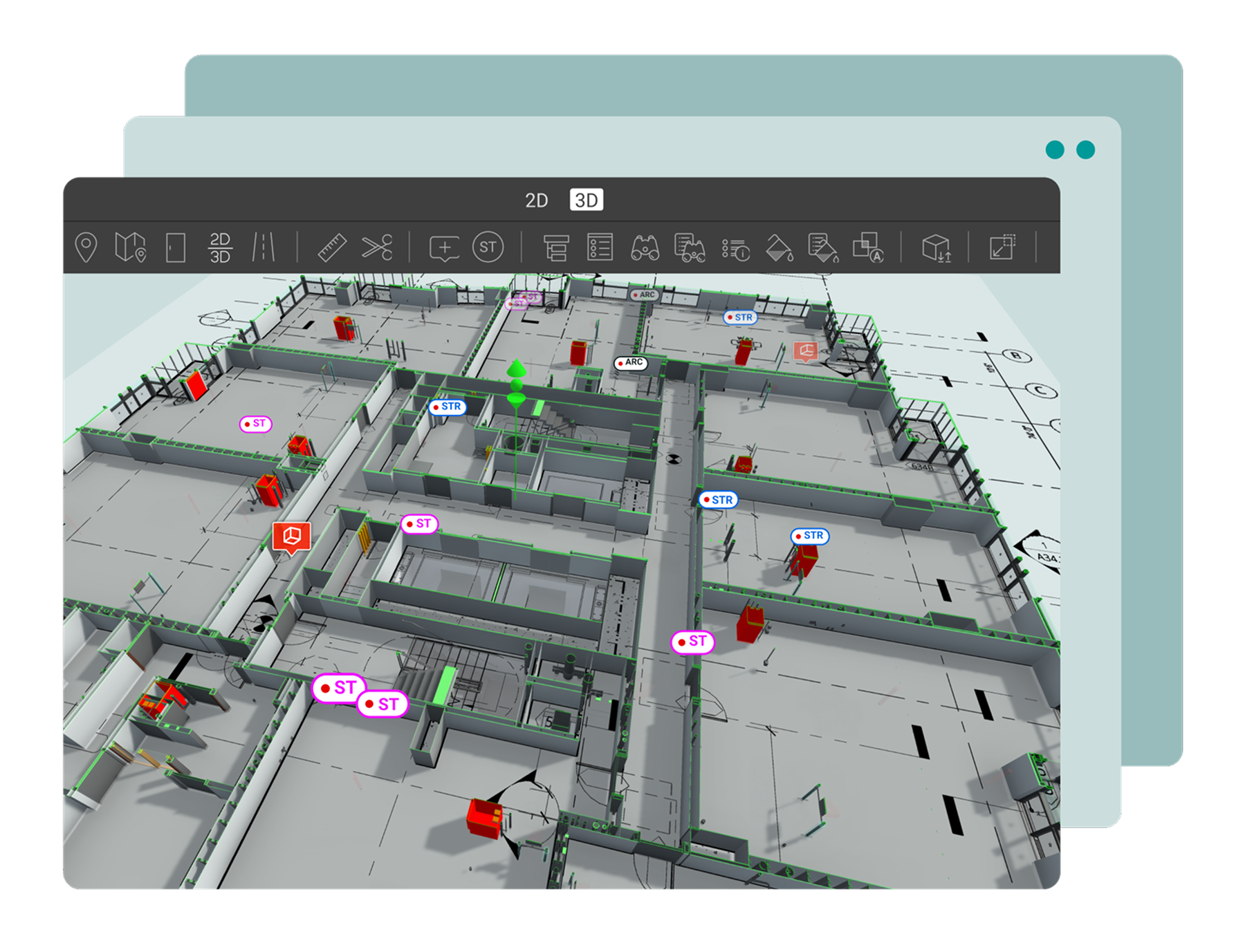
LOD 400 carries fabrication-level detail: assembly information, manufacturer-specific geometry, the kind of precision a shop needs to build directly from the model. Getting an entire federated model to that level before running coordination checks means burning design time on elements that don't need to be fabrication-ready yet, just coordination-ready.
So where did BIMforum draw the line?
BIMforum's Level of Development Specification (with its current edition published in 2024, updated again in 2025) is the industry reference that formally added LOD 350, specifically because the gap between LOD 300 and LOD 400 was too wide for practical trade coordination. It's worth noting this sits alongside AIA Contract Document E201, which defines LOD 100 through 500 for contractual purposes but doesn't include 350 in its core list, LOD 350 exists because BIM practitioners needed it, not because the contract language required it.
Does the LOD target change as the project moves?
Coordination strategy has to account for the fact that model LODs shift between design and construction phases. A model coordinated at LOD 350 during design development won't necessarily stay there, later phases may call for a different target. Planning for that variation up front, rather than assuming one LOD fits the whole project, is what keeps model quality consistent at every stage.
Building LOD 350 into your BEP
The practical move is building LOD targets directly into your BIM Execution Plan, specifying which elements need to hit LOD 350 by which milestone, rather than leaving it as a vague aspiration. Pair that with milestone reporting that checks LOD alignment against the plan (not just clash counts), and LOD stops being a theoretical target and starts being something you can actually audit.