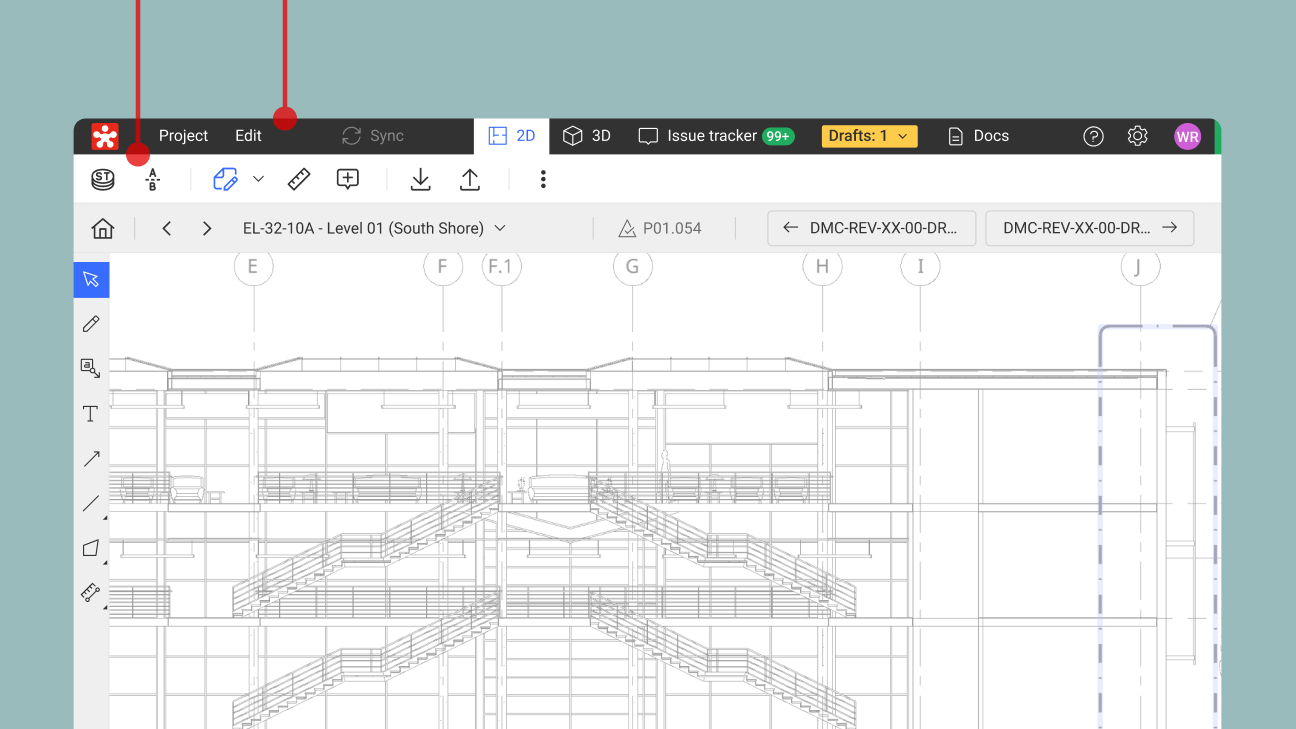
Custom Property CSV Export/Import: Turn more project data into context, faster
See how Revizto fits your workflow
The model does not always contain all the information a project team needs to plan, coordinate and make decisions.
Project information also needs to move between Revizto and the other tools teams rely on. The challenge is making that data easier to share, update and use without creating another manual data-management process. Custom Property CSV Export/Import makes that easier by letting teams update project information in bulk using a csv file, then use it in context across the workflows that matter to them.
The model is only part of the picture
The teams planning and delivering the work need more than the information supplied in the design model. They need to maintain their own project data, from installation status and contractor details to work packages and inspection reports.
Revizto’s Custom Properties already lets teams add that information to model objects. The challenge is keeping that information up-to-date often becomes a tedious, manual data-entry task.
CSV round-tripping makes it easier to update that information at scale, move it between project systems and put it to work where teams need it.
Update your data, not the source model
Custom Property CSV Export/Import introduces a new way to move project data in and out of Revizto, and update Custom Property values across multiple model objects.
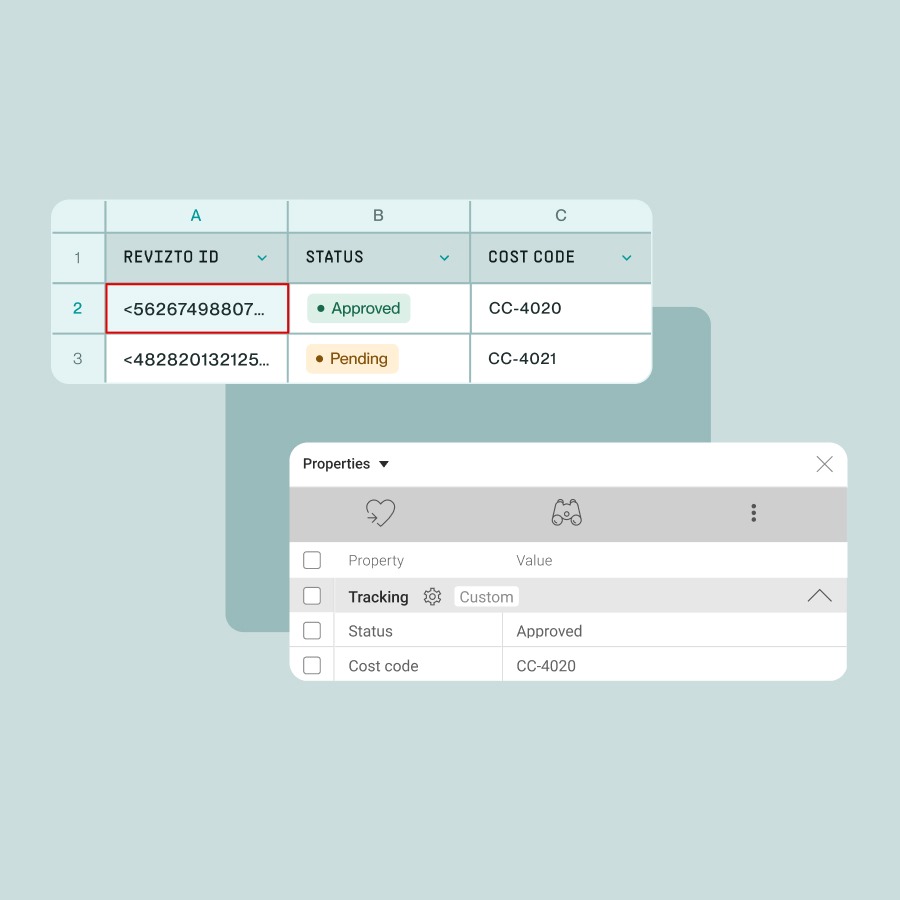
Teams can export object properties to CSV on a scheduled basis, feeding Revizto data into external tools to use in dashboards and reporting workflows. They can also enrich that data in Excel, combine it with information from other project systems, then bring the updated values back into Revizto with more context attached. Revizto IDs match imported values to the correct objects, while Custom Properties stay in Revizto rather than being written back into the source BIM files.
The workflow is managed through Revizto Scheduler. Teams can run the task when they need it or set it to run automatically on a scheduled basis. That makes recurring data exchange accessible to project teams without requiring scripts or a custom API integration. Custom Properties must already exist, or be created first, but their values can then be updated in bulk rather than maintained object by object.
That gives teams a way to prepare changes across multiple objects in familiar tools, then use the results in model context.
Turn more project data into context
The value comes from what teams can do with that information once it is back in Revizto.
Updated Custom Properties can be used across Search Sets, Appearance Templates and other model workflows, helping teams organize and understand the model around the information that matters to their work.
That could mean:
- Grouping objects by work package
- Filtering by contractor or responsibility
- Visualizing project status or other property data
- Reviewing QA information
- Linking model objects to hyperlinks to external documents
The same data can flow the other way too. Scheduled exports can feed spreadsheets, dashboards or downstream systems for workflows such as procurement, facilities management, data analysis and reporting, without requiring every stakeholder to work in Revizto.
Different teams can bring in the project data that matters to their workflow, use Revizto data elsewhere, and keep the two better aligned without changing the authoring model or building a custom integration.
Beta at launch
At launch, Custom Property CSV Export/Import is in beta. The workflow is intentionally limited and both export and import must be run through Revizto Scheduler. During beta, customers can test the workflow and share feedback to help shape the experience ahead of general availability, currently expected around February 2027. Once the feature reaches GA, refer to the latest product guidance for current availability and workflow details.
Get started
Custom Property CSV Export/Import is available in Revizto 5.18.
Existing customers can visit the Revizto Help Center to learn how to get started.
New to Revizto? See how connecting your project data to model objects can support planning, progress reviews and coordination. Book a call with one of our experts.