Draft first. Decide later. Meet Revizto 5.18
See how Revizto fits your workflow
A markup on a drawing. A note from a coordination meeting. An observation made on site. This is often where problems are caught before they cause rework or costly delays. It is also where valuable project context can start to disappear.
Not every observation is ready to become a tracked issue straight away. Teams need a way to capture what they see, refine the detail and decide what requires action. Without an easy way to do that within their coordination workflow, they often take the faster route: sketching on a whiteboard, annotating a PDF, sharing a screenshot or adding a comment to an email. Important outcomes then need to be recreated later, if they make it back at all.
Revizto 5.18 brings more of that work into the same connected project environment. With new Draft Mode, faster performance across 2D and 3D, redesigned review navigation and better-connected project data, teams can move from first markup to tracked decision with less friction.
Draft first. Decide later.
Start with a draft, not an issue
Real project reviews are not always linear. Observations evolve. Discussions add context. Some markups become actions. Others don’t. Draft Mode gives users the flexibility to capture and refine observations as drafts, then decide what needs to be shared and tracked. They can create markup drafts in 2D, create issue drafts in 2D or 3D, and privately edit existing issue markups before publishing the changes. Drafts are saved locally and remain private until the author is ready to share or formalize the work.
With Draft Mode, users can:
- Capture markups, callouts and pins without immediately creating a formal issue
- Refine work as the review develops, without exposing unfinished changes
- Turn what matters into a tracked, located issue when it is ready
Nothing needs to be re-created in another tool. The markup, drawing, model location and issue workflow stay connected in the same unified 2D/3D environment.
Faster reviews, in context
Revizto 5.18 also makes it easier to navigate drawings, focus on relevant issues and keep 2D and 3D context connected.
Redesigned 2D navigation brings grouped tools, contextual menus and direct sheet navigation closer to the work. On-sheet filtering helps teams focus on the issues that matter to the current review, while pins and markups can now be seen together on the sheet, bringing more of the relevant coordination detail into a single view.
The result is less switching between modes, panels and files. Reviews can keep moving at the speed of the conversation, with the right context visible when the team needs it.
Keep work moving, without interruptions
Slow loading times are frustrating, especially when you are working with the large, complex models that come with major projects. Revizto 5.18 reduces that everyday friction with faster 3D performance, helping models load and navigate more smoothly.
Working across drawings is easier too. Markups can now be copied, cut and pasted between sheets, including across projects, making it easier to carry relevant review information forward without recreating it.
Keep essential data where the work happens
The right context is not only visual. Teams also need to trust the information attached to every sheet and model element.
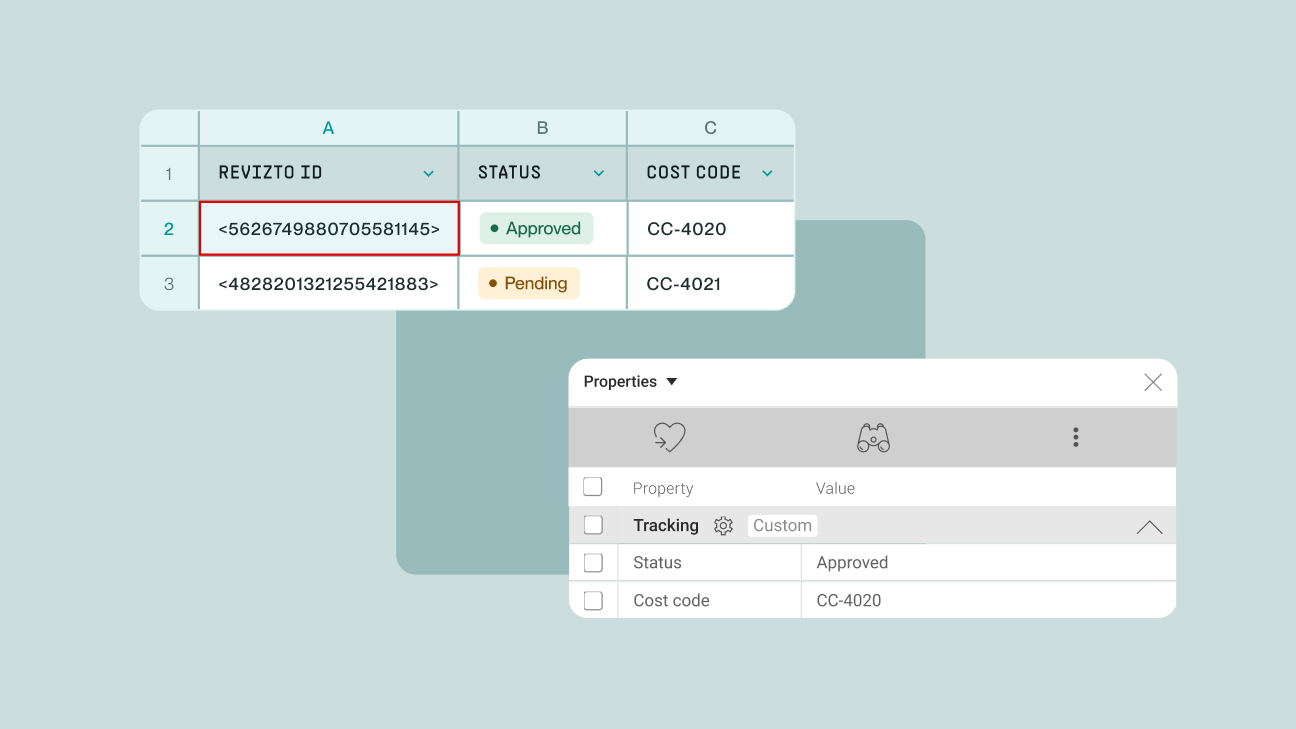
Revizto 5.18 keeps sheet numbers, titles and revisions aligned with the information shown on Revit drawings. This reduces manual renaming after publishing and supports compliance with complex drawing identification conventions, including teams working in line with ISO 19650 naming practices.
Percentage-based sheet scaling also makes it possible to accurately overlay and compare drawings that use different scales. Instead of working around a mismatch, teams can adjust the scale around a fixed anchor point and review the drawings together.
From a quick markup to an accountable decision
This is the practical change behind 5.18. Teams do not have to choose between the speed of an informal markup and the accountability of a formal issue. They can start naturally, add context as the review develops and decide later what needs to enter the project record.
Explore what’s new in Revizto 5.18
Revizto 5.18 is available now. Capture and refine work with Draft Mode, move through drawings and models with fewer interruptions, and keep essential project data connected to every review.