Macro vs micro clash detection: which approach is right for your project?
See how Revizto fits your workflow
Moving from whole-model blanket testing to targeted, category-specific clash detection dramatically cuts review time and eliminates false positives. While micro coordination requires more initial setup, templating search sets and tests creates an automated, repeatable process across any project size.
Every team running clash detection eventually hits the same fork in the road. Do you clash whole models against each other, or break it down by element category first? The answer shapes how much time your coordinators spend reviewing results, and how much you trust what comes out the other end.
Macro clash detection: fast to start, expensive to review
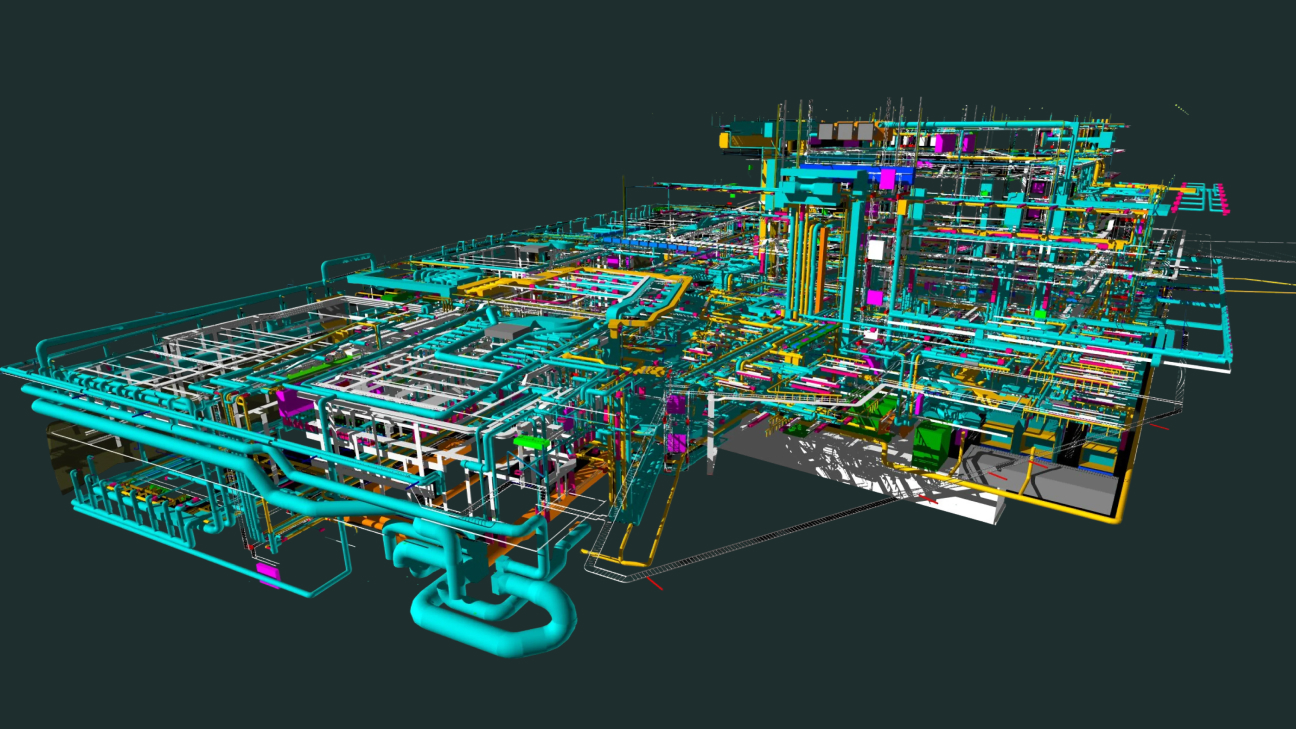
Macro coordination clashes two entire models against each other and reviews whatever comes back. It's the fastest way to get a clash detection process running, since there's almost nothing to set up. That speed comes at a cost. Clashing whole models generates a high volume of false positives, and someone still has to manually sort the real conflicts from the noise.

Why does micro cost more up front?
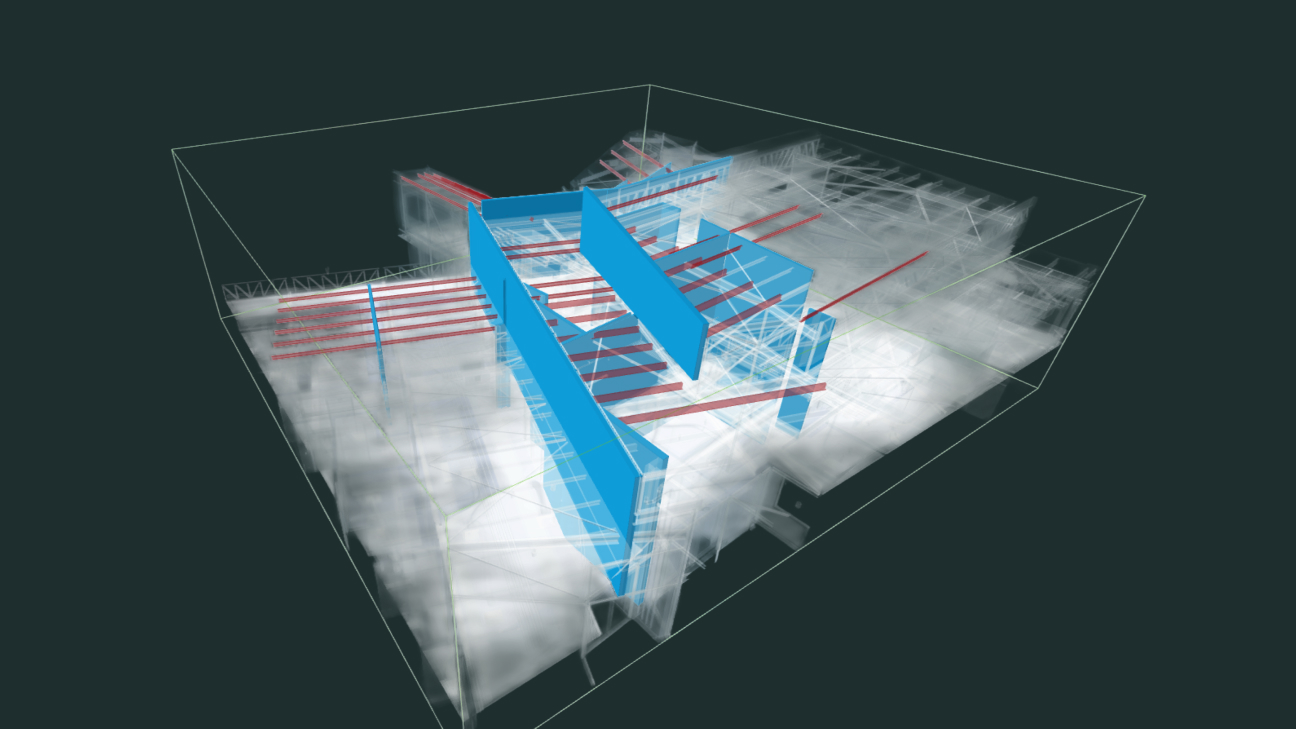
Micro coordination clashes specific element categories against each other instead, mechanical ductwork against structural steel, for example, rather than an entire MEP model against an entire structural model. It takes longer to set up, since you need more individual tests. What you get back is a targeted, high-confidence result set with far fewer false positives, and a process that's genuinely automatable at scale.
Macro vs micro: which one actually reduces review time?
Macro: fast initial setup, few tests to manage, but a high false positive rate and a heavy review burden.
Micro: longer initial setup and more tests to maintain, but fewer false positives, targeted results, and a workflow you can automate and scale.
What changes once you template it?
Macro's speed is real, but it's a one-time saving. Micro's setup cost is also real, but it's a cost you pay once and then largely eliminate. Once your Search Sets, Clash Tests, and Issue Automation are templated, the "expensive" part of micro coordination drops close to zero, and you're left with a repeatable process you can deploy on every project regardless of size or typology.
Three moves that make micro stick
Three things make micro coordination sustainable rather than a maintenance burden:
- Search Sets built on your authoring platform's own data schema (Revit Categories, or IFC for OpenBIM workflows), so they scale with the model instead of needing constant rebuilding.
- Dedicated Search Sets for clash tests specifically, separate from your general-purpose sets, so routine edits don't accidentally break your automation.
- Templated Clash Tests and Issue Automation rules, so the setup investment happens once and gets reused on every future project.
This is exactly what Revizto's Codifying Coordination templates are built for, over 100 purpose-built Clash Tests with Issue Automation rules already configured, so teams don't have to build a micro coordination framework from a blank page.